1. Open the Boost360 Mobile App.
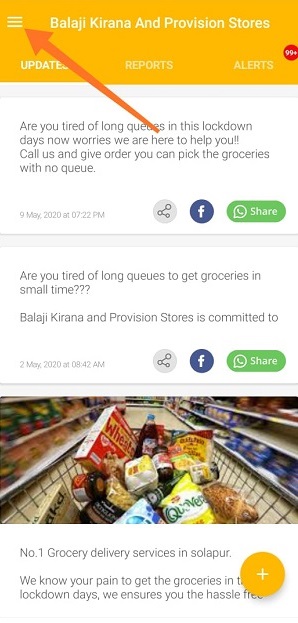
2. Tap hamburger icon  at top left.
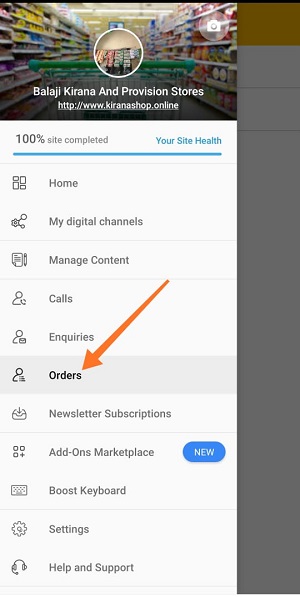
3. Tap Orders in main menu.
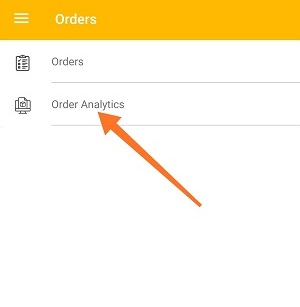
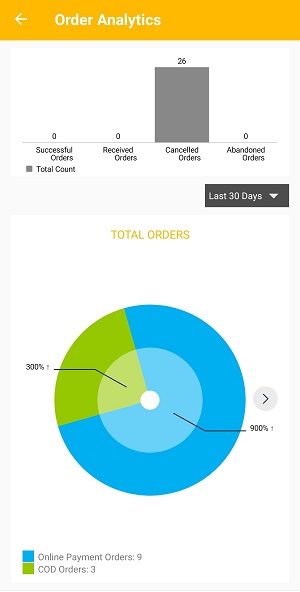
4. Tap Order Analytics.

1. Open the Boost360 Mobile App.
2. Tap hamburger icon at top left.
3. Tap Orders in main menu.
4. Tap Order Analytics.
Comments
0 comments
Please sign in to leave a comment.