
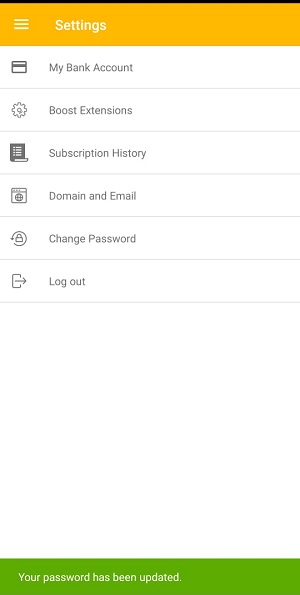
You can change the password of your Boost Account after you login to your account.
Note: If you forgot your password, here's how to reset it.
1. Open the Boost360 Mobile App.
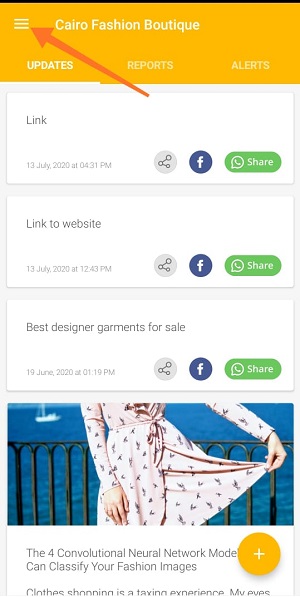
2. Tap hamburger icon  at top left.
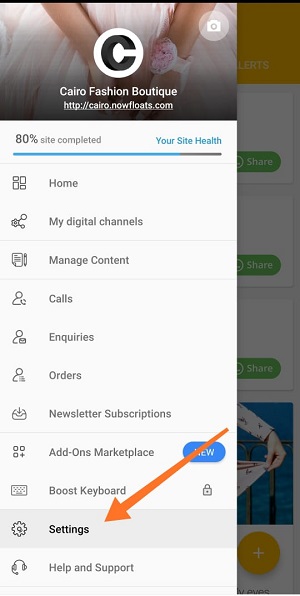
3. Tap Settings.
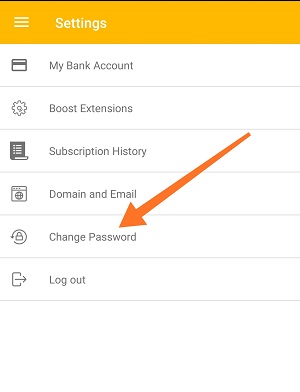
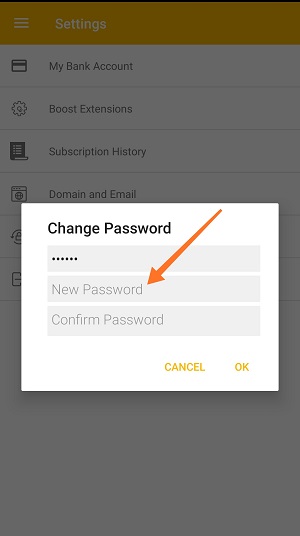
4. Tap Change Password.
a. Enter Current Password.
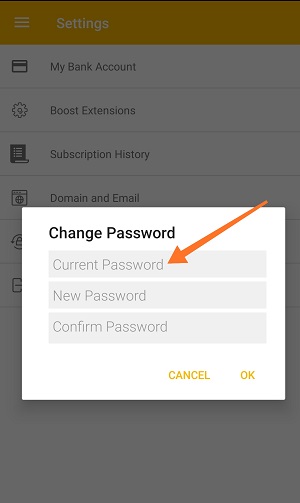
b. Enter New Password.
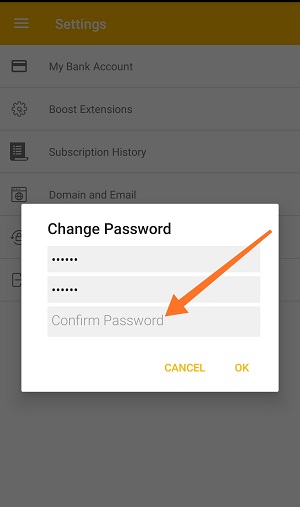
c. Enter new password again to confirm.
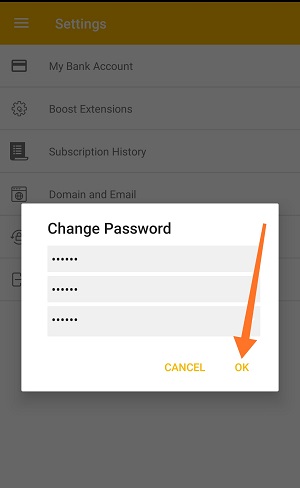
5. Tap Ok to save your information.
Comments
0 comments
Please sign in to leave a comment.