
If you are unable to login to your Boost account:
To Reset password for your Boost Account:
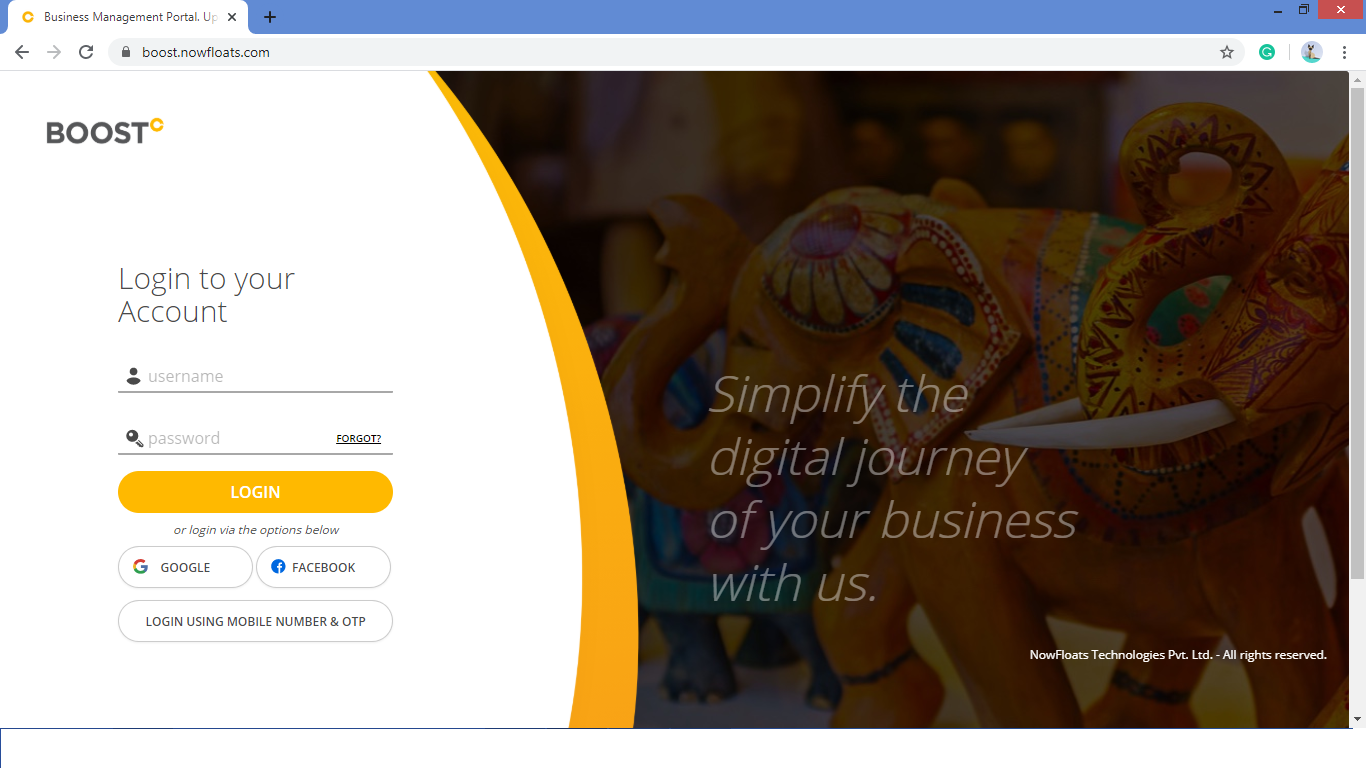
1. Go to Boost Login Page.
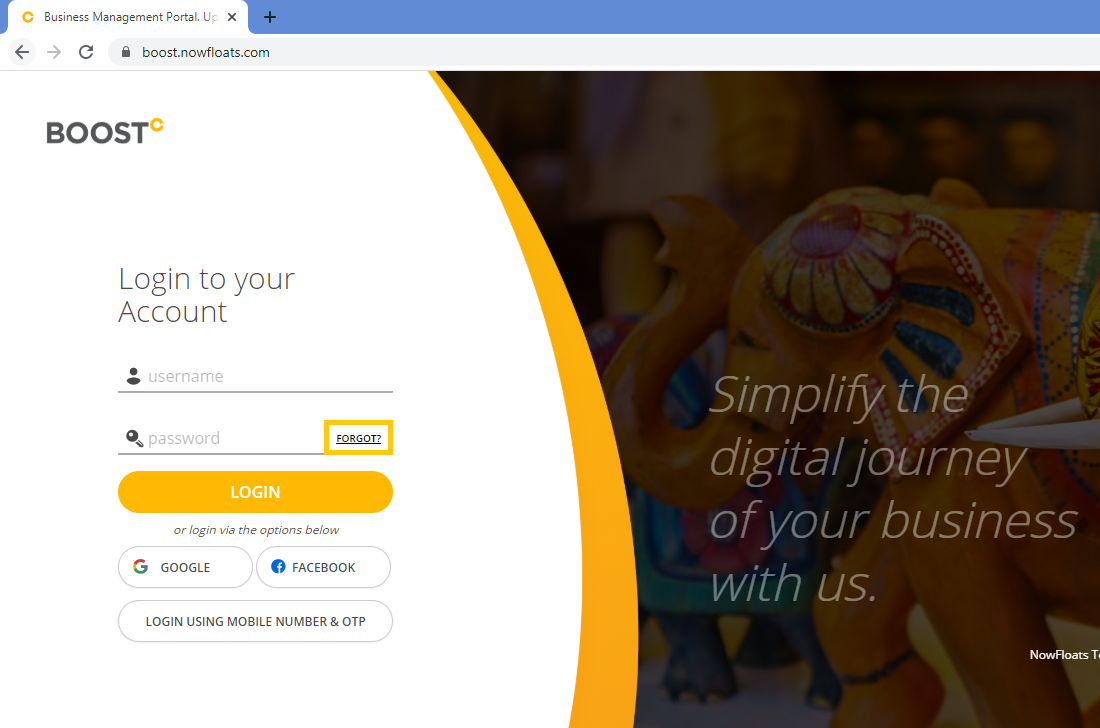
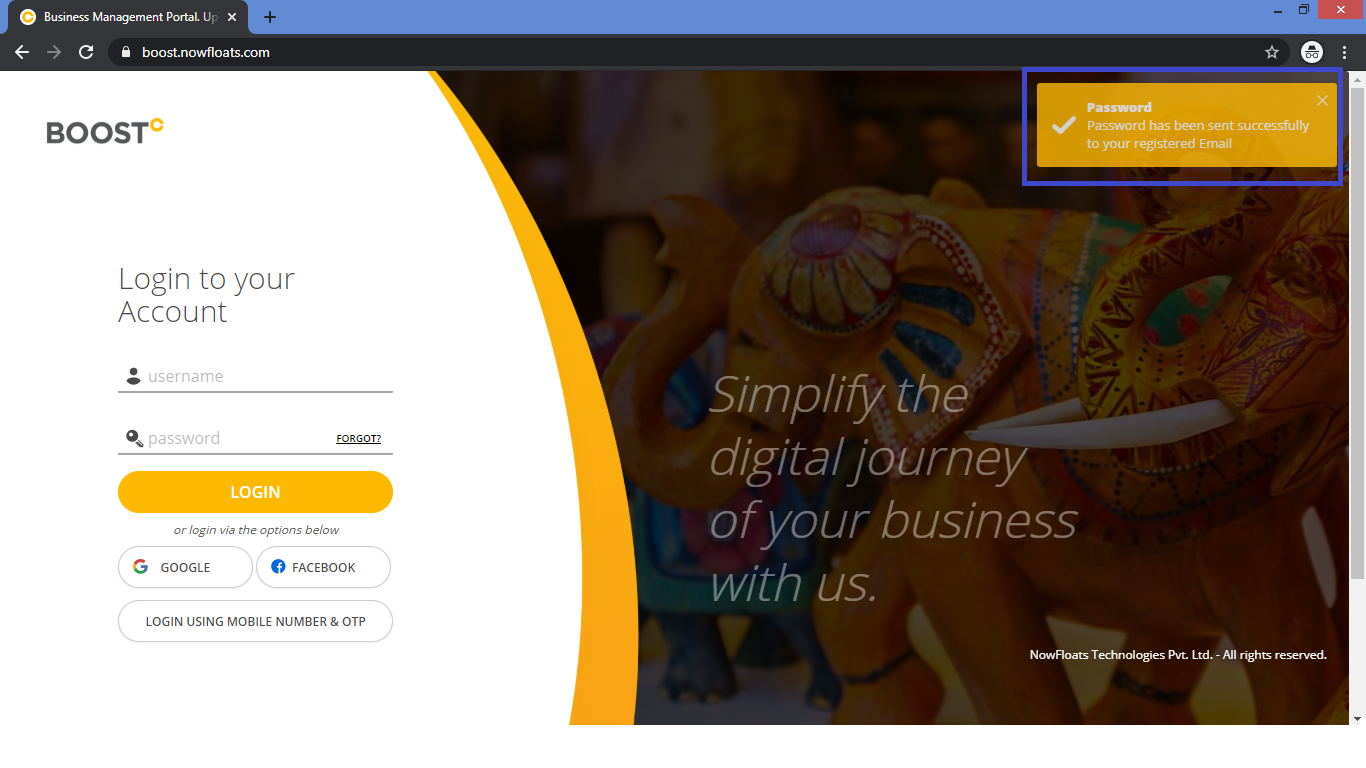
2. Click FORGOT?
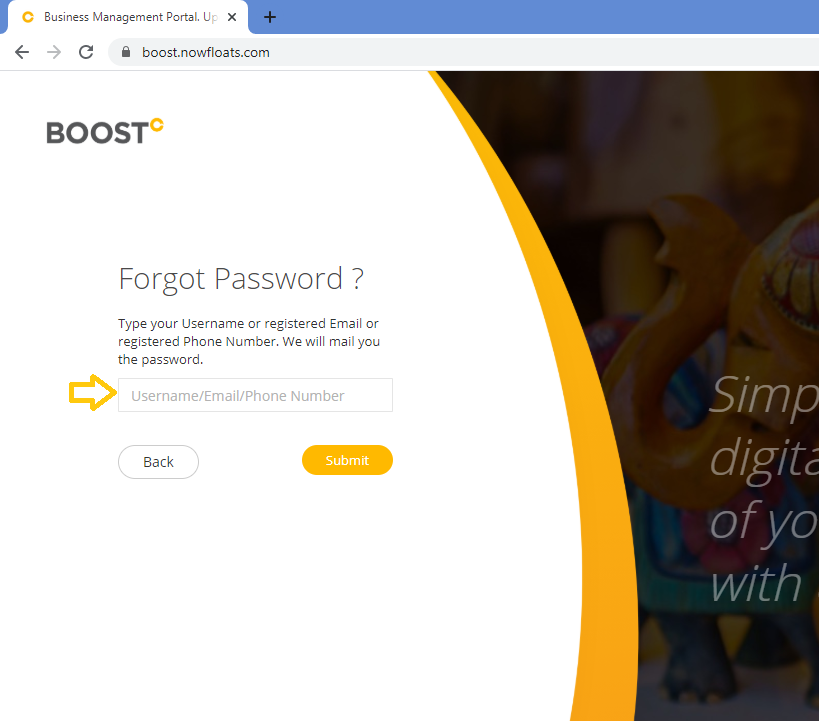
3. Type the Mobile Number or Email or Username associated with Boost account then click Submit.
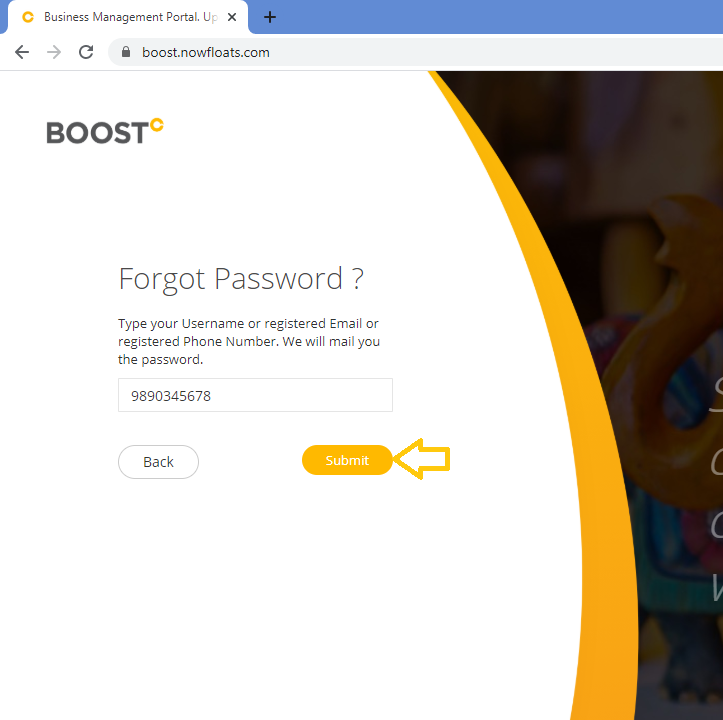
4. If your email address and mobile number exists in our system, you'll receive an new password on your email and mobile number. Be sure to check your spam or junk folders.
Comments
0 comments
Please sign in to leave a comment.