
To edit login credentials of the application in your Hotel website:
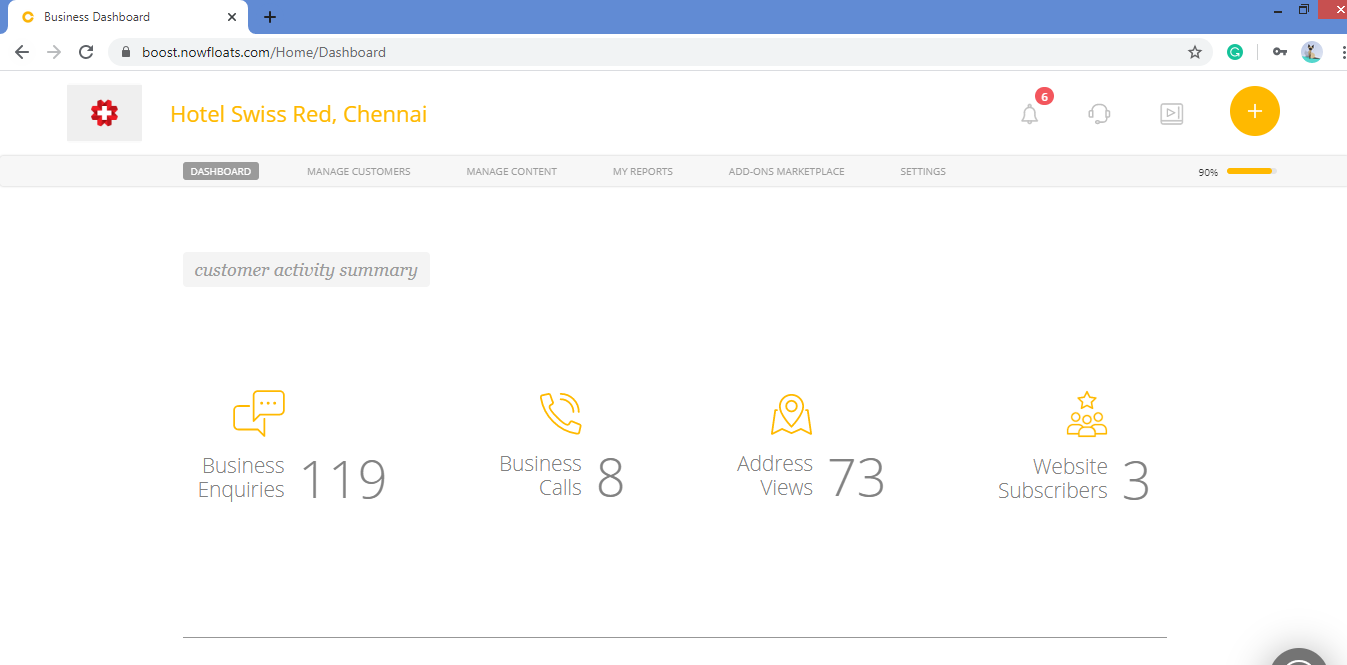
1. Go to your dashboard.
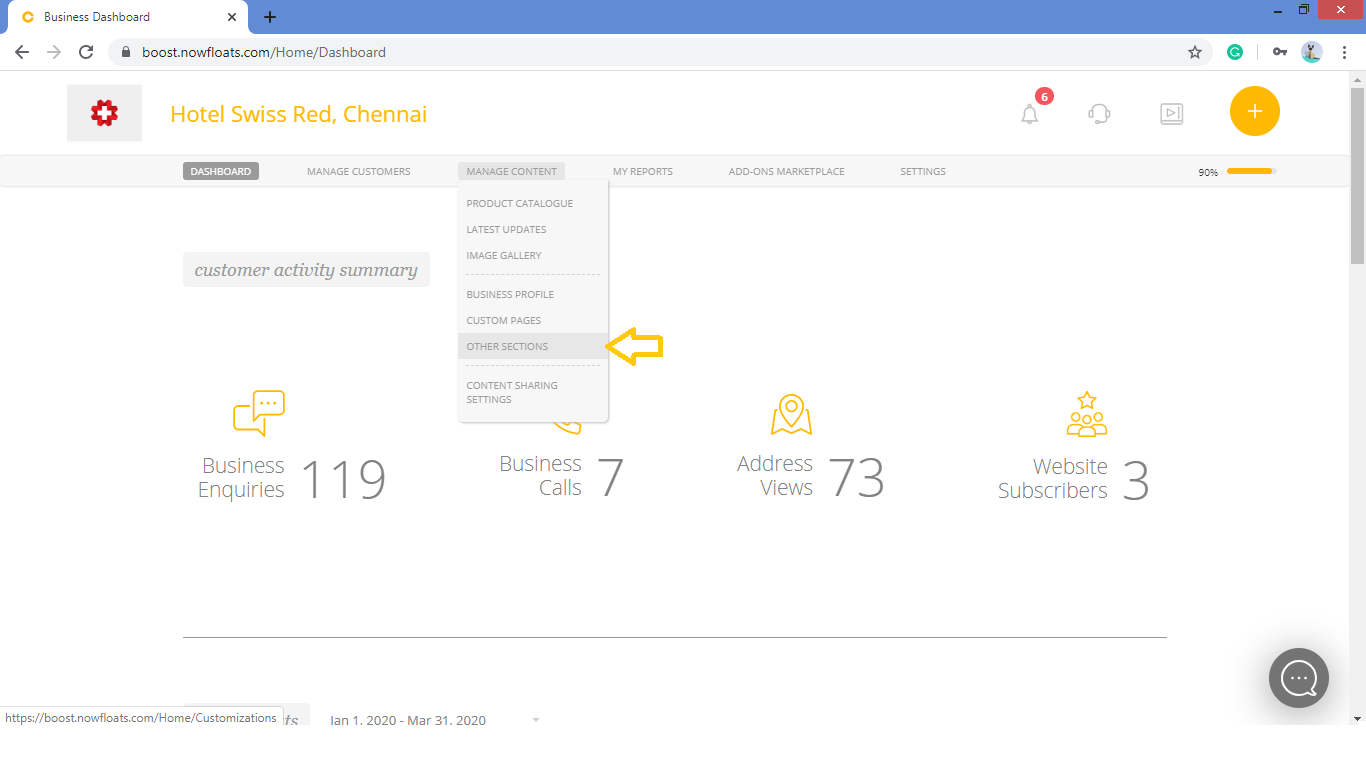
2. Go to Manage Content in the header menu and click on Other Sections.
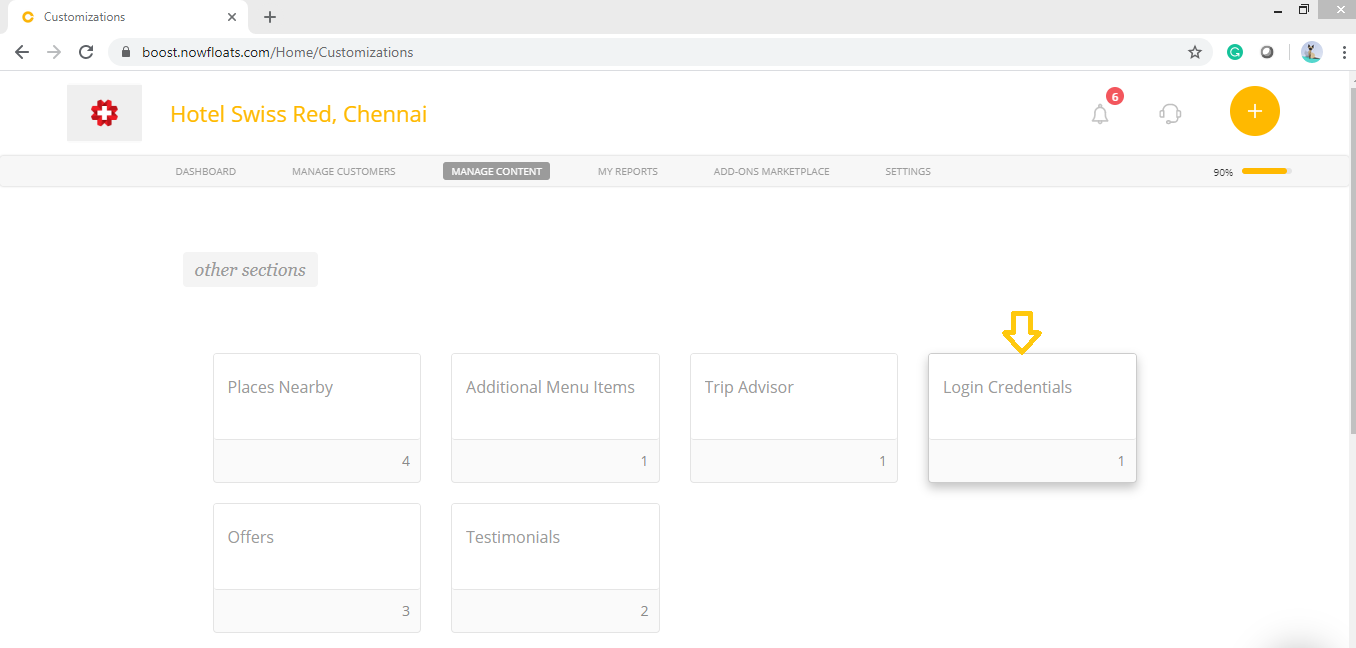
3. Look for the Login Credentials card and click on it.
4. Scroll down to see the Login Credentials section.

5. Click on Edit icon  of the place which you want to change.

6. Go to the desired field of the login credentials, change the information which you want.
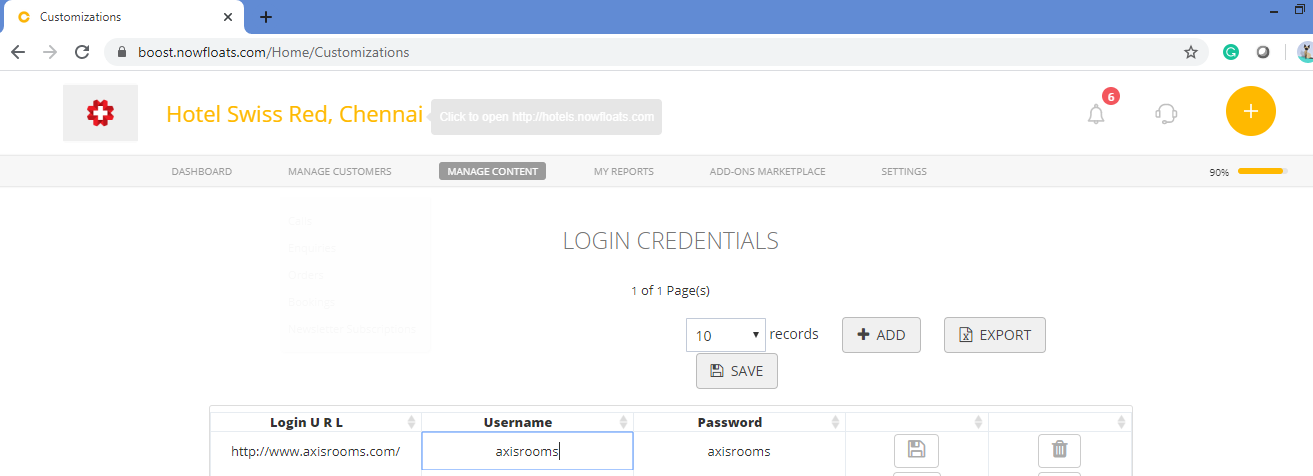
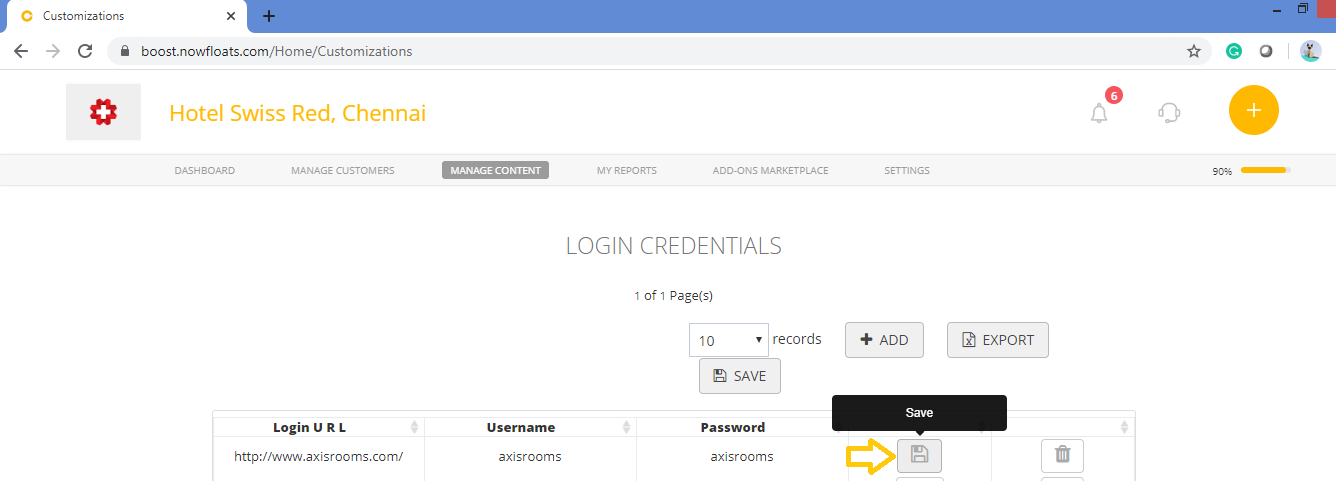
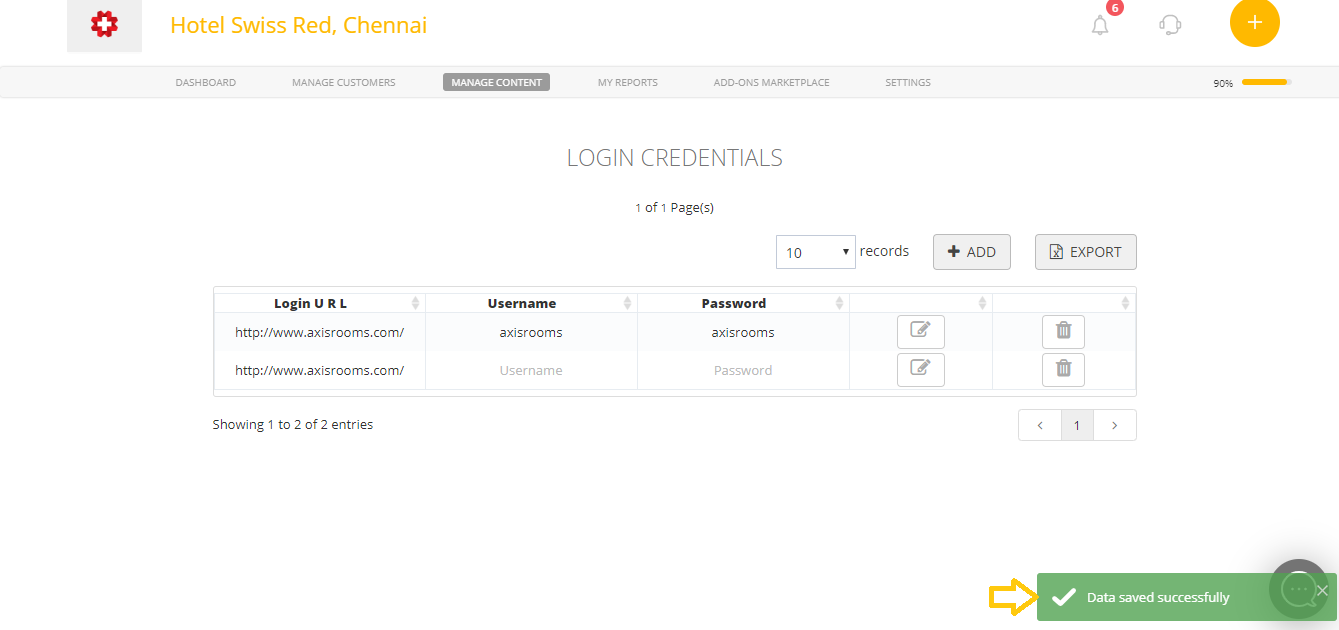
7. Once you're done with all the changes, click Save.
Comments
0 comments
Please sign in to leave a comment.