
To view business enquiries of your website:
1. Go to Boost Login Page to login to Boost Web.
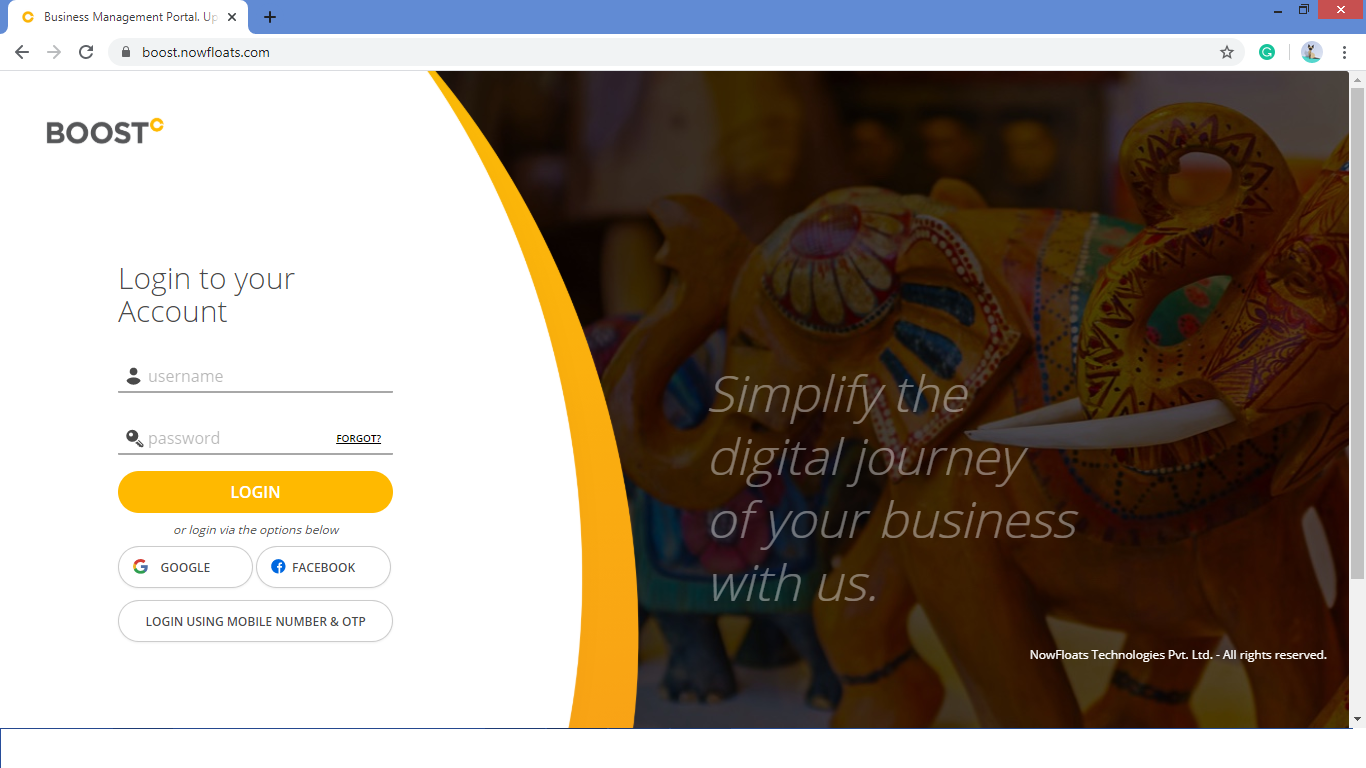
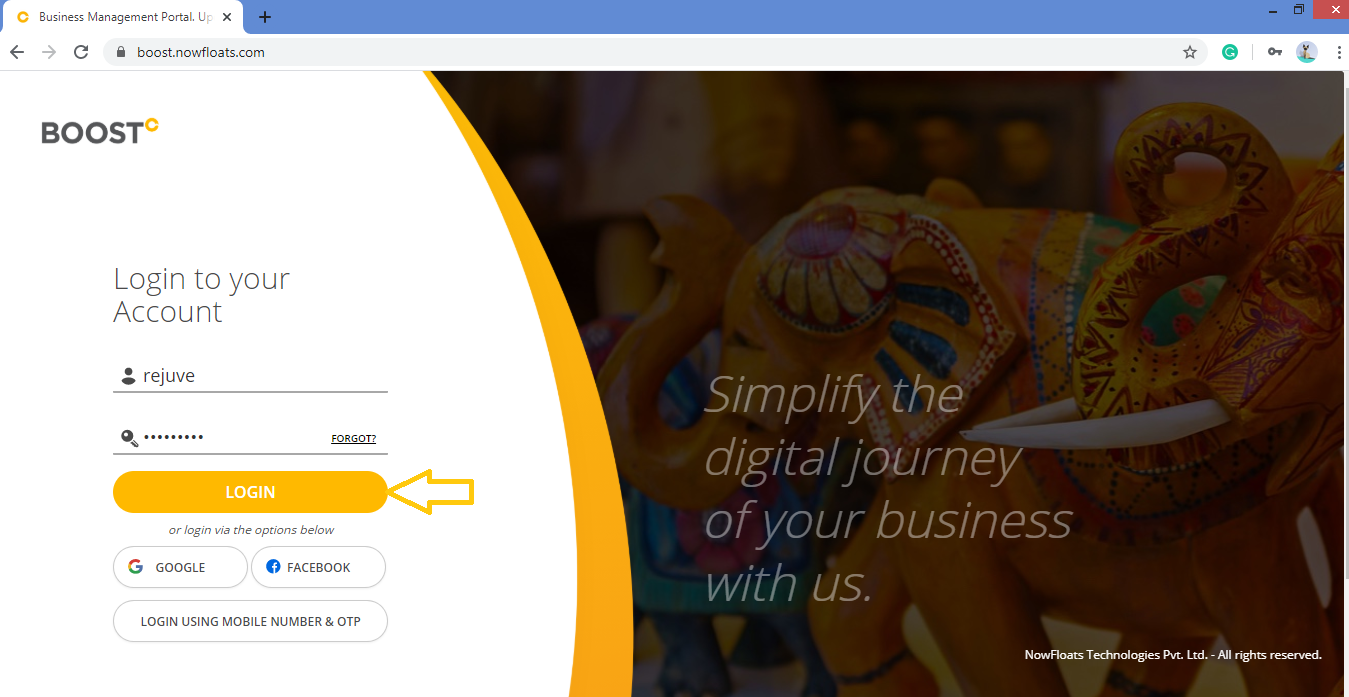
2. Enter your Username, Password and click Login.
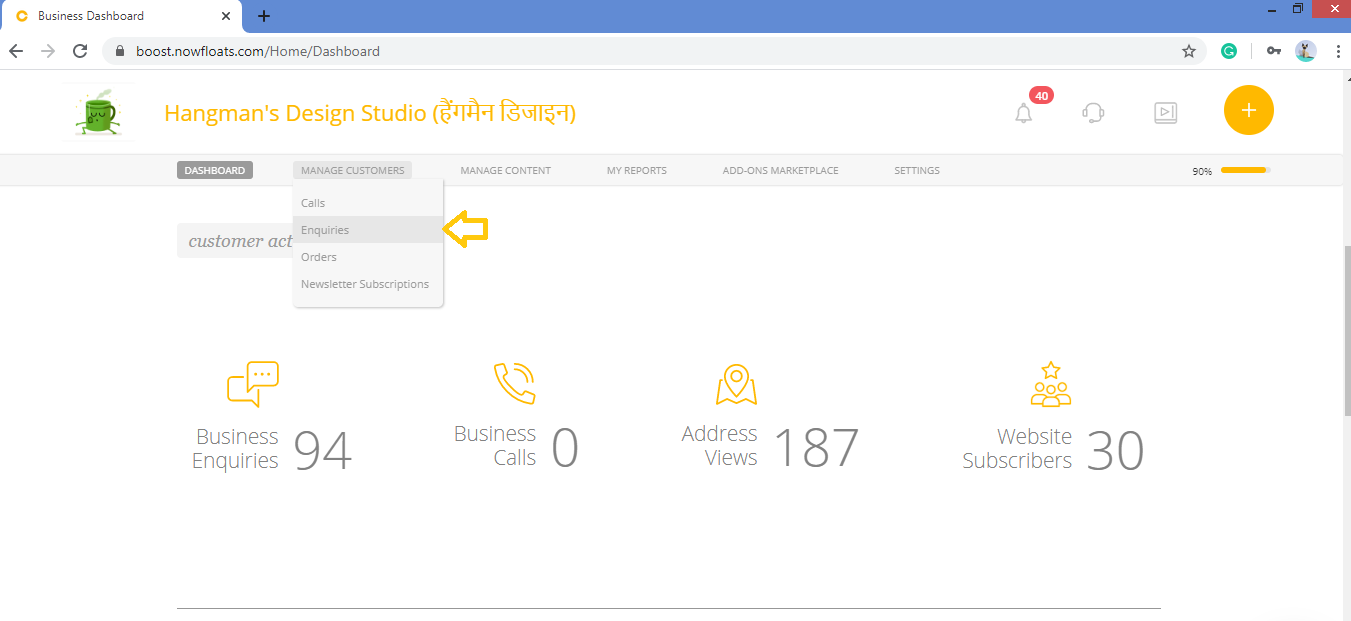
3. As soon as you log in, you can see the dashboard from where the entire business site can be managed.Go to Manage Customers in the header menu and click on Enquiries.
4. You can view list of all enquiries in the below page.
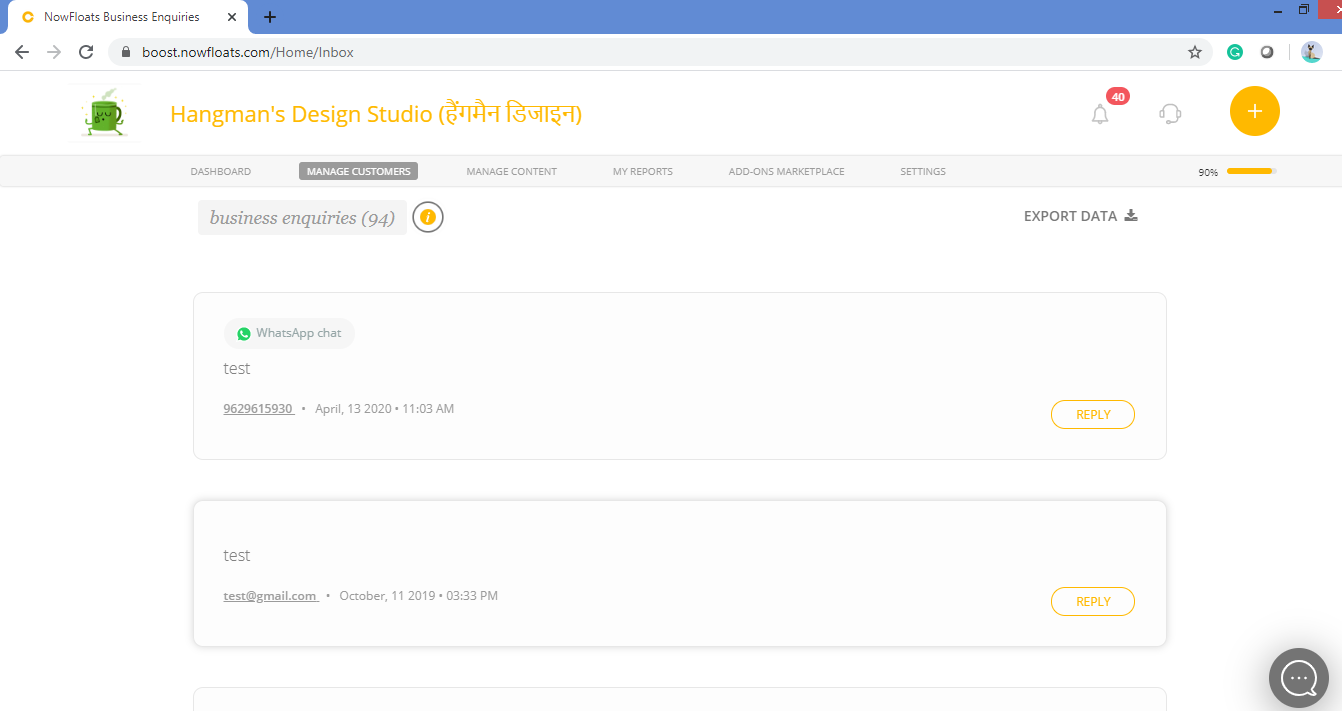
5. Go to enquiry which you want to respond click Reply.

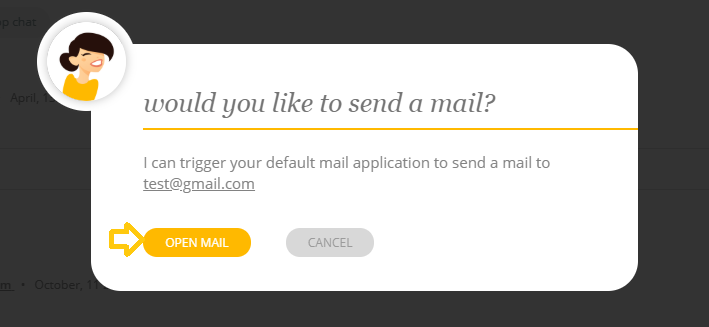
6. Click Open Mail and send the respond through email.
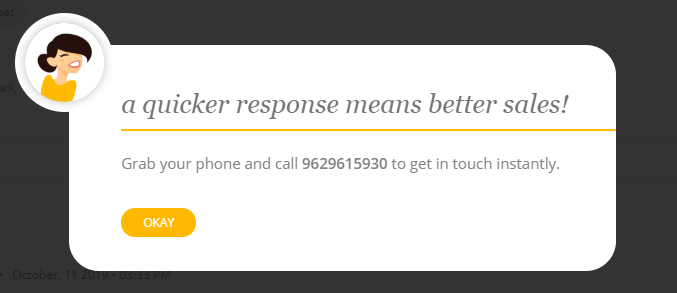
If the enquiry is from the mobile number you need take a number and dial from mobile.
Comments
0 comments
Please sign in to leave a comment.