
To Login to your Boost Account using Google :
Note: To log in via Google, you must connect your Google account with Boost.If you have not already done so, learn how to connect mobile number with Boost.
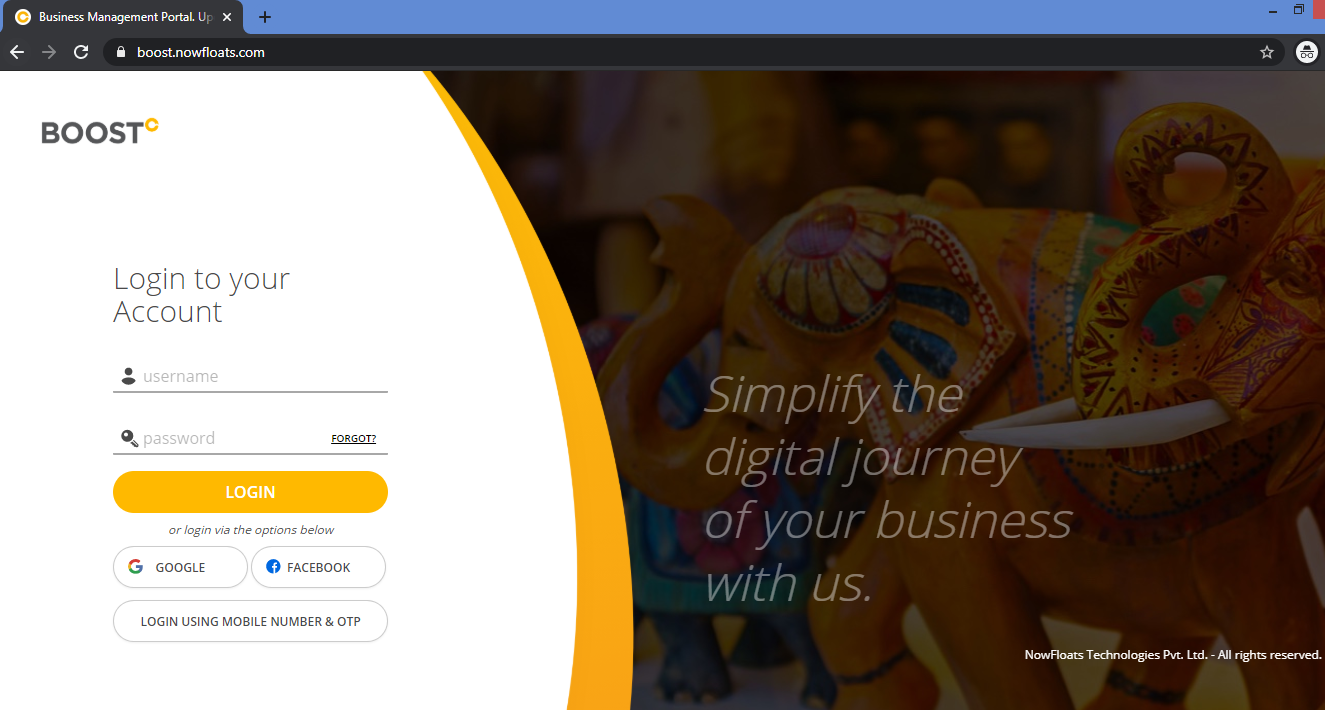
1.Go to Boost Login Page.
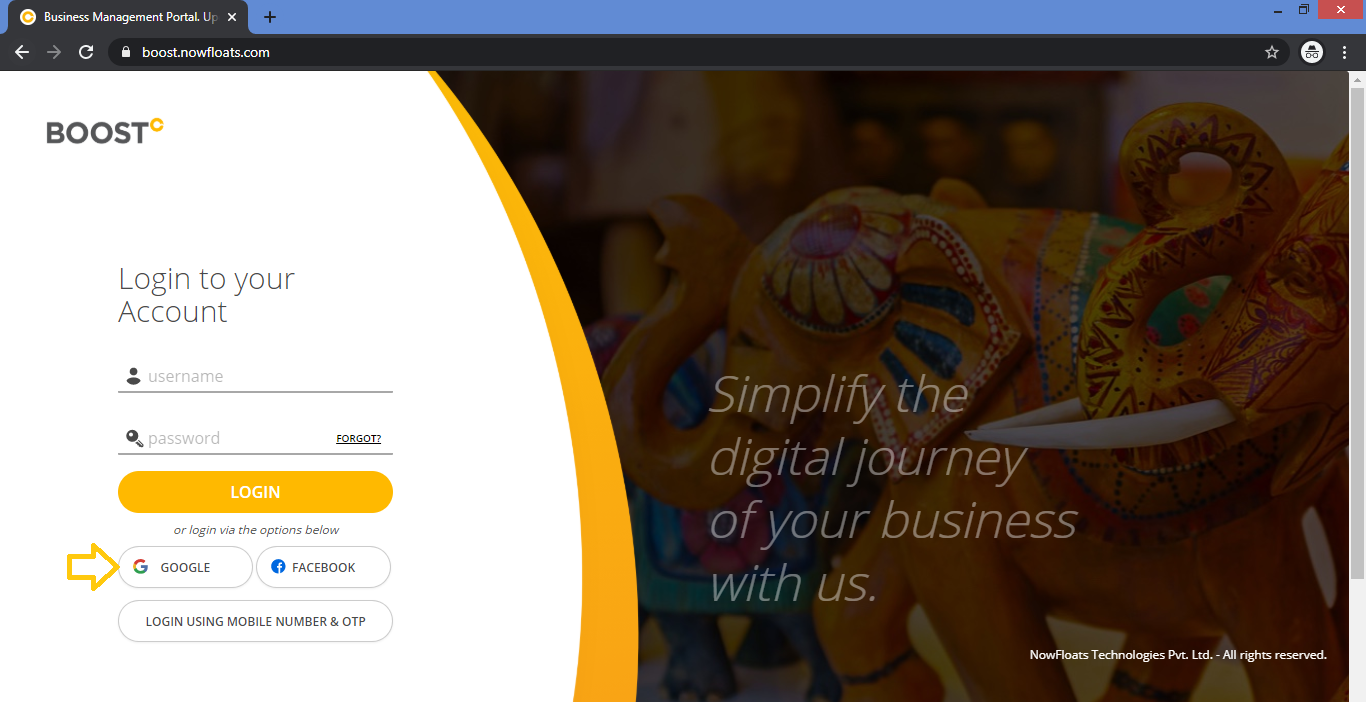
 2. Click Google.
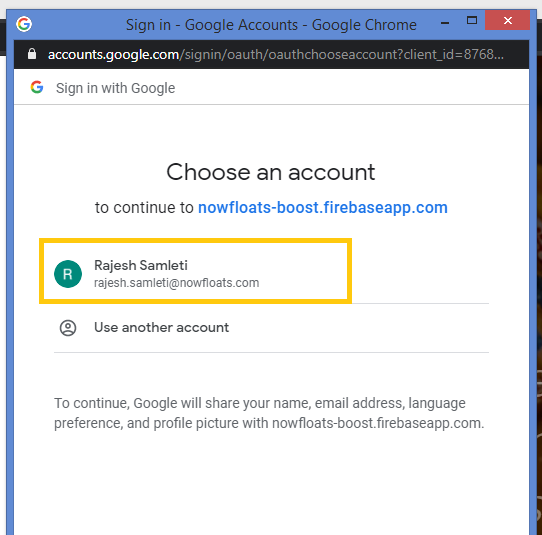
3. If you're already logged in to your Google Account then choose an account or enter your credentials.
Comments
0 comments
Please sign in to leave a comment.