
To Login to your Boost Account using Mobile Number & OTP :
Note: To log in via mobile number & OTP, you must connect your mobile number with Boost.If you have not already done so, learn how to connect mobile number with Boost.
1. Go to Boost Login Page.
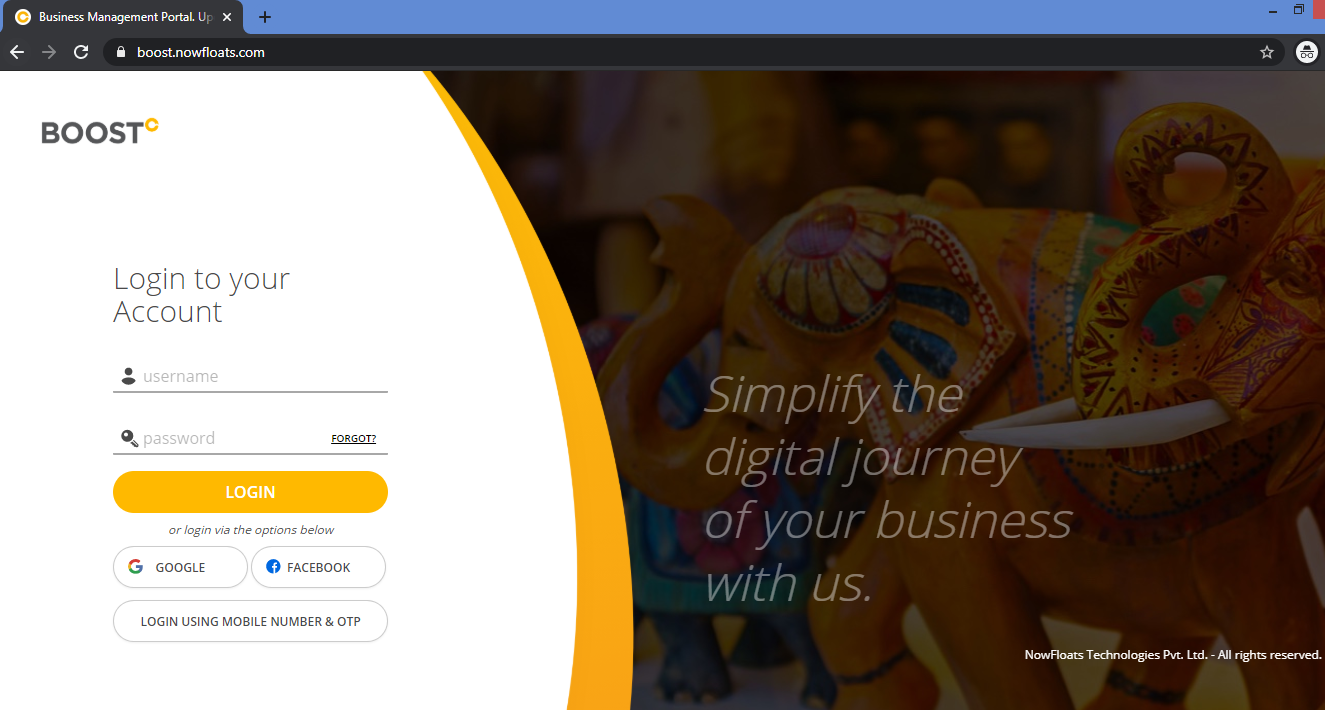
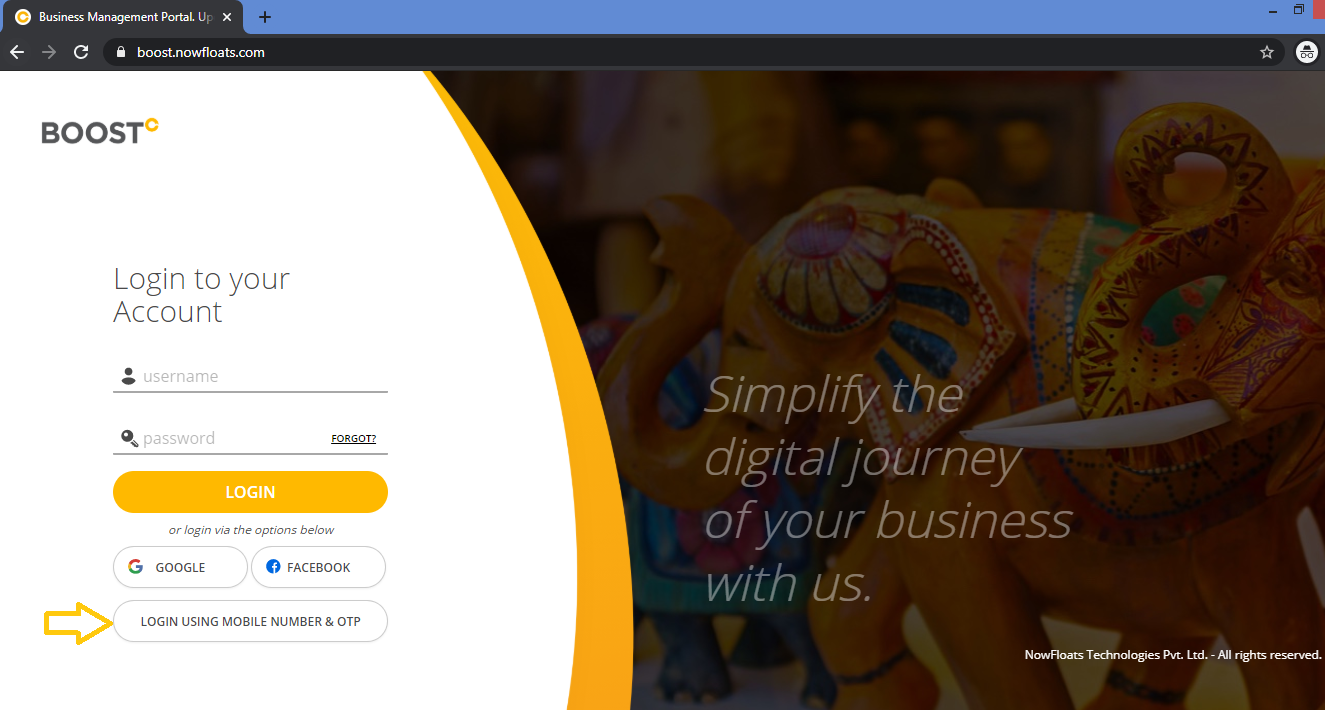
2. Click Login Using Mobile number & OTP.
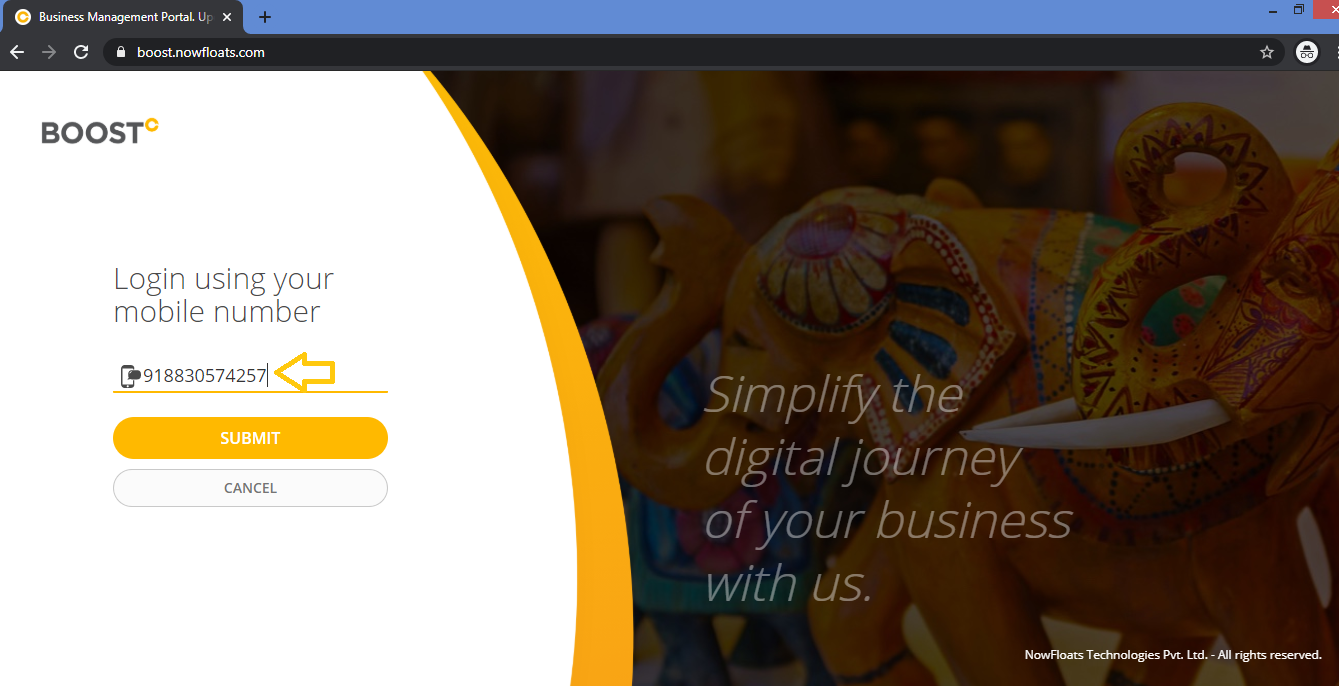
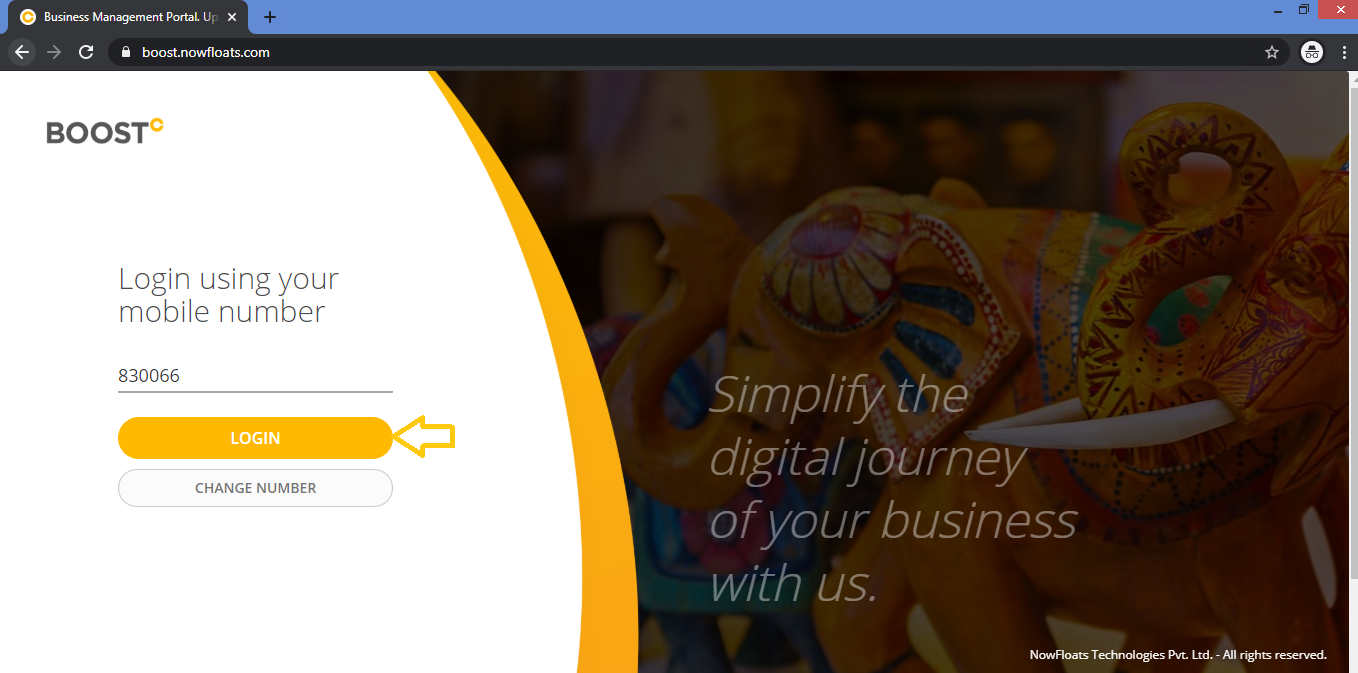
3. Enter your mobile number with country code which is connected to Boost Account.
4. Enter OTP received on your mobile number.
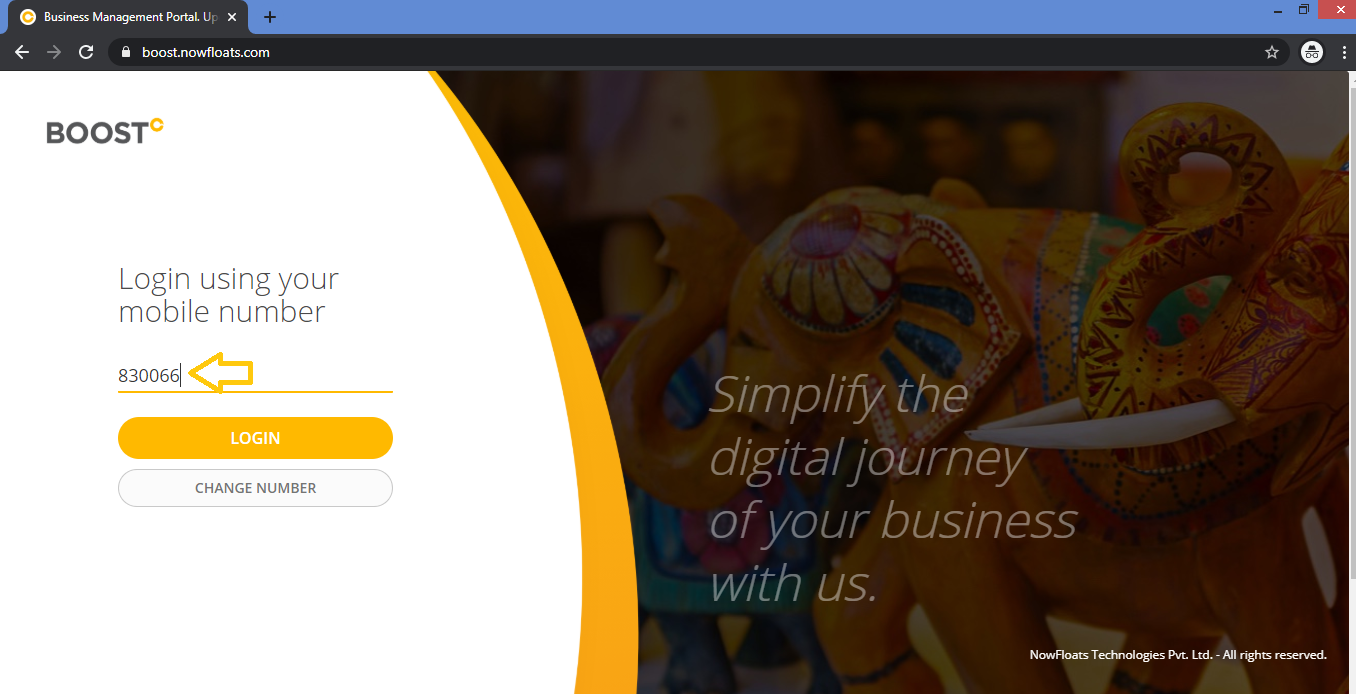
5. Click Log In.
Comments
1 comment
no
Please sign in to leave a comment.