
To add consultation hours in doctors website:
1. Go to your dashboard.
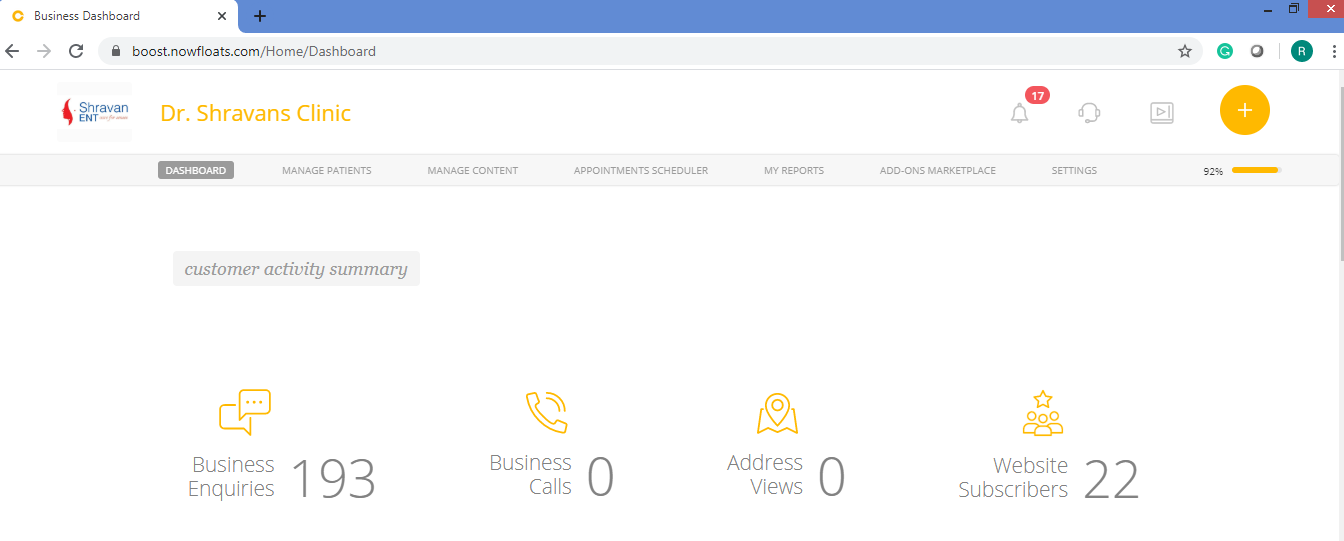
2. Click on Appointments Scheduler in the header menu.

3. Click Consultation hours tab.
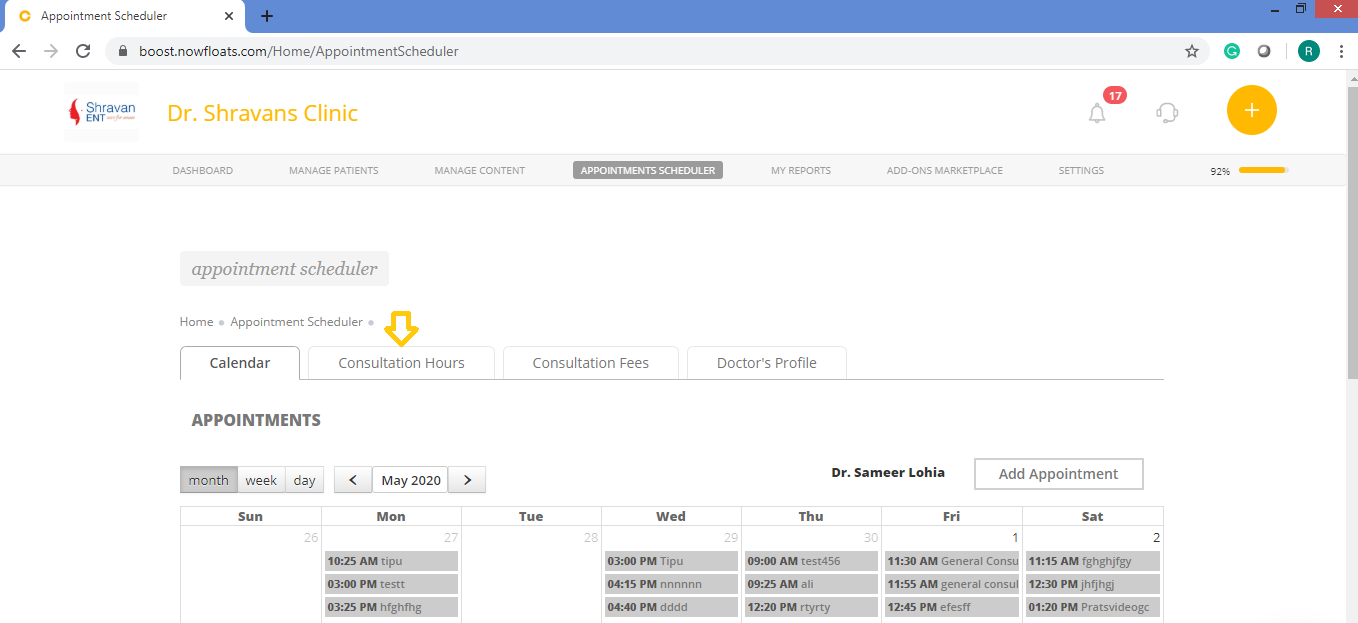
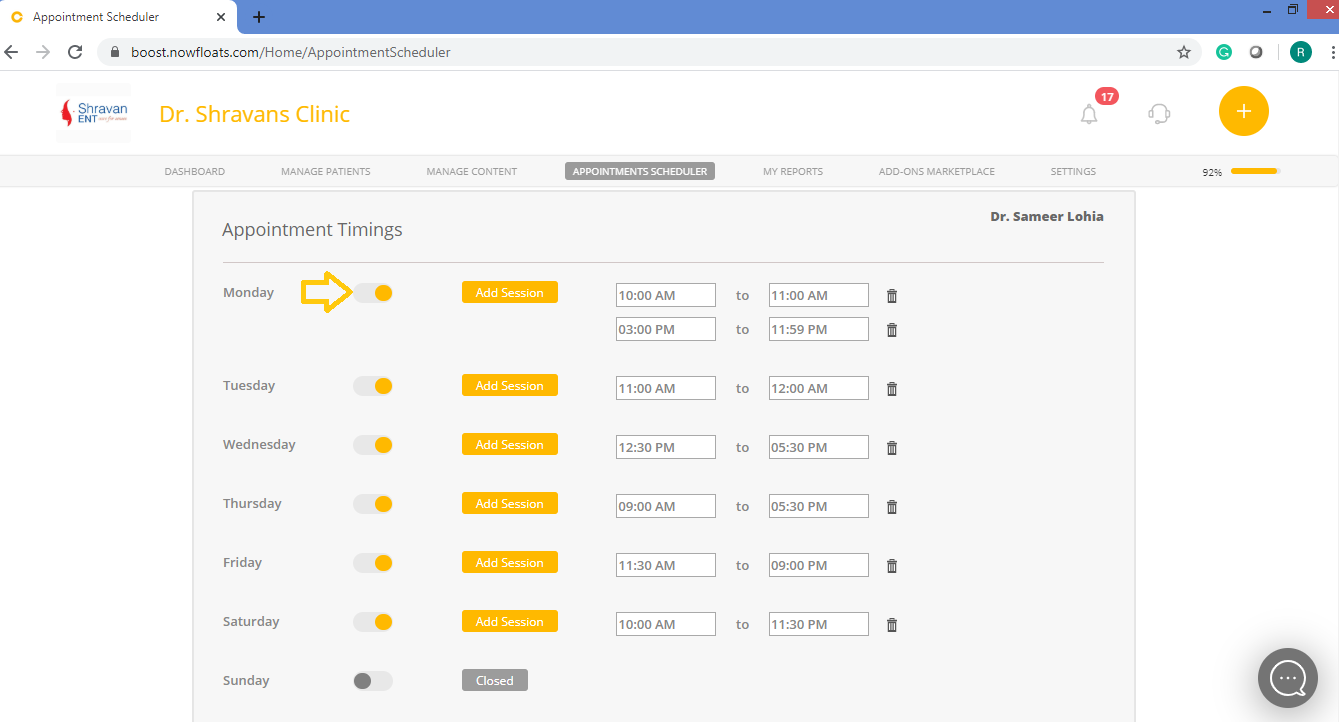
4. Click Radio button to change status of clinic from open to close.
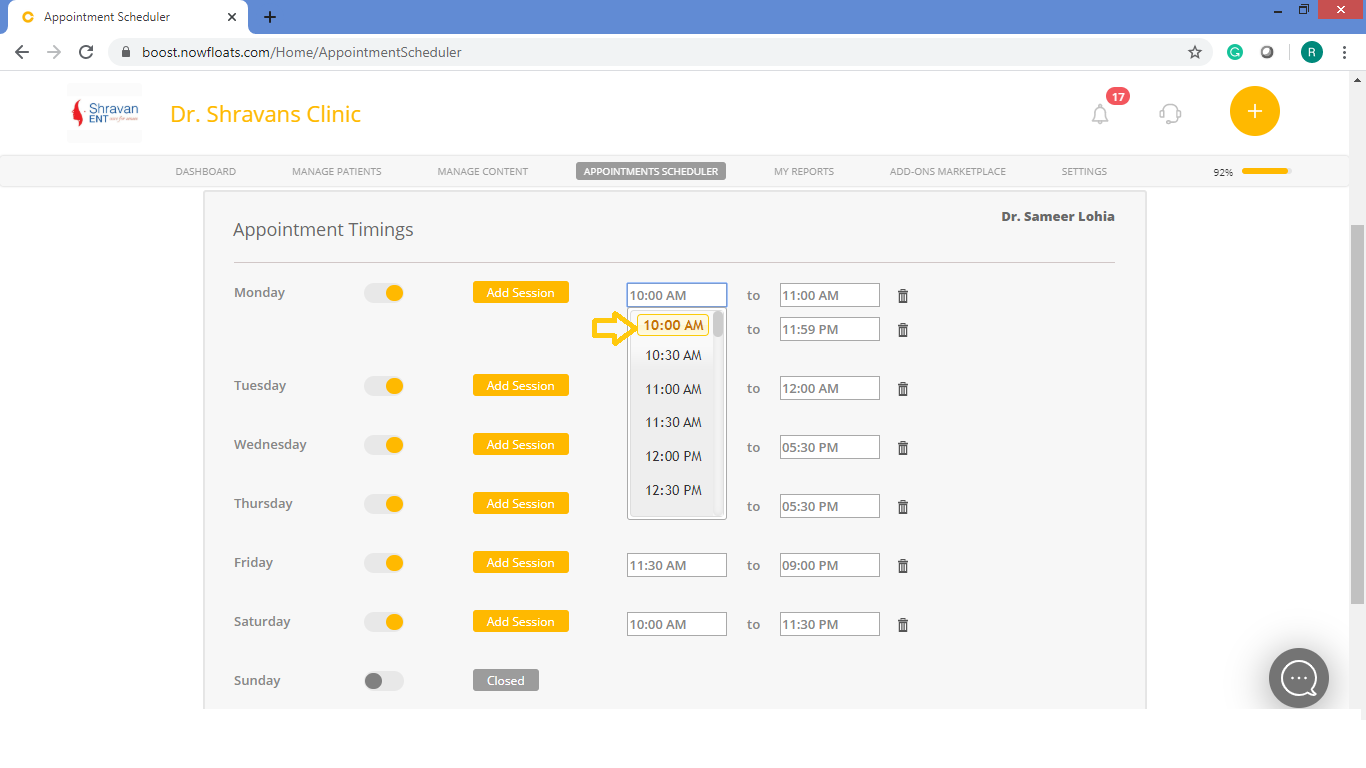
5. Use drop down menu to select time.
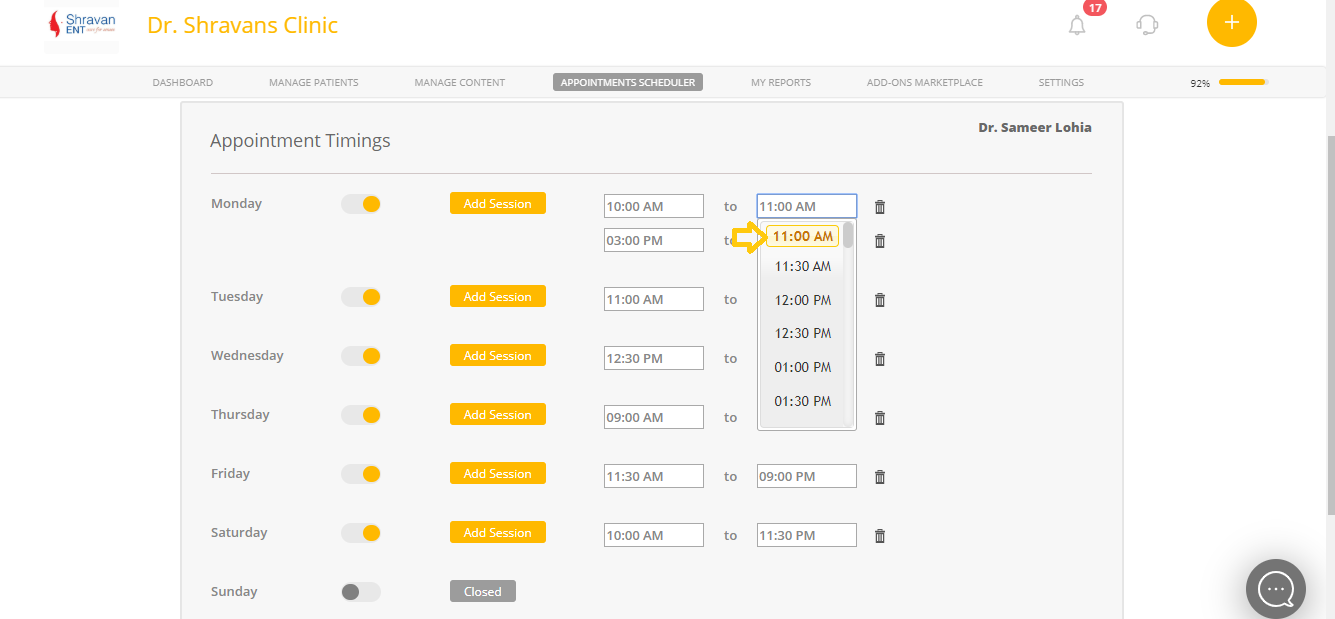
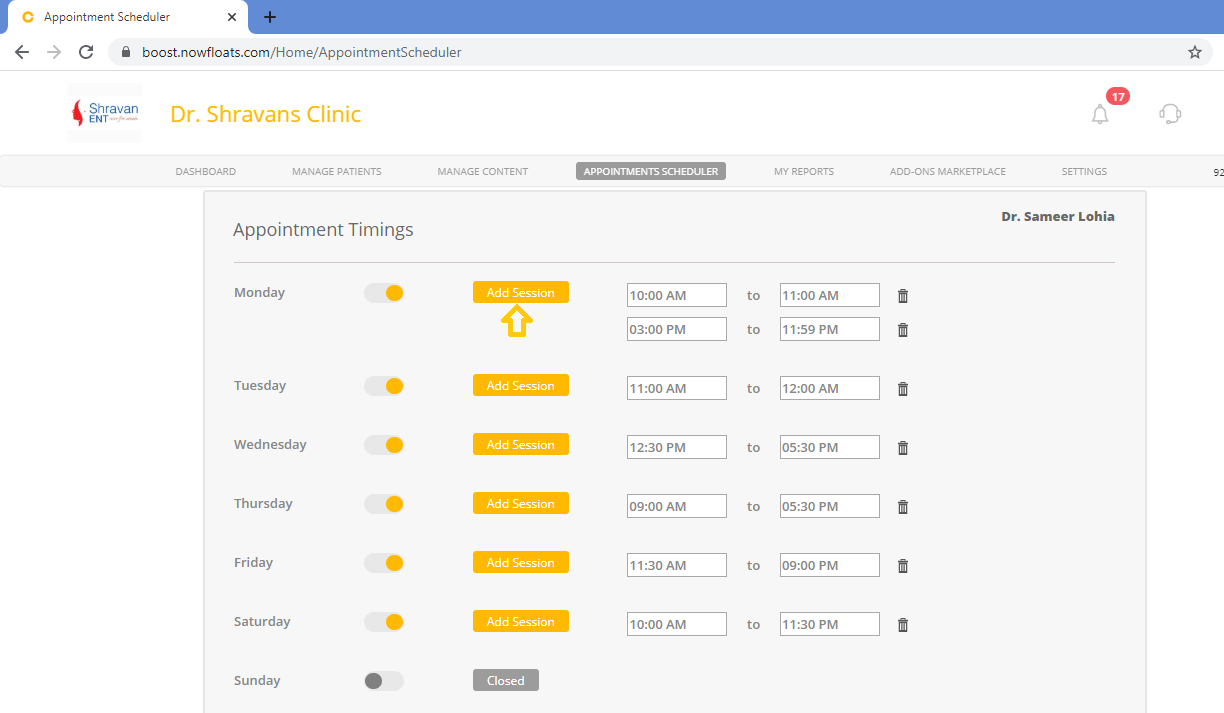
6. Click Add Session to add more time slots.
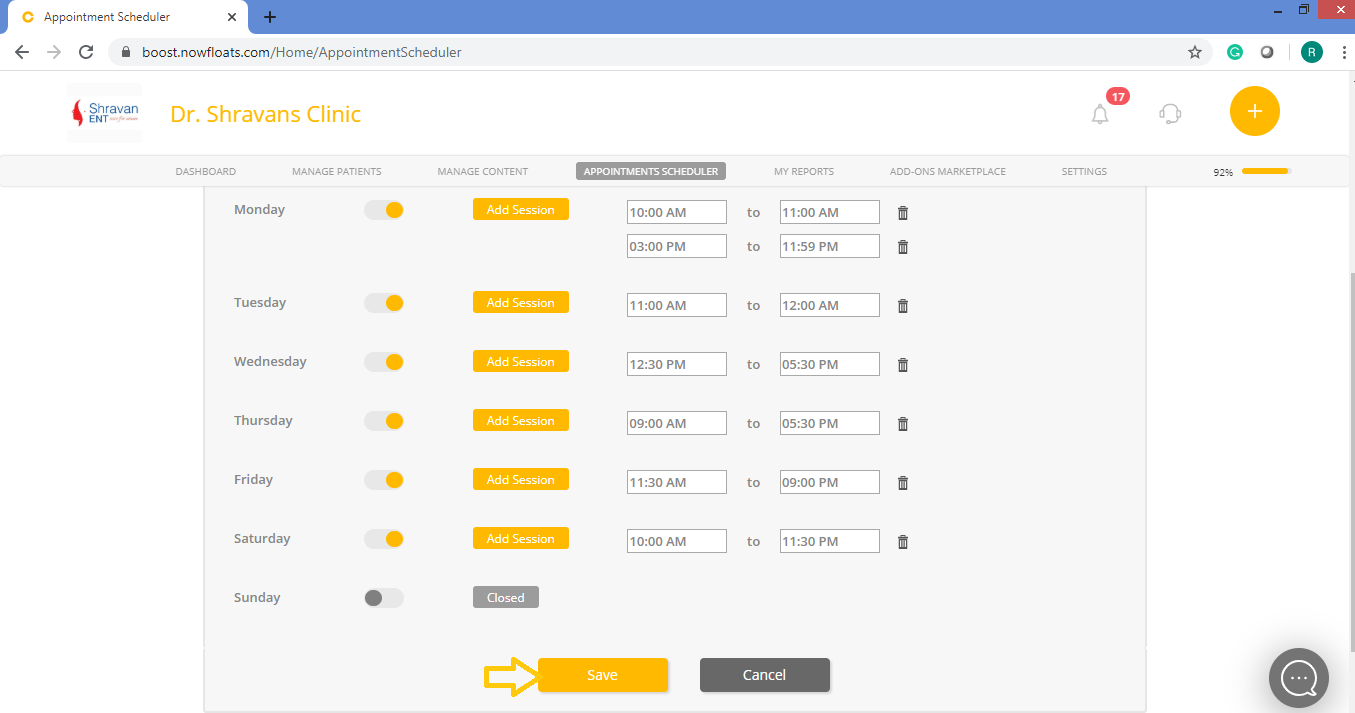
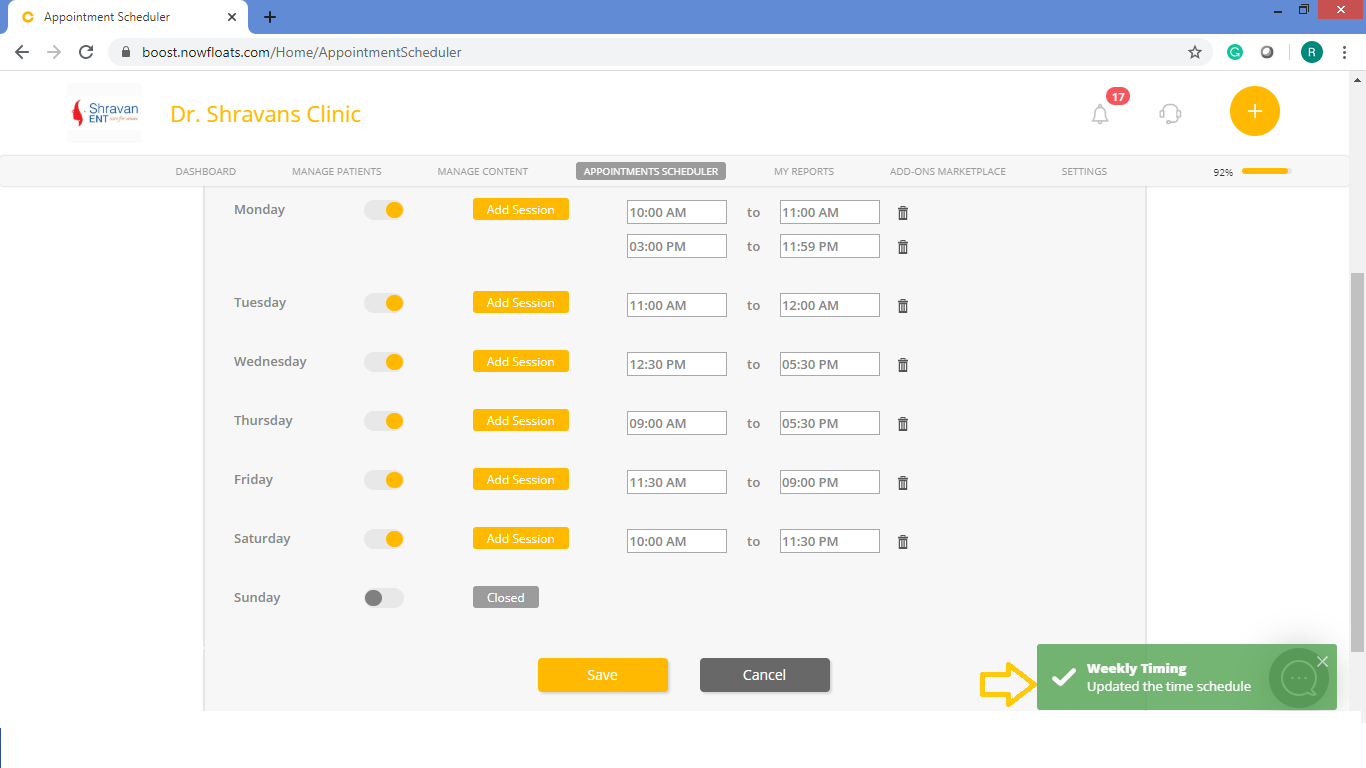
7. Once you're done with adding sessions, click Save.
Comments
0 comments
Please sign in to leave a comment.