
To add multiple doctor's profile in your Clinic's Website:
Note: To Add doctors information you should add at least one service associated with that doctor in service gallery.If not click here to learn how to add service to your boost website.
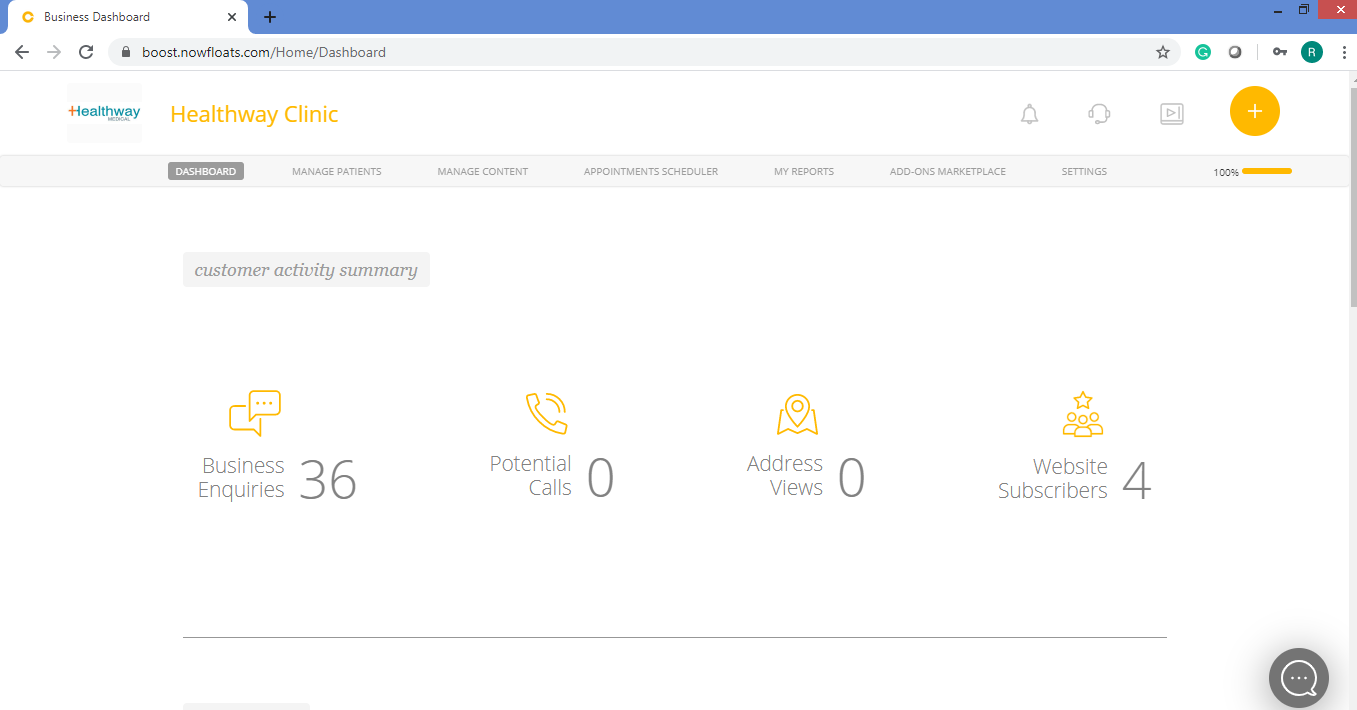
1. Go to your dashboard.
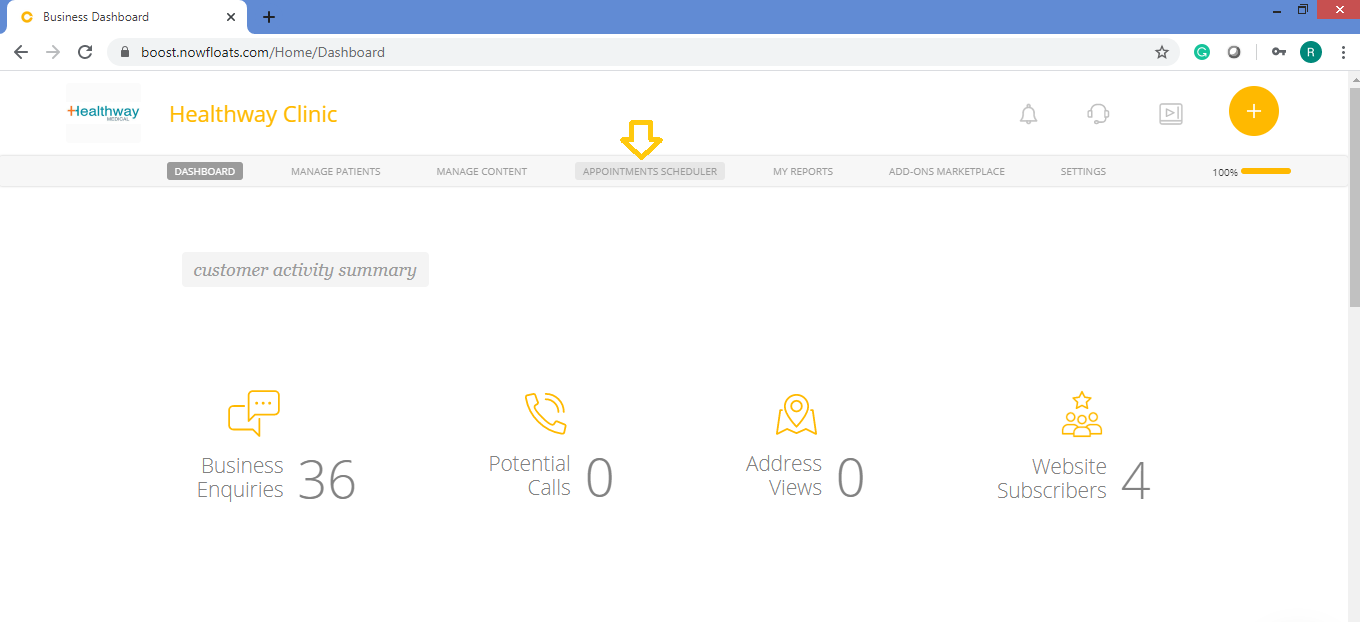
2. Click Appointments Scheduler in the header menu.
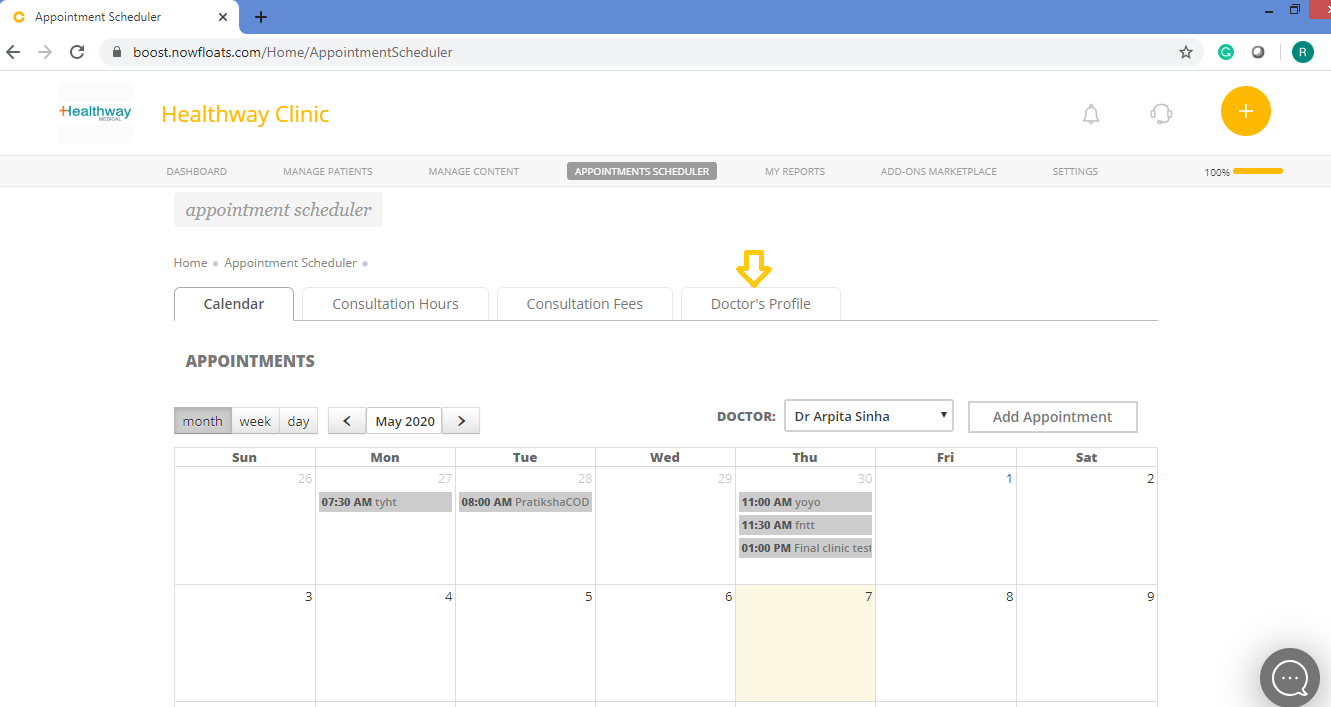
3. Click Doctor's Profile tab.
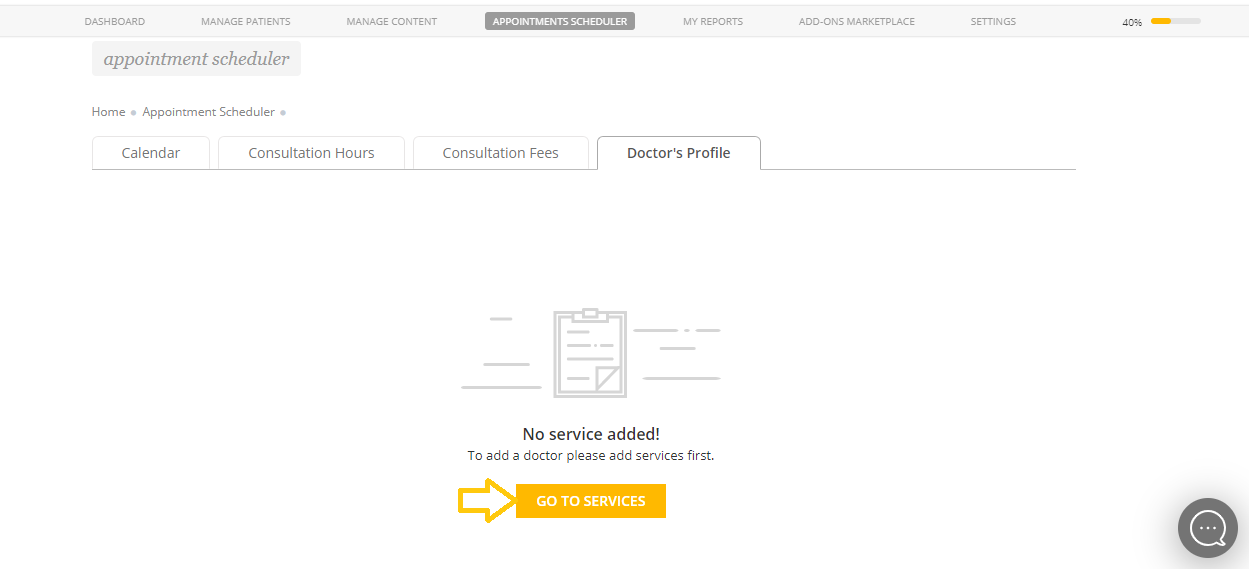
If you have not added services in your gallery then click Go To Services redirect you to service gallery.
Click here to learn how to product/service to your boost website.
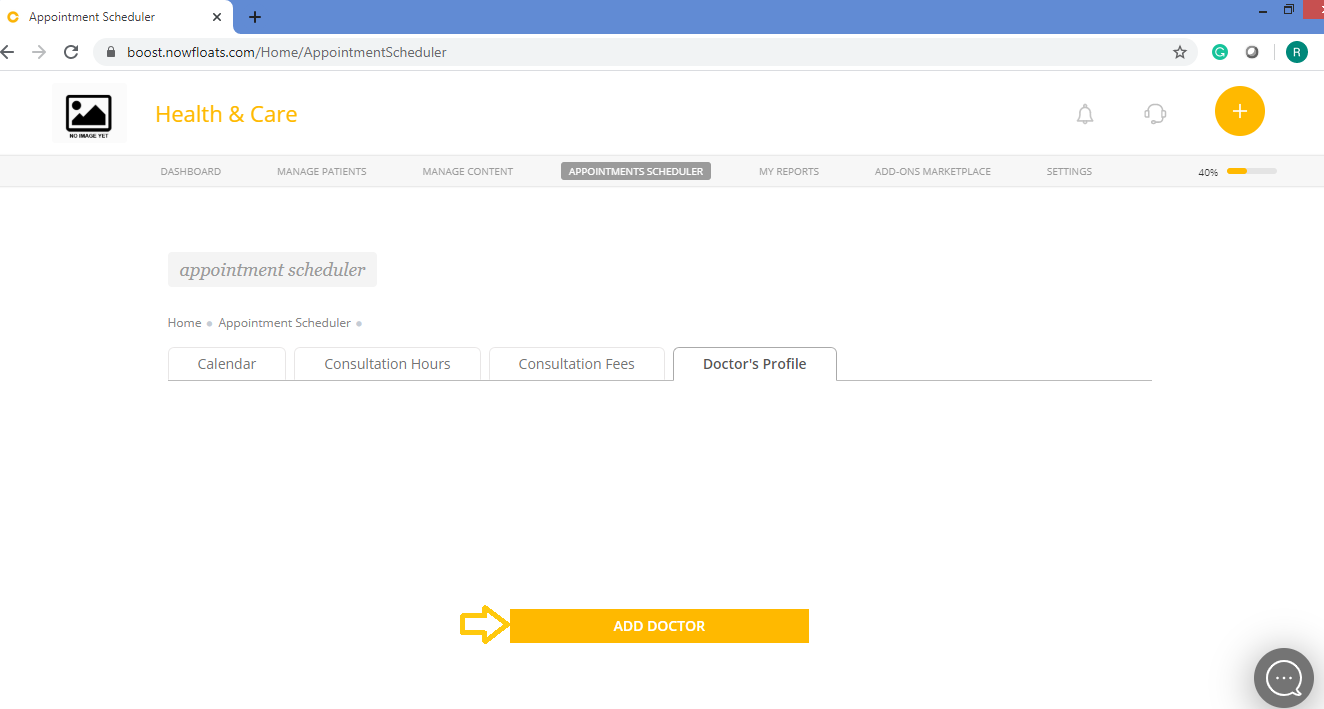
Once the services are added then you will see below screen to add Doctor Profile.
4. Click Add Doctor.
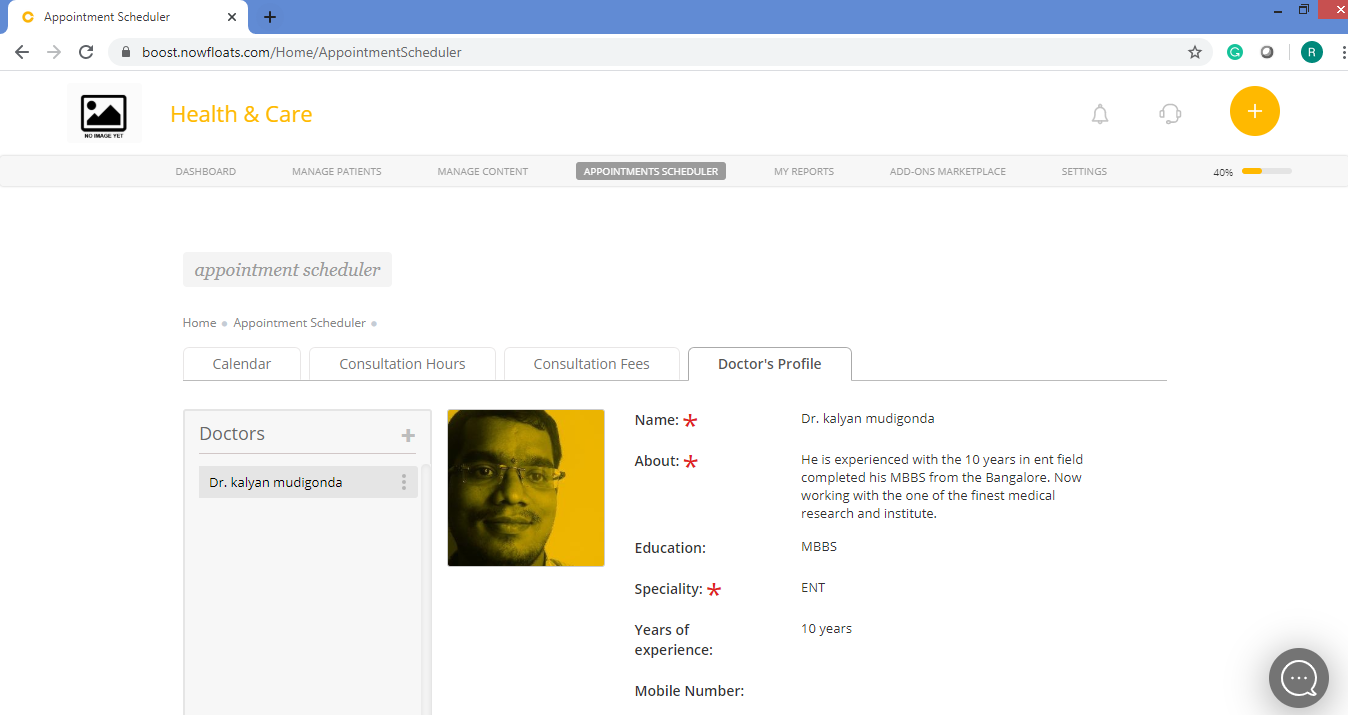
Click here to learn how to add doctor profile.Once the profile is added you can see below screen.
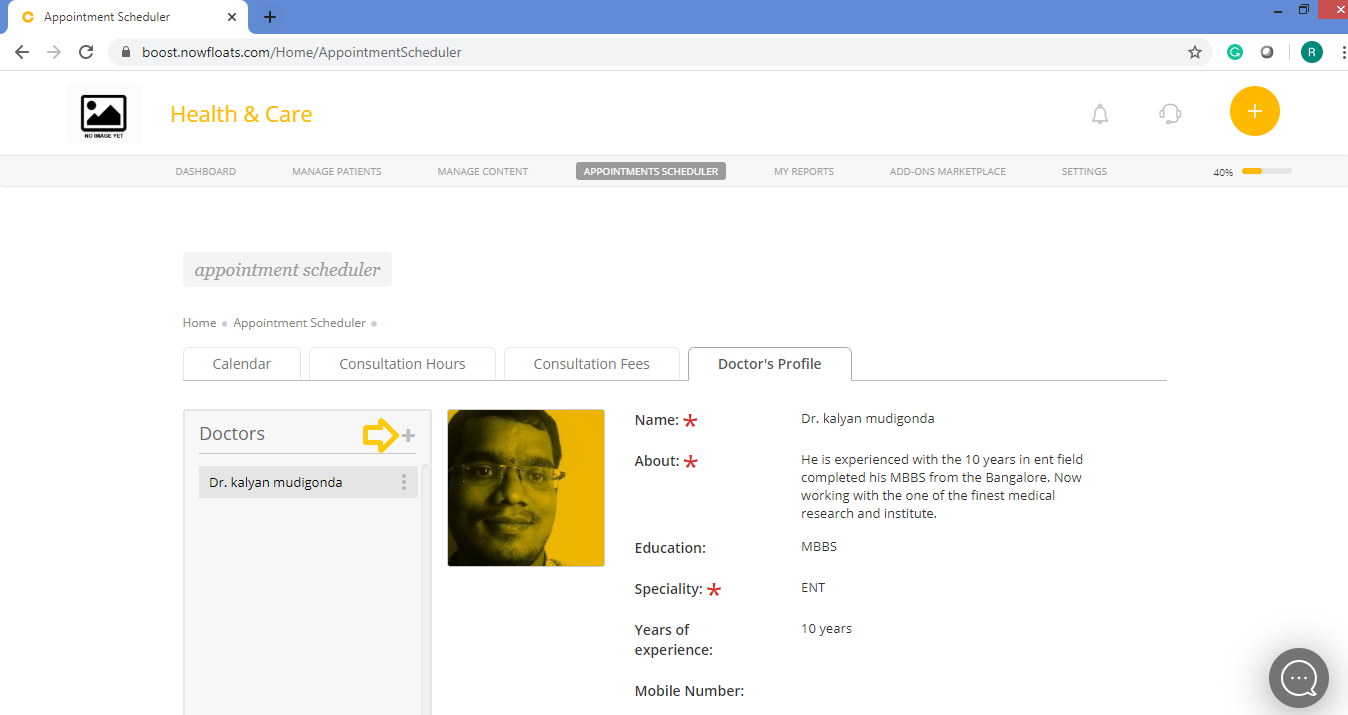
5. Click on + icon to add more doctors.
Click here to learn how to more doctor's .
Comments
0 comments
Please sign in to leave a comment.