
To view appointment analytics of your doctor website:
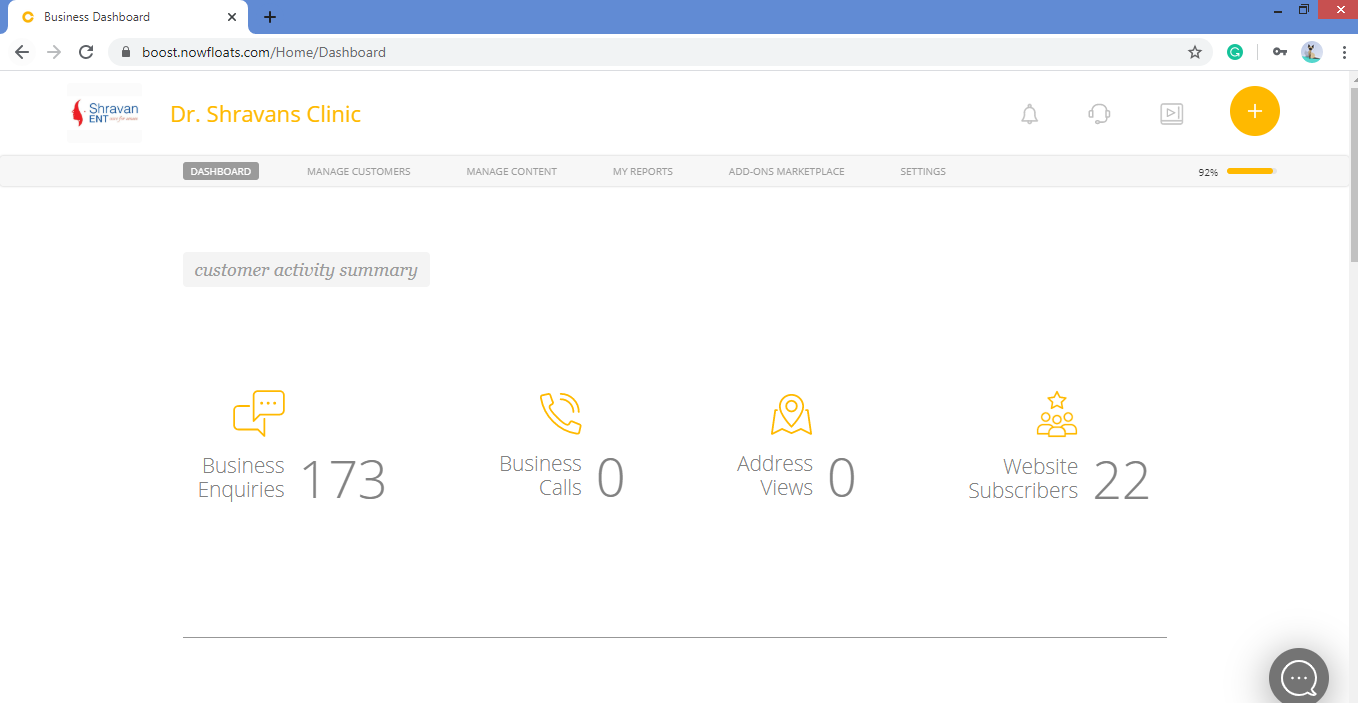
1. Go to your dashboard.
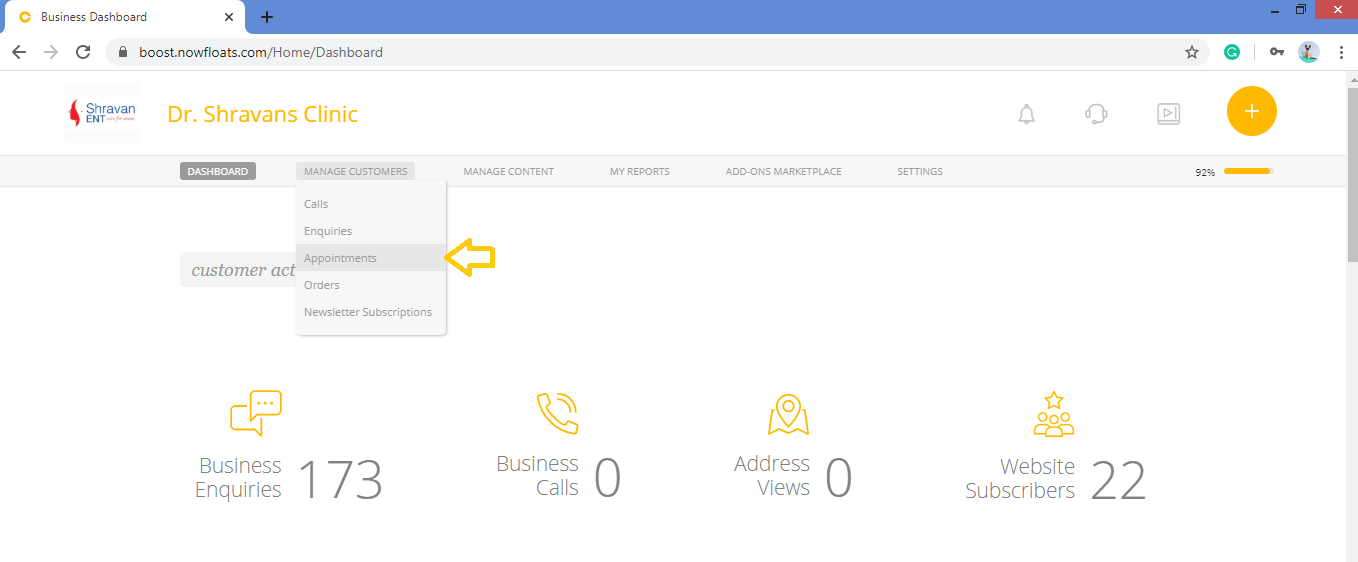
2. Go to Manage Customers in the header menu and click on Appointments.
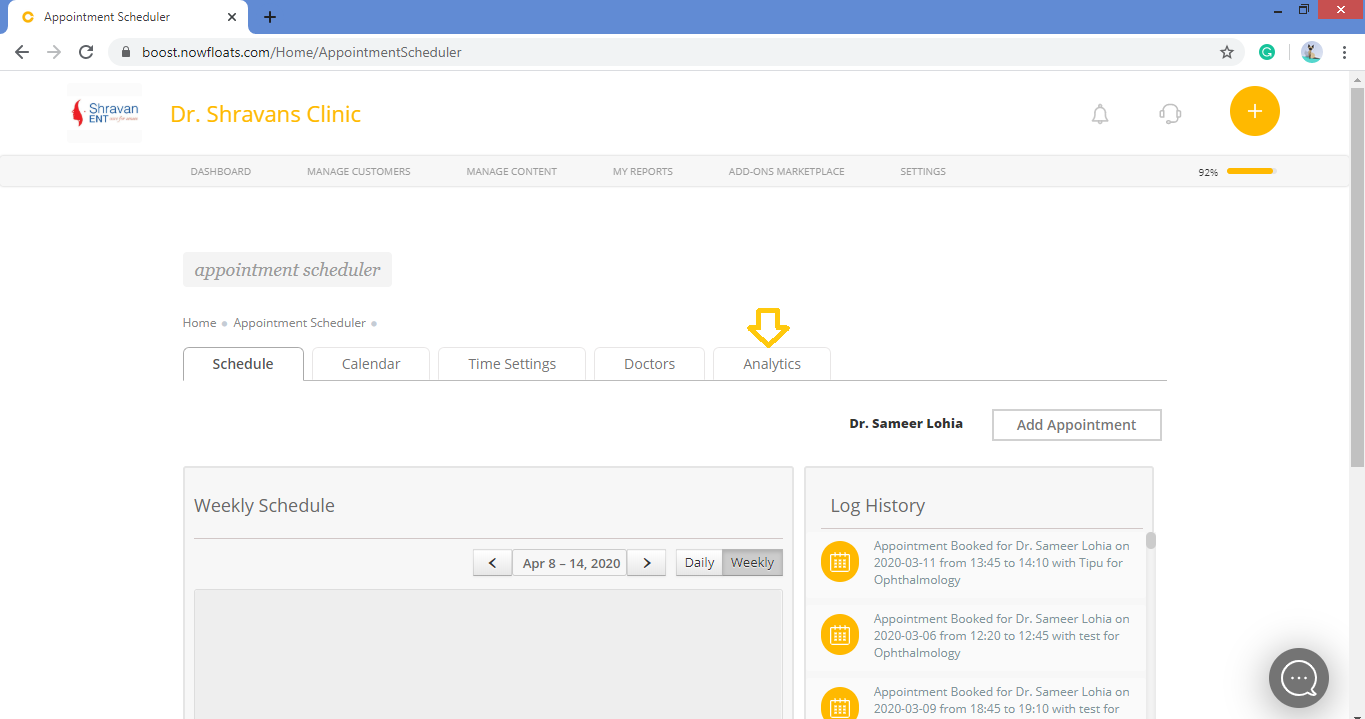
3. Click on Analytics tab.
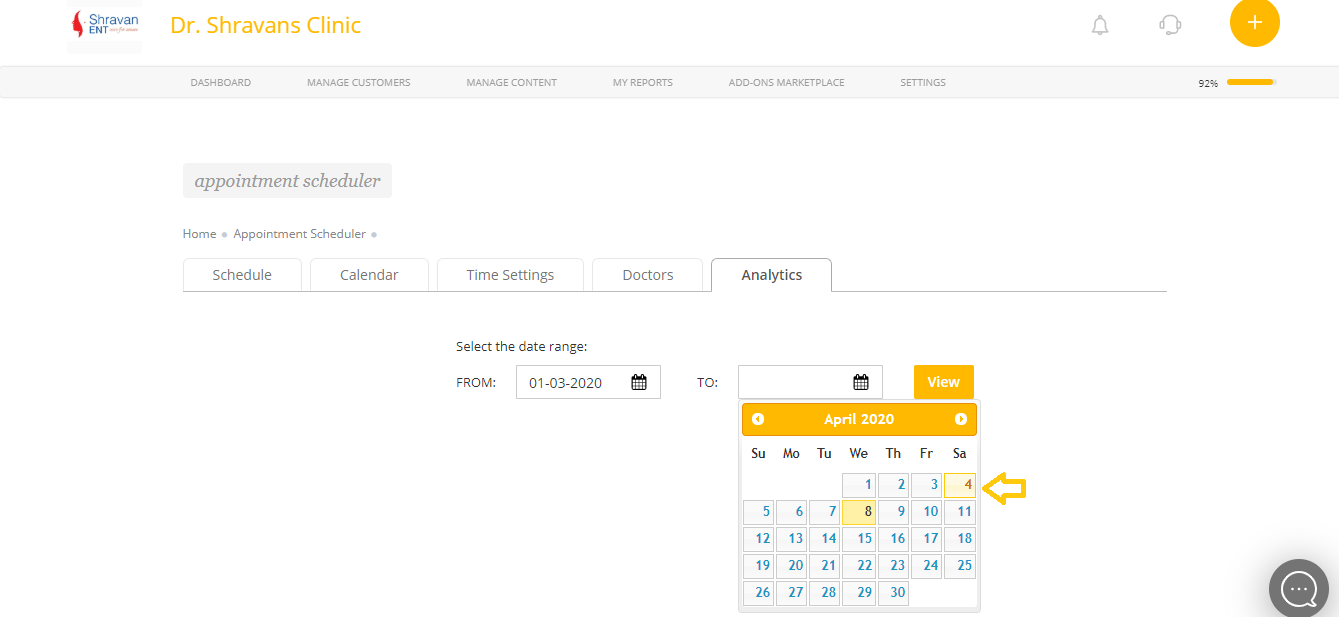
4. Select date range from calendar.
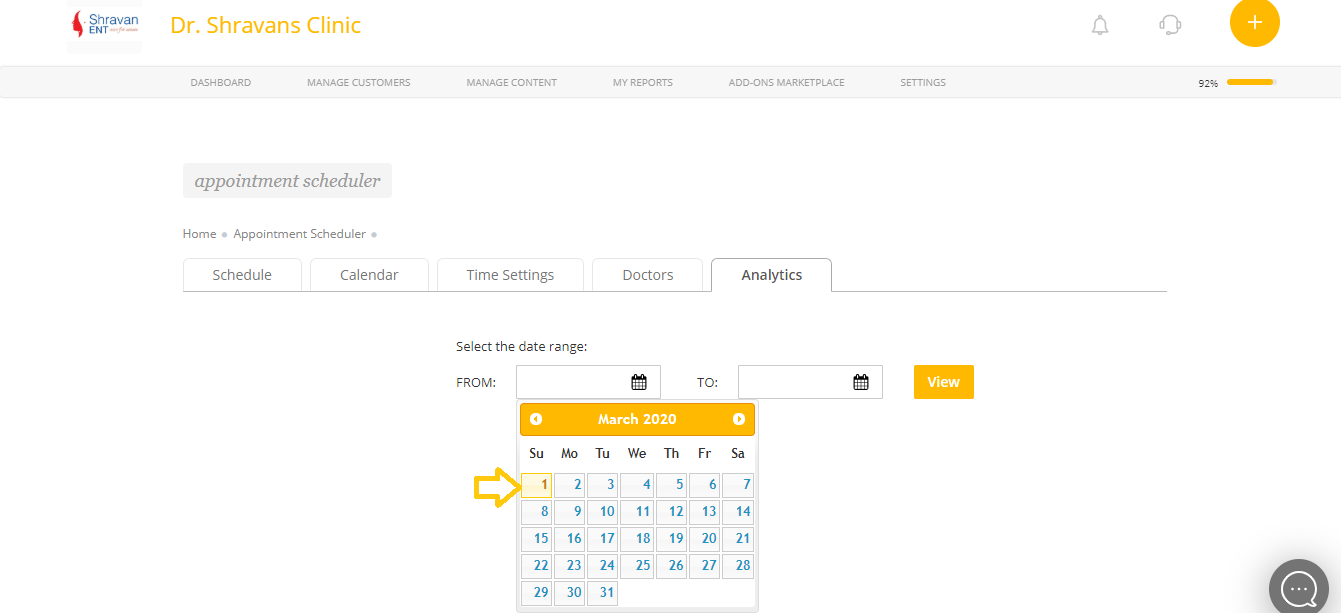
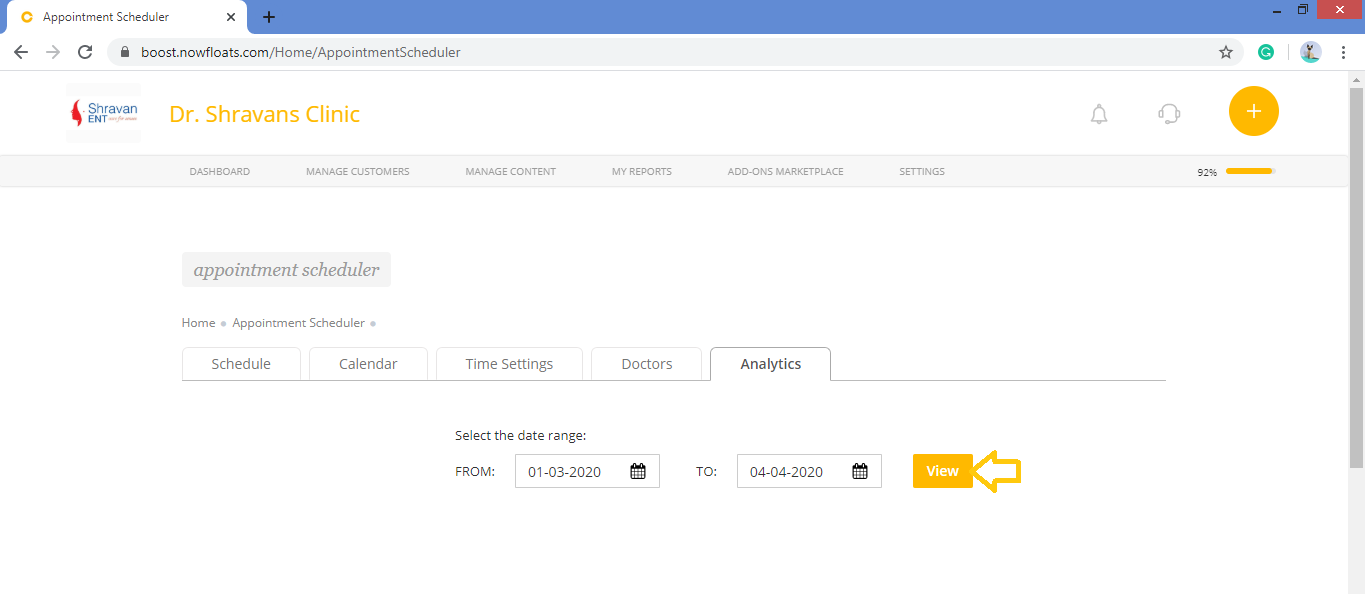
5. Click View.
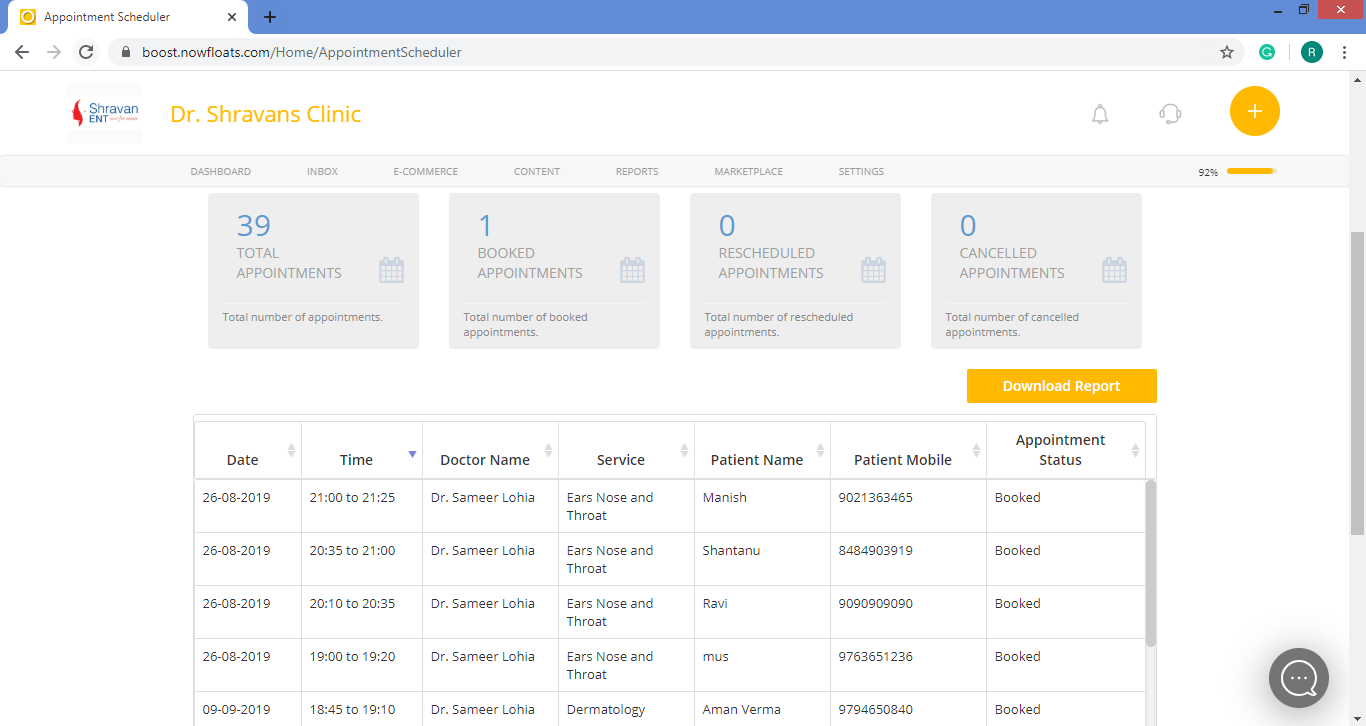
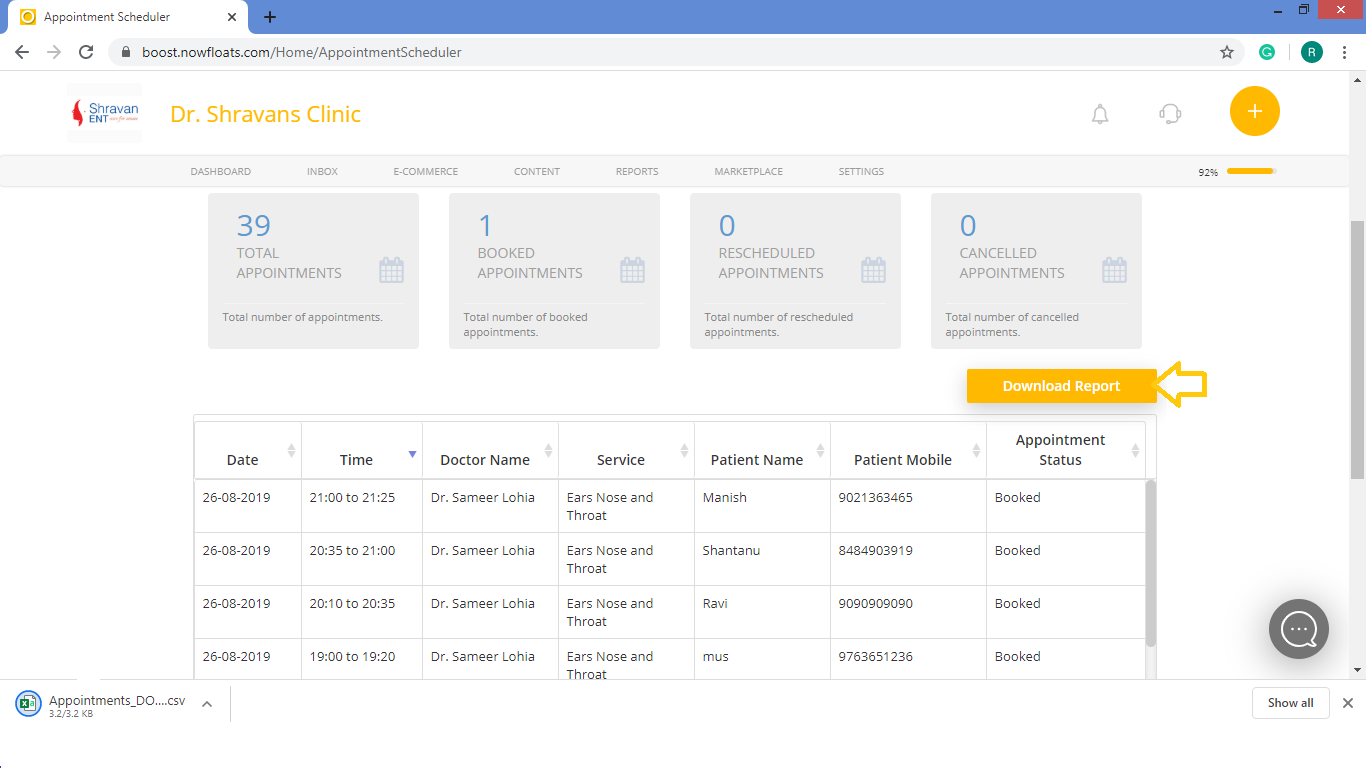
6. To download this report click on Download Report.
Comments
0 comments
Please sign in to leave a comment.