
To change Background Pictures of your Manufacturing website:
1.Go to Boost Login Page.
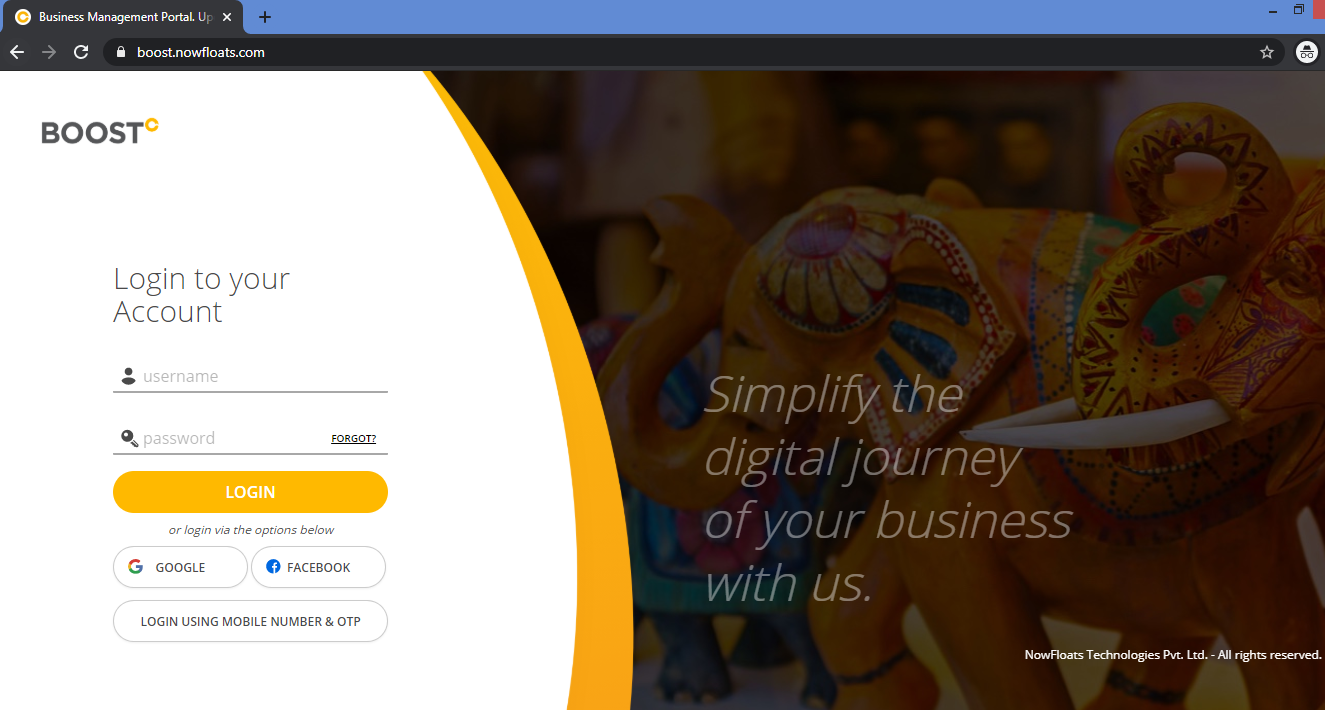
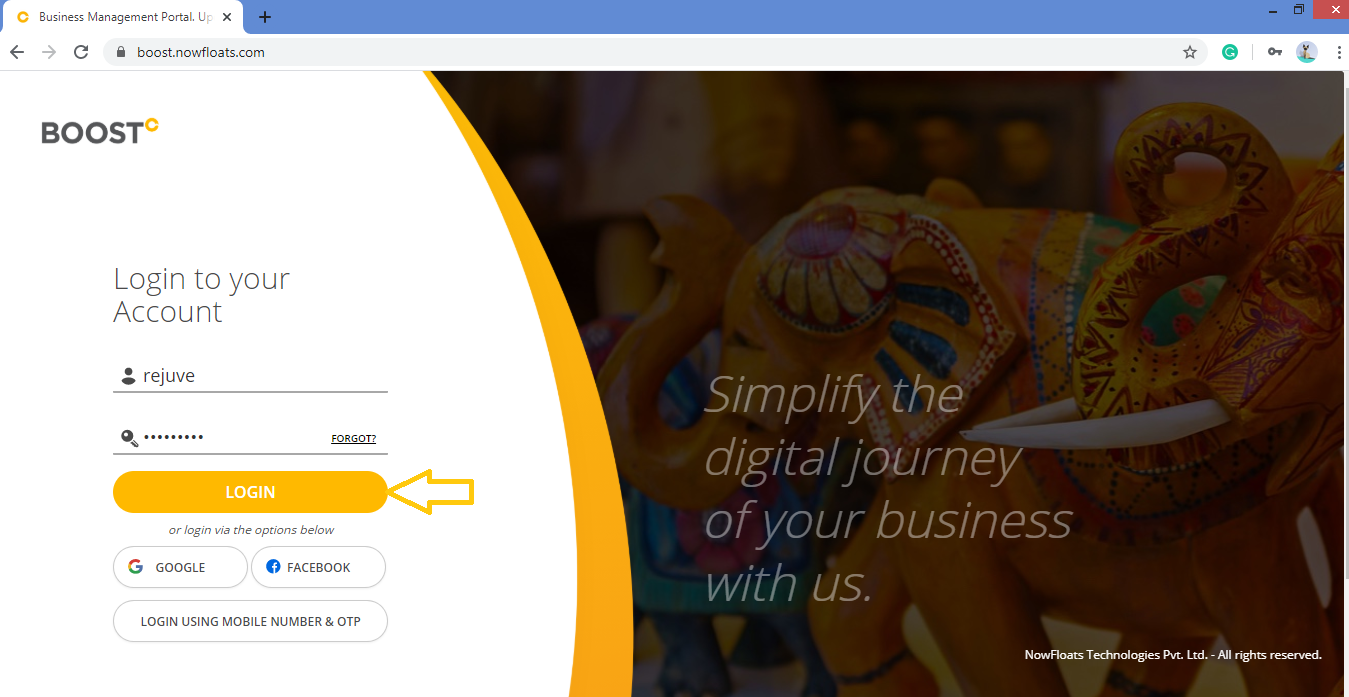
2. Enter your Username and Password and click Login.
3. As soon as you log in, you can see the dashboard from where the entire business site can be managed. Go to Content in the header menu and click on Other Section.

4. Look for the Background Picture card and click on it.

5. Scroll down and click Edit icon  .
.
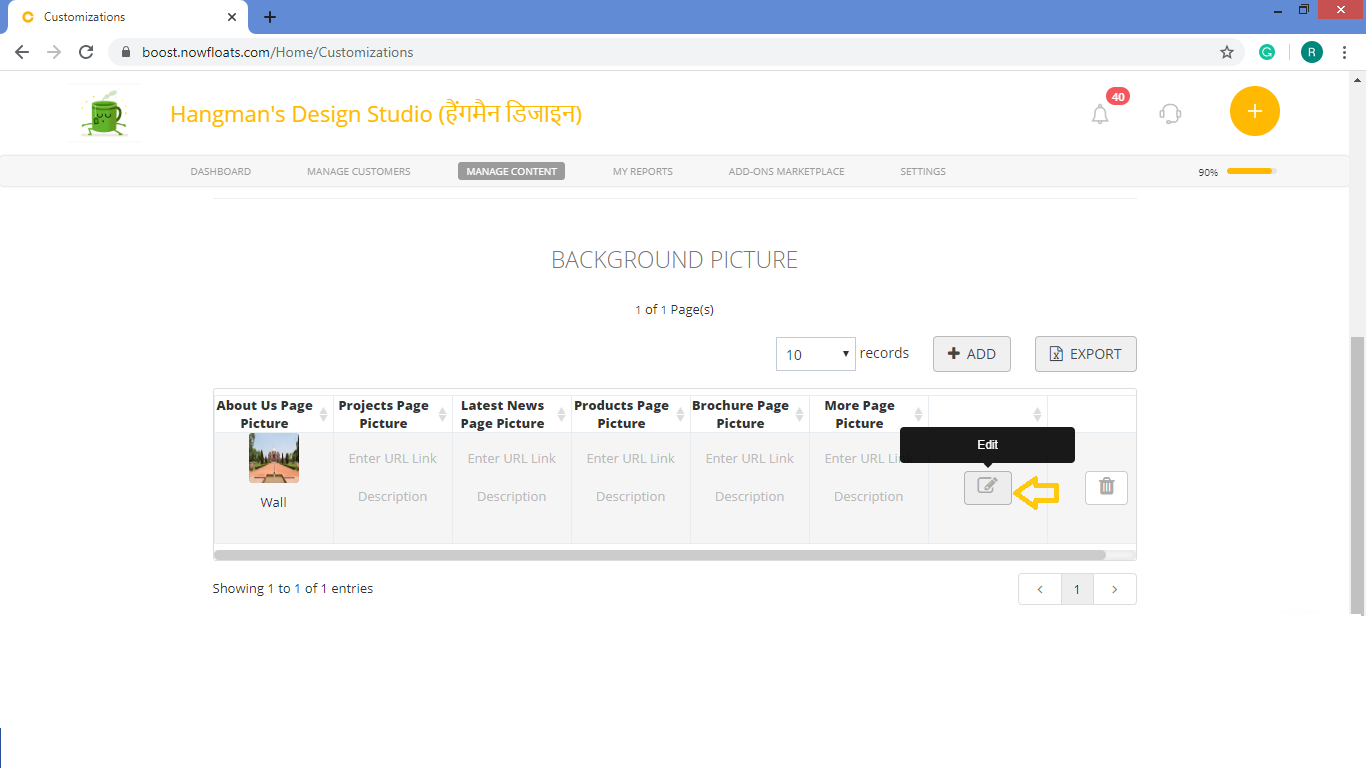
6. Click Remove Image of the desired background picture.of the About Us Picture to browse to a new photo on your computer to upload to your site and click Open.
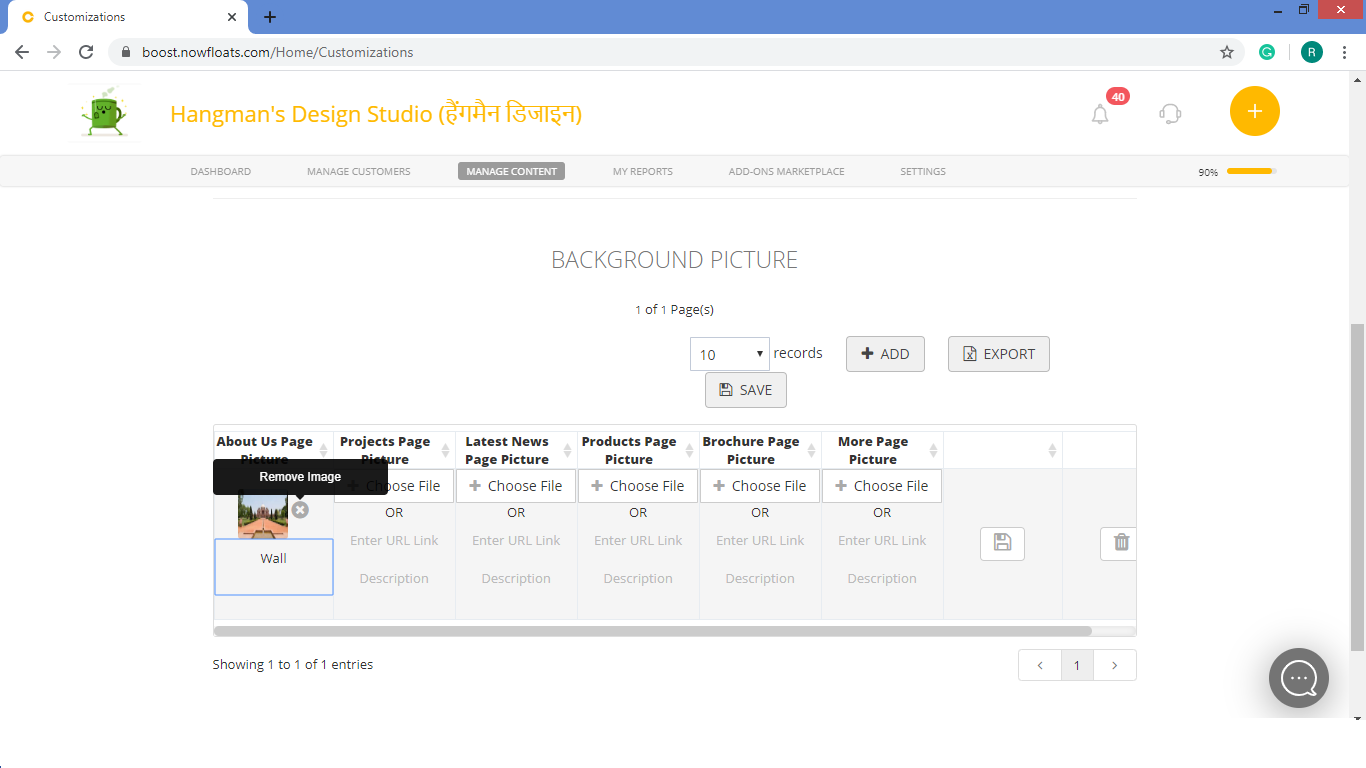
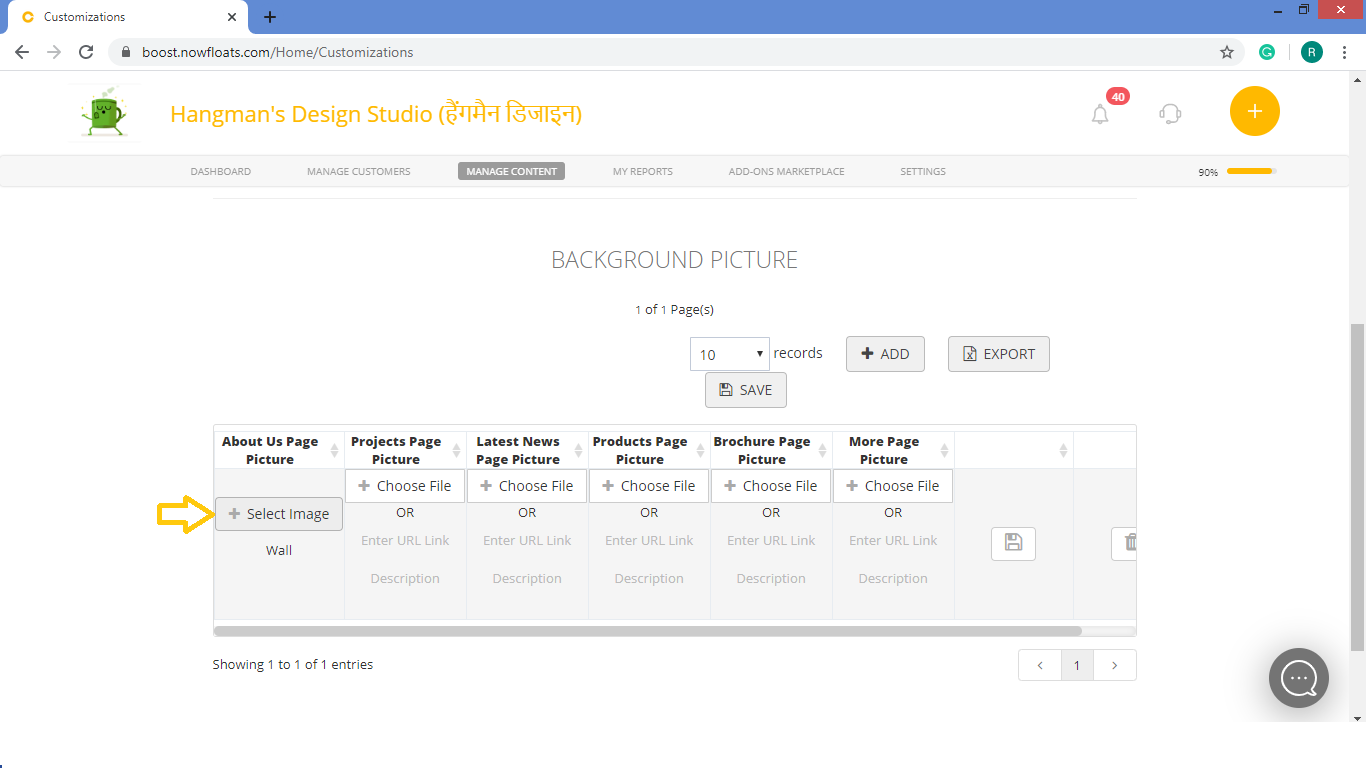
7.Click + Select Image of the About Us Picture to browse to a new photo on your computer to upload to your site and click Open.
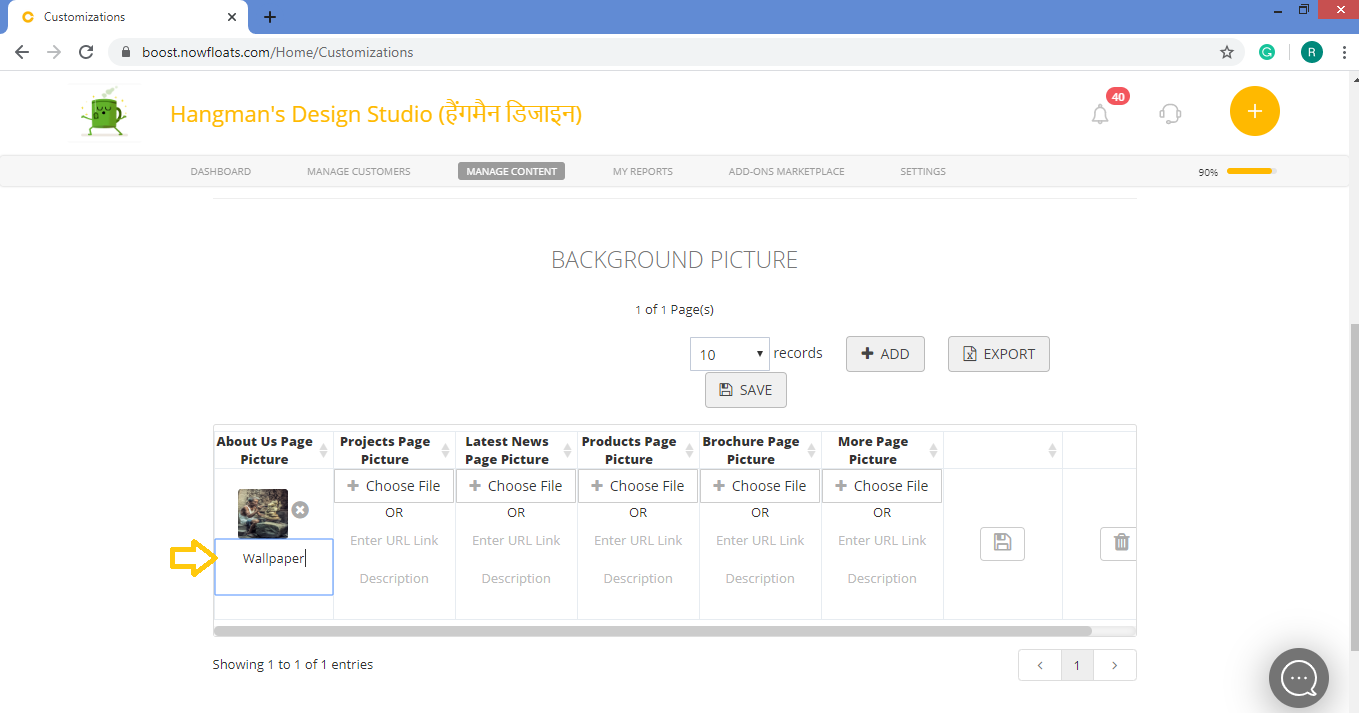
8.To change enter the new description in the Description field.
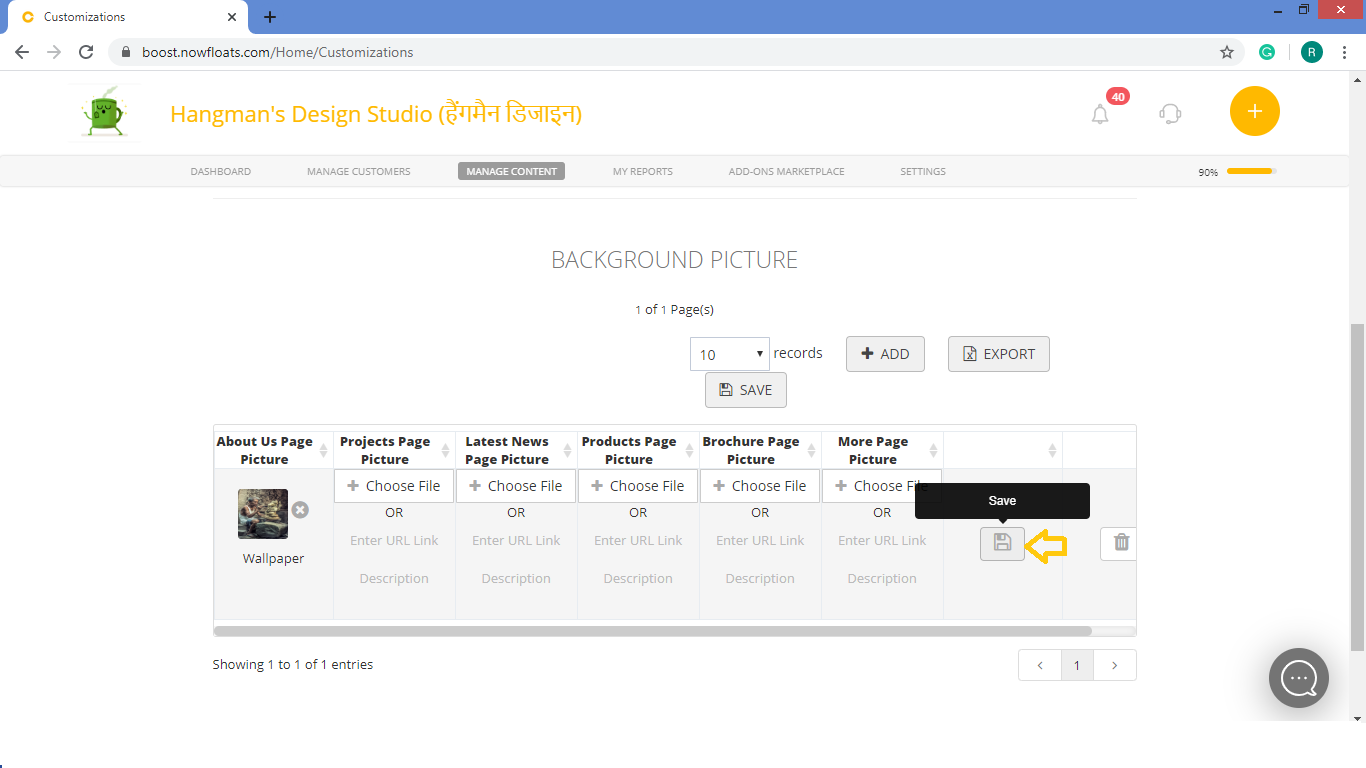
9. Click Save.
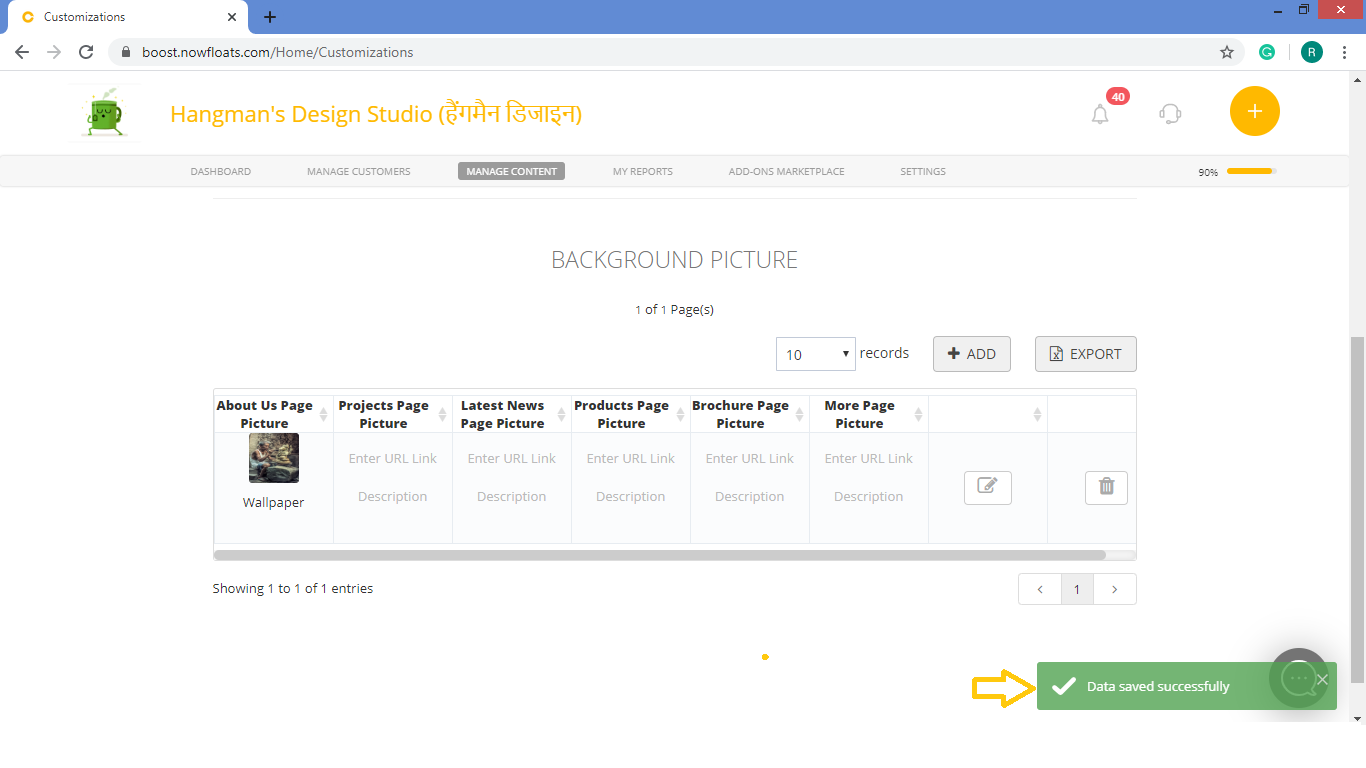
To change background pictures of Projects, Products, Latest News, Brochure and More Page repeat Step 6, 7, 8,9.
Comments
0 comments
Please sign in to leave a comment.