
To add Our Customer's section to your Manufacturing Website:
1. Go to your dashboard.
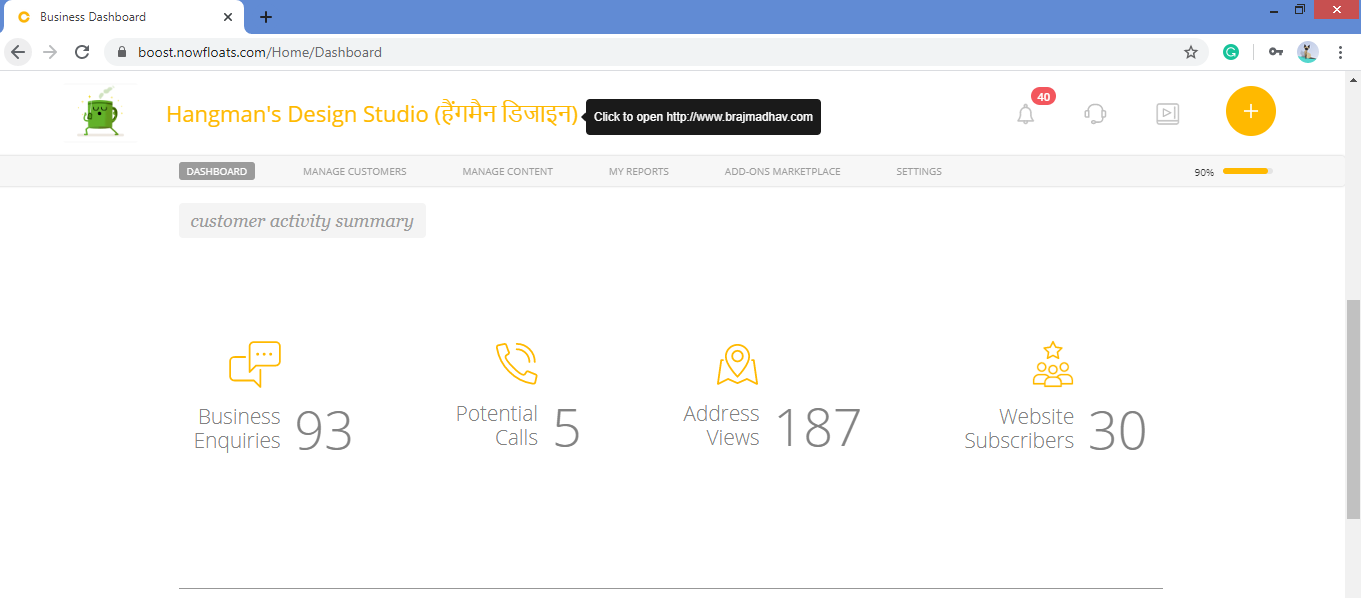
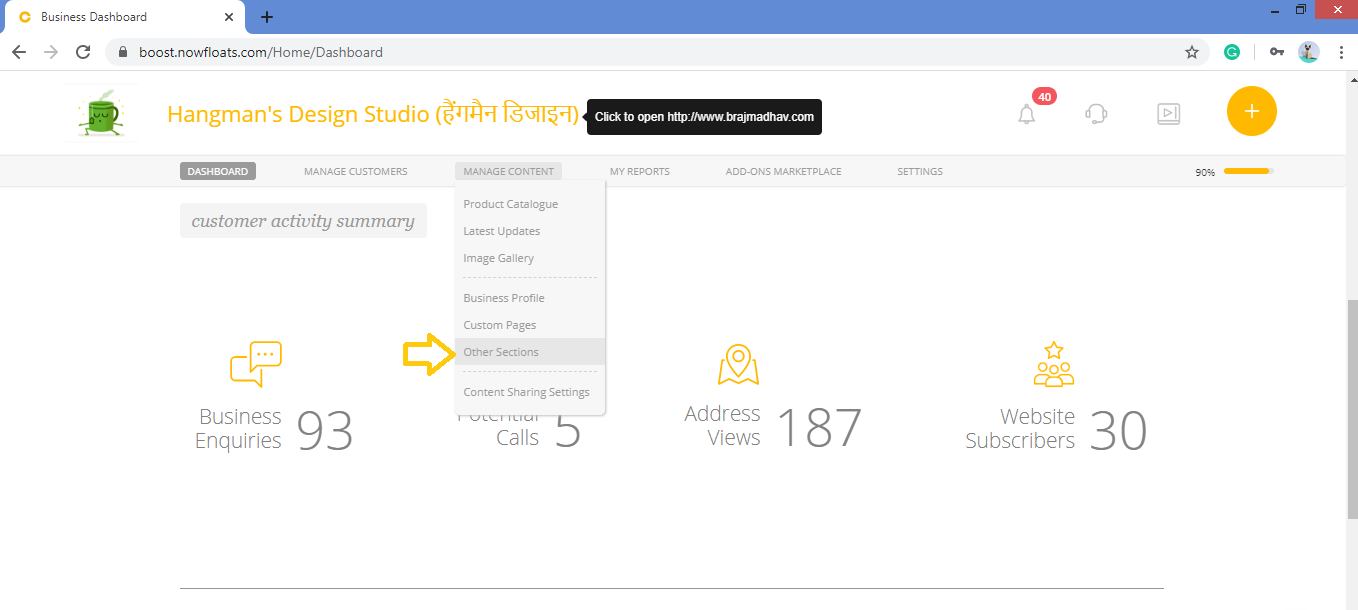
2. Go to Manage Content in the header menu and click Other Section.
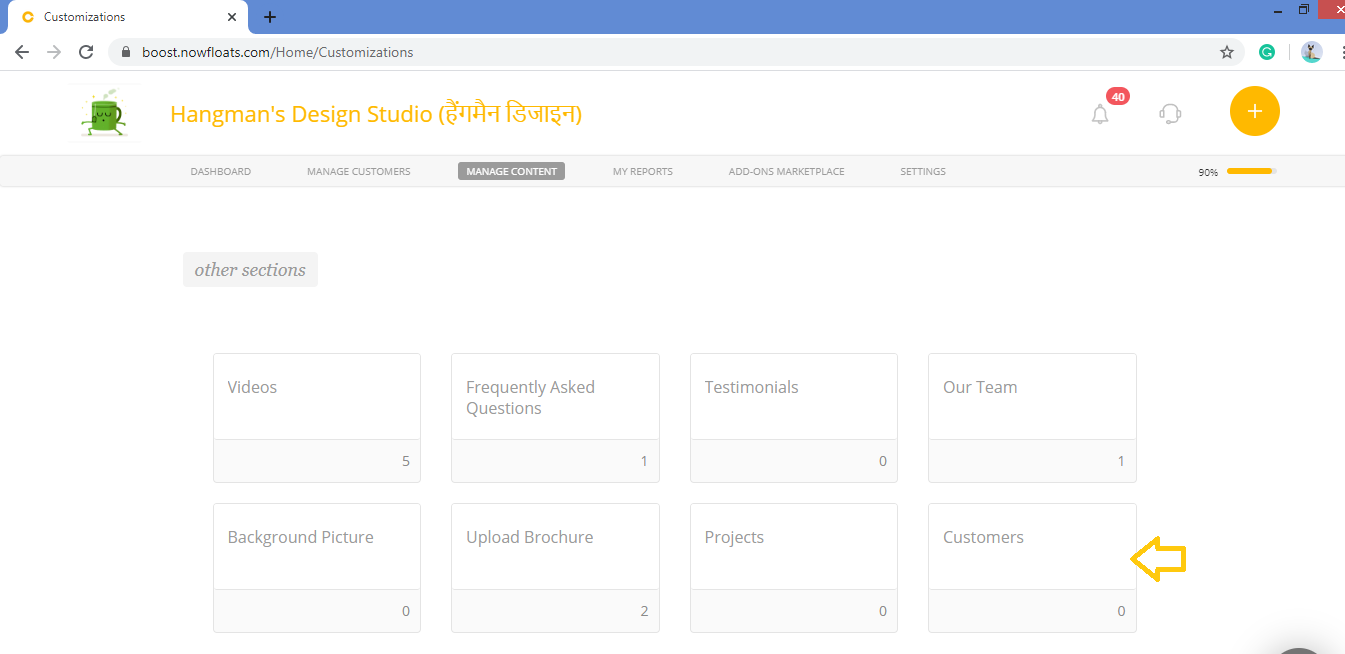
3. Look for the Customers card and click on it.
4. Scroll down to see Customers section.
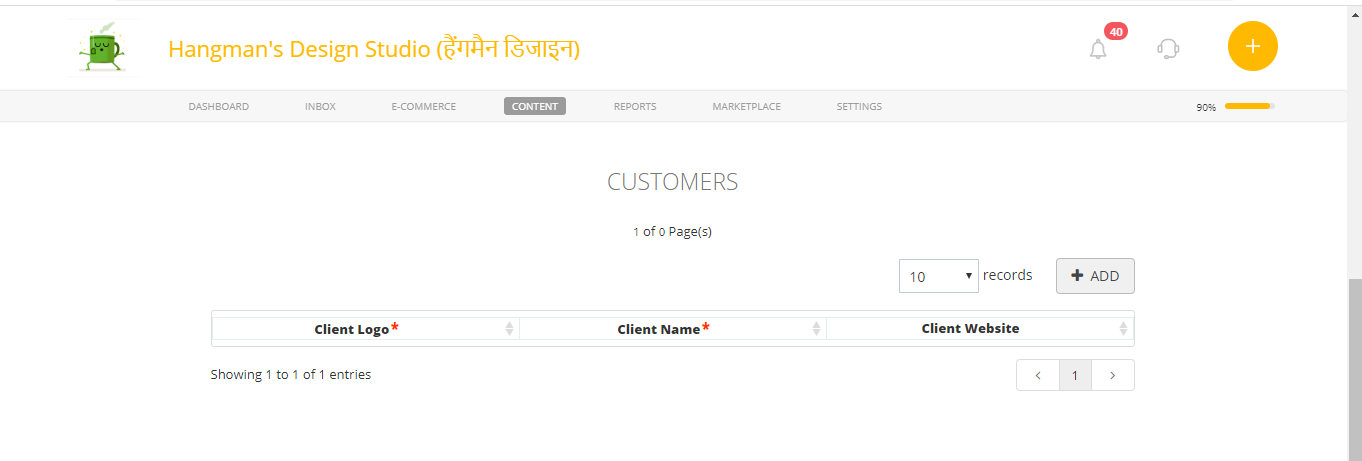
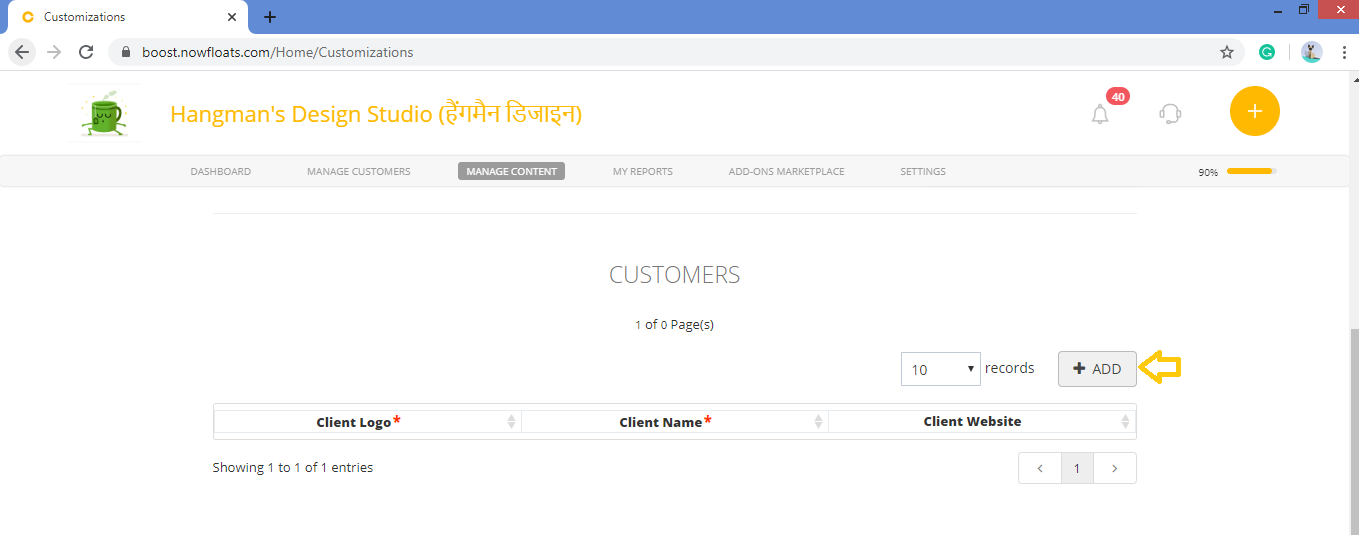
4. Click + ADD.
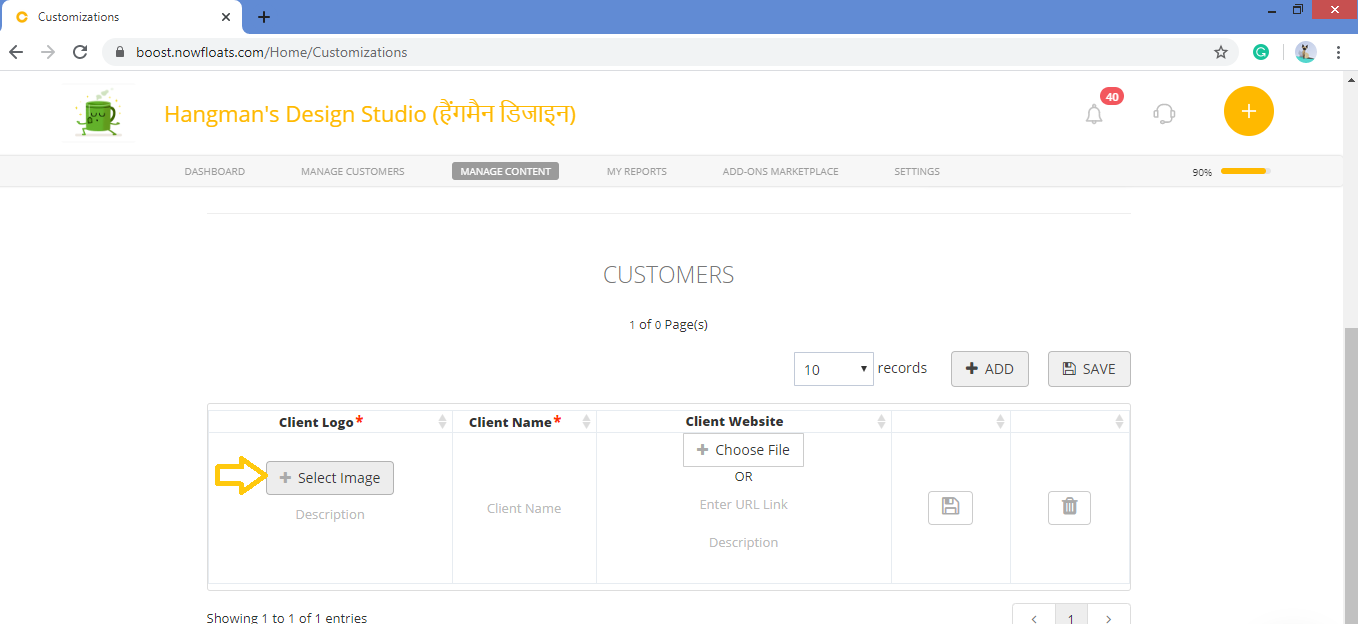
5. Click +Select Image to browse clients logo image from computer.
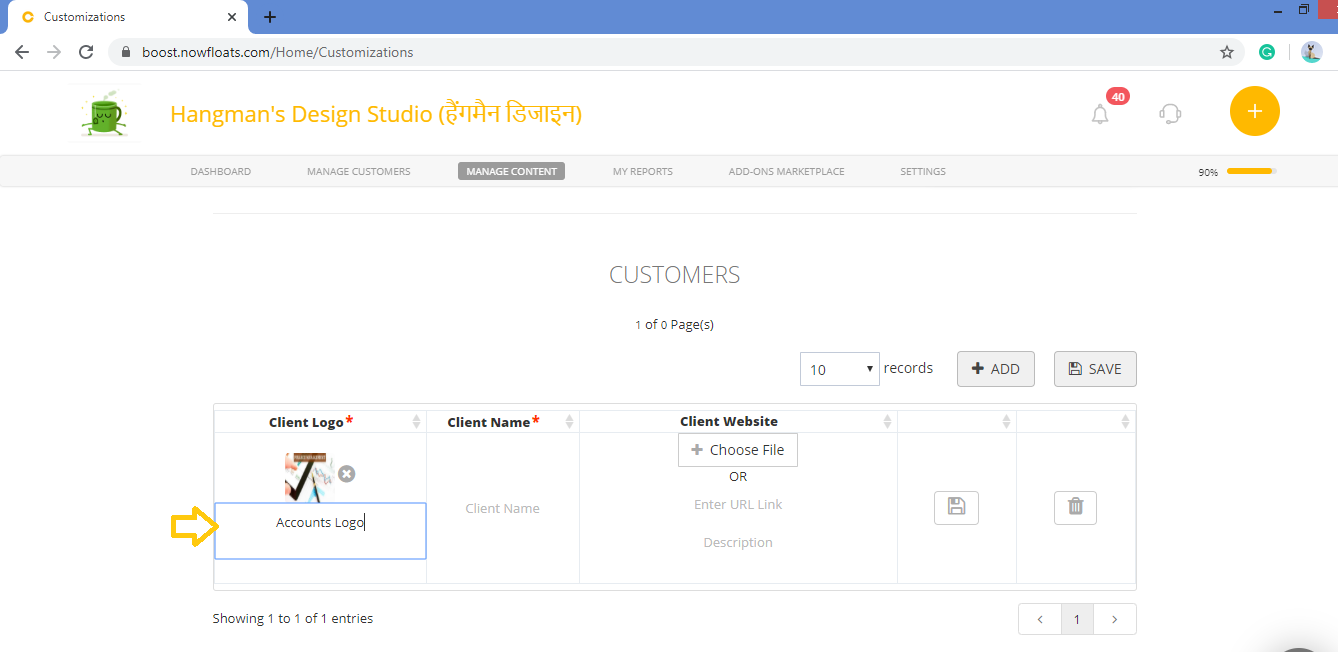
6. In the Description box, enter the description of image.
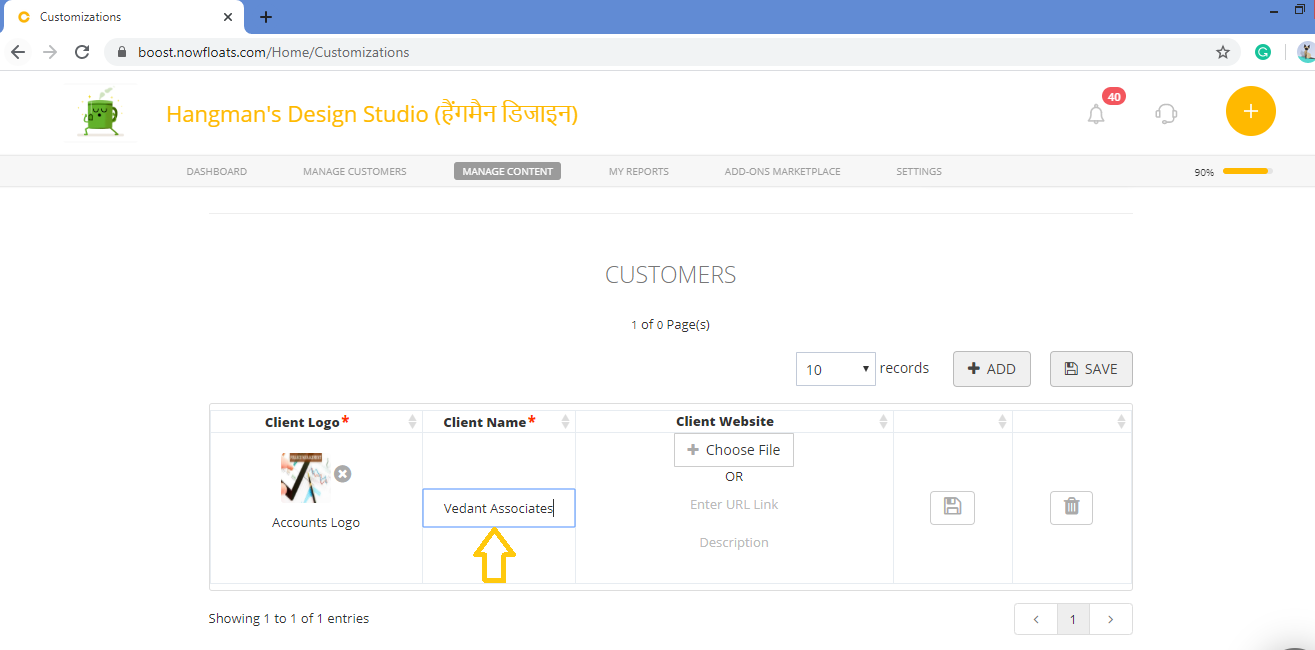
7. In the Client Name box, enter the client name.
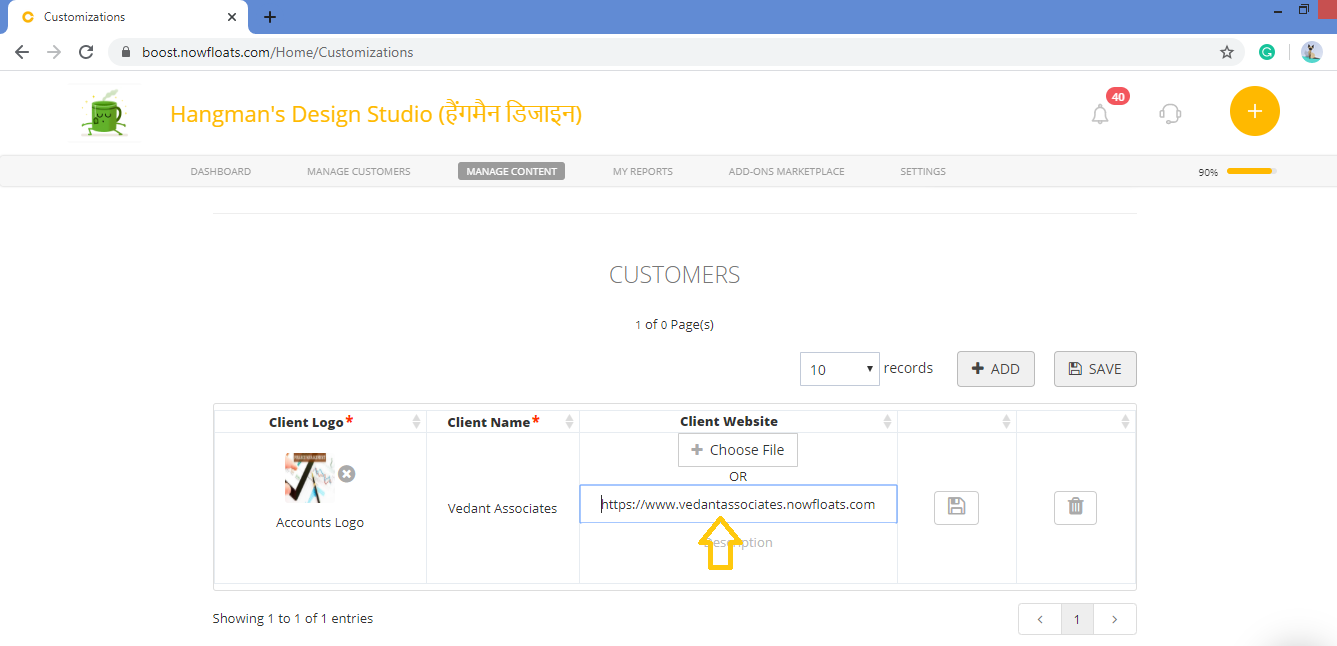
8. In the URL Link box, enter website URL of the client.
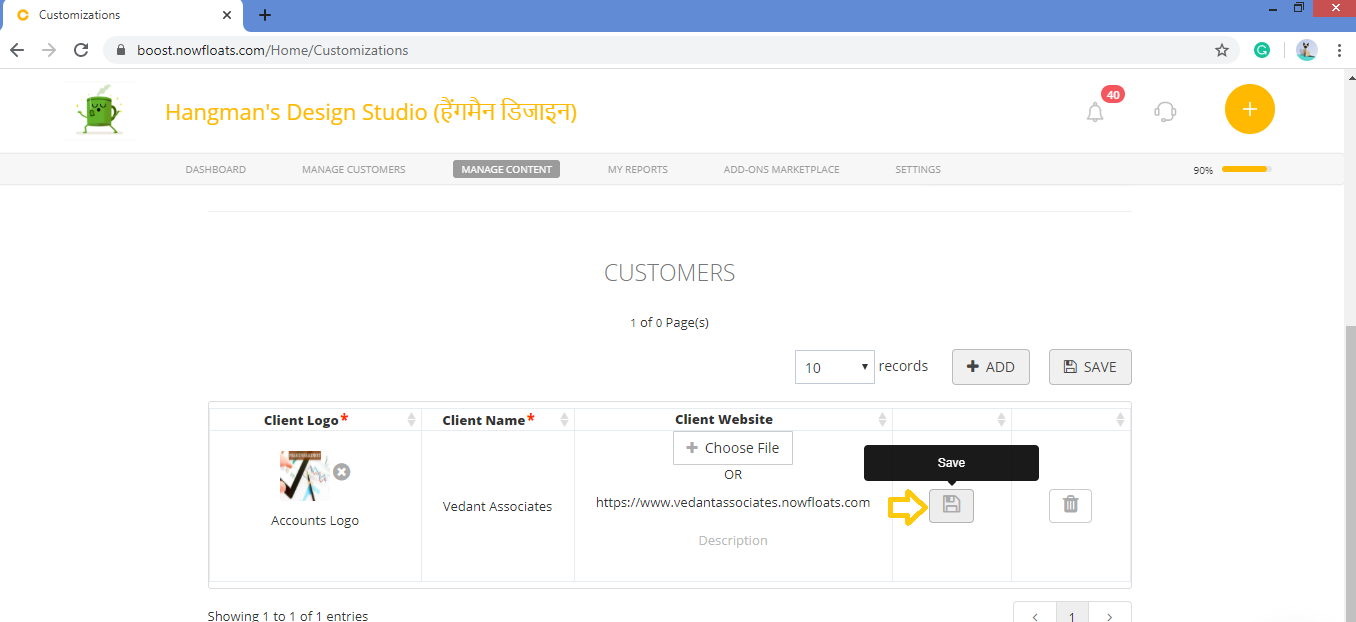
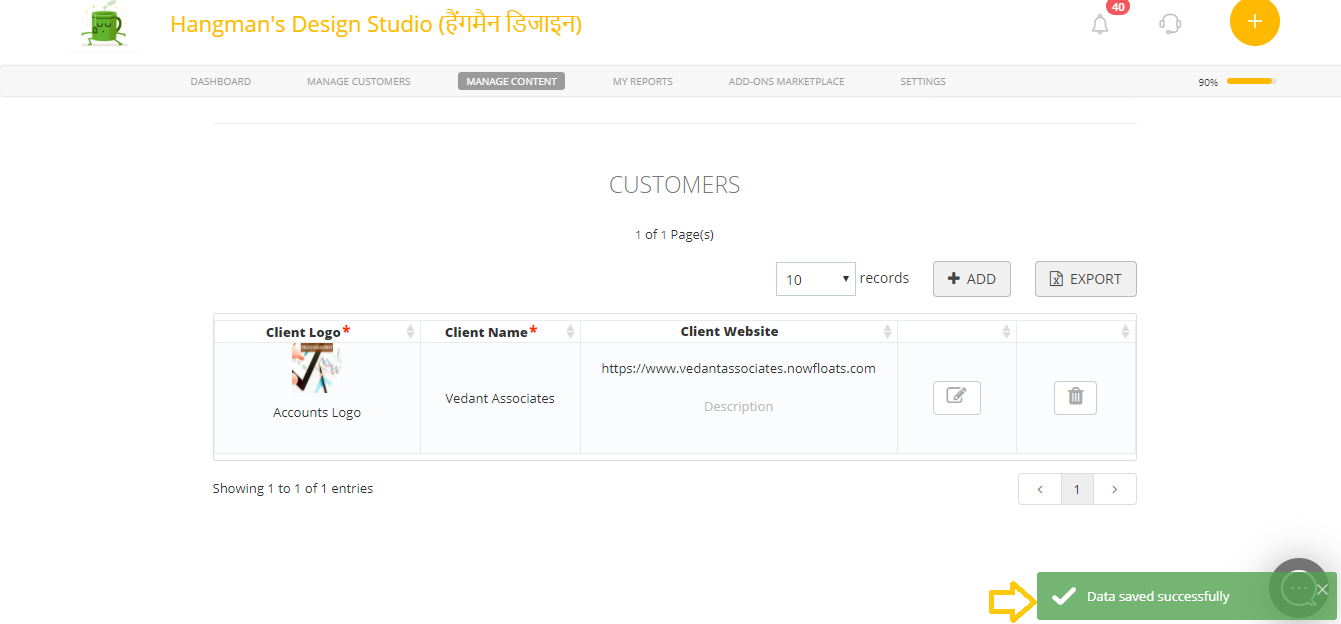
9. Click Save.
Comments
0 comments
Please sign in to leave a comment.