
To Book Custom Domain :
1. Go to your dashboard.
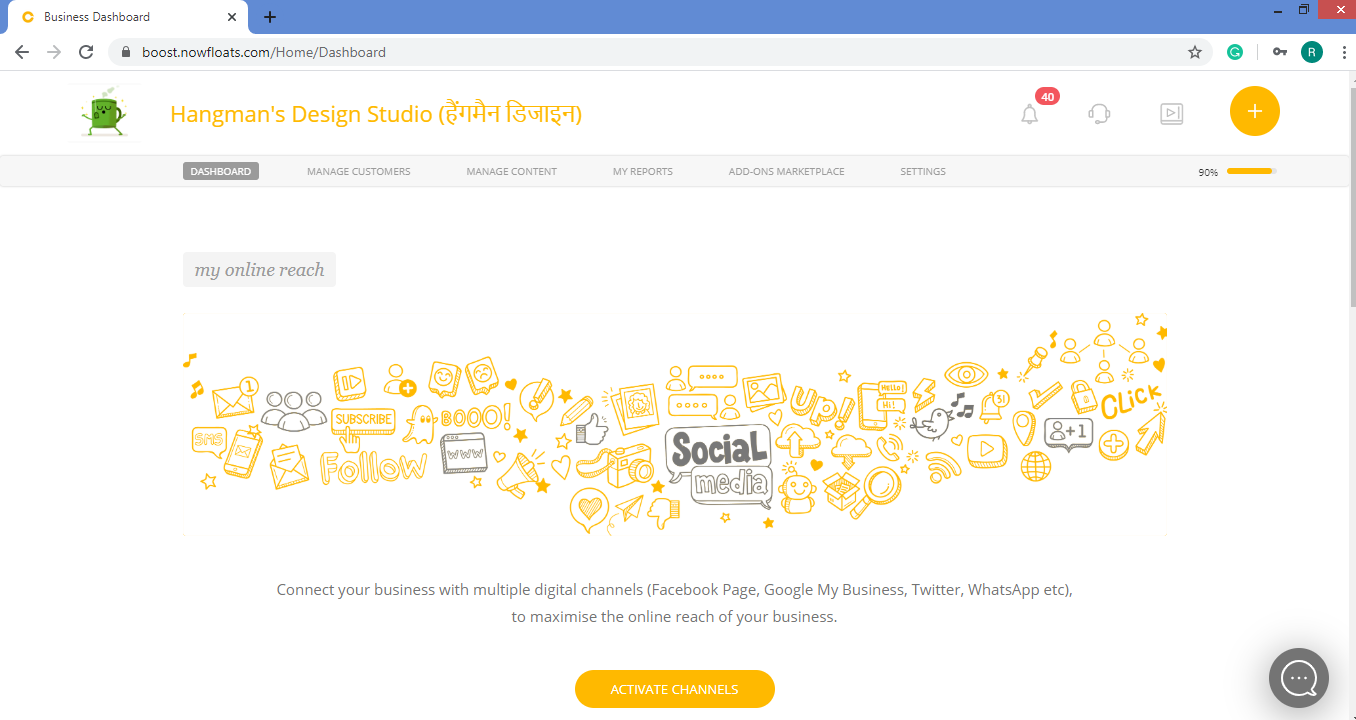
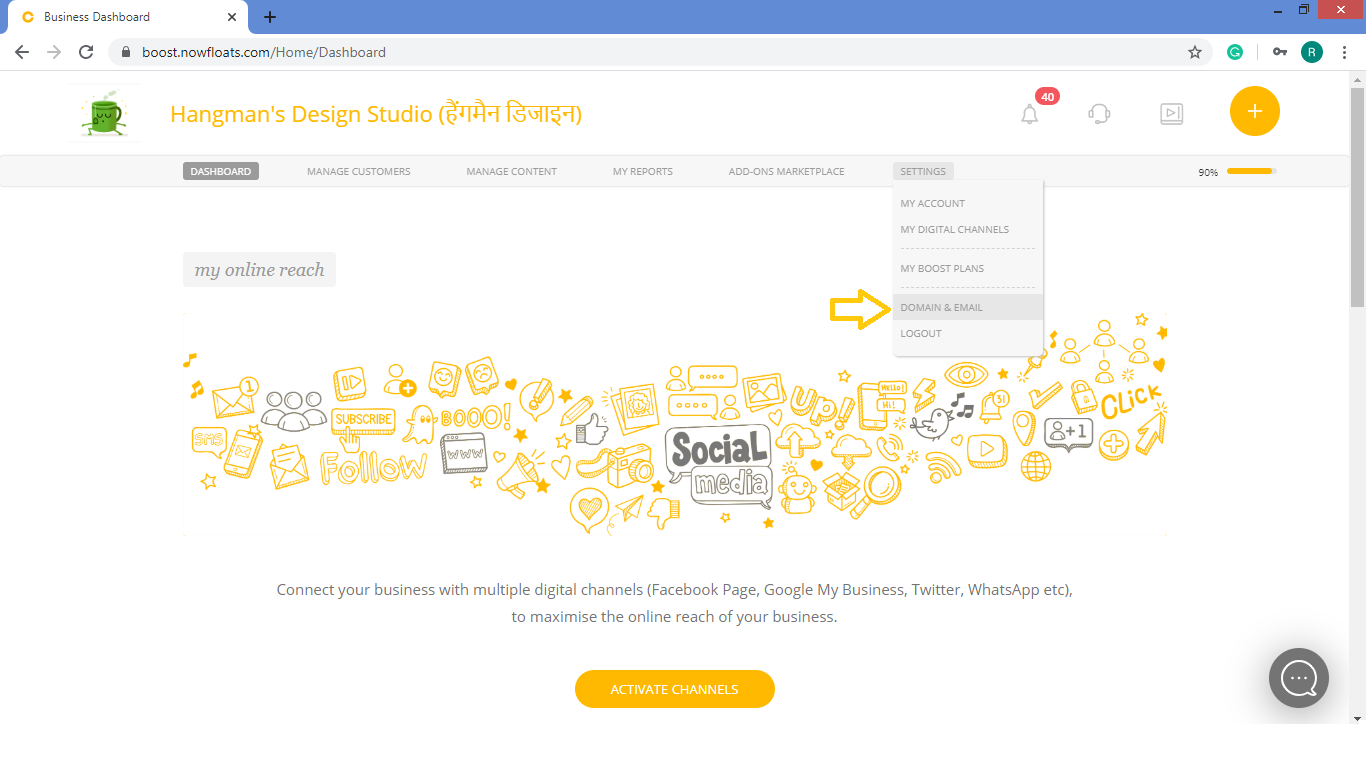
2. Go to Settings in the header menu and click Domain and Email.
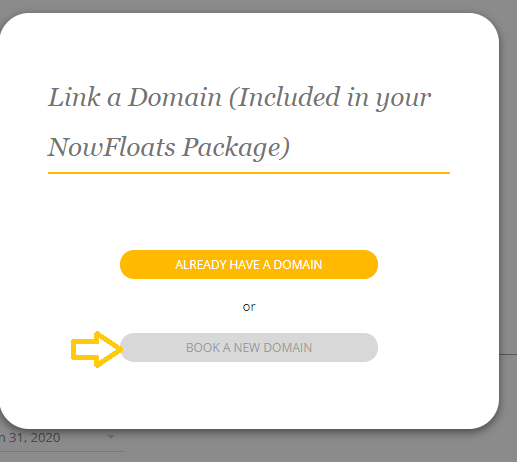
3. Click Book a New Domain.
4. Enter your Domain Name and select suffix from drop down menu.
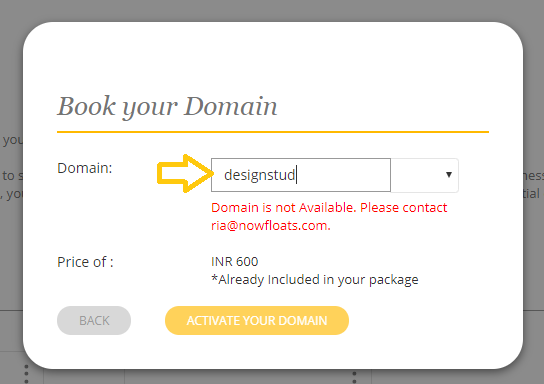
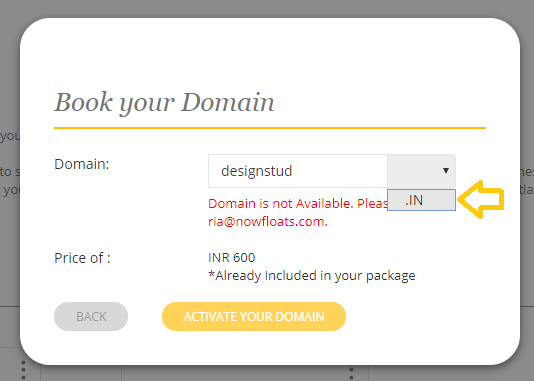
5. If the domain is available, click Activate Your Domain.
Note: If the domain is not available, go back to step 4 and try another domain or suffix.
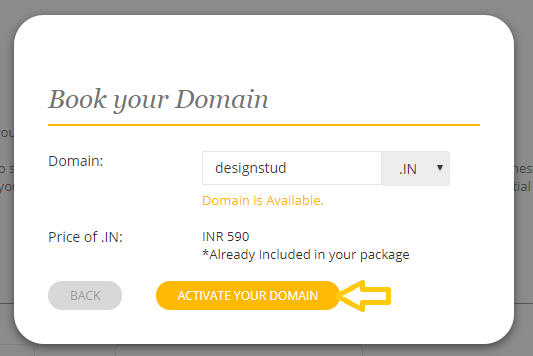
Important:
It may take up to 48 hours for your domain booking and once the domain is booked it will automatically connects to your Boost website.Once the domain is booked, you can not edit the spelling.
If you have made mistake then contact at 1860 123 1233 or ria@nowfloats.com.
Comments
0 comments
Please sign in to leave a comment.