
If you don’t have an active account and need some assistance, reach out to us for help!
To Contact Boost Support via Chat:
1.Go to Boost Login Page.
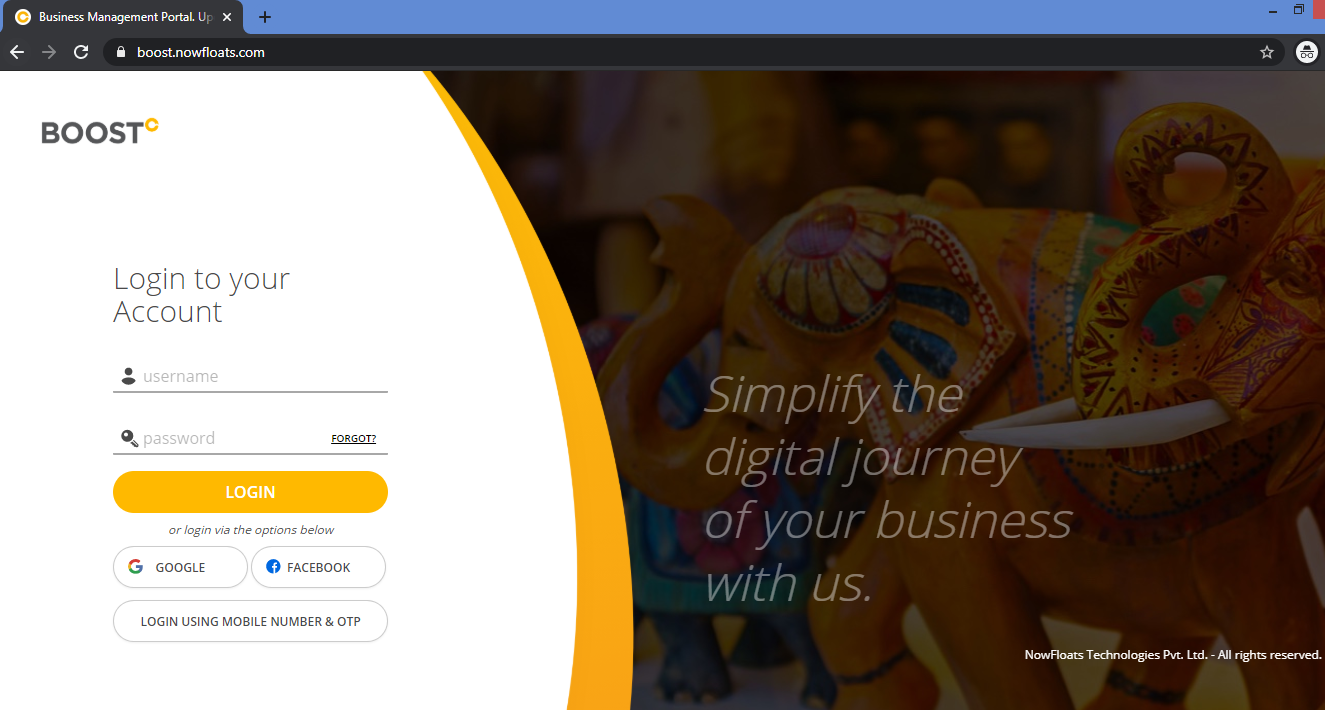
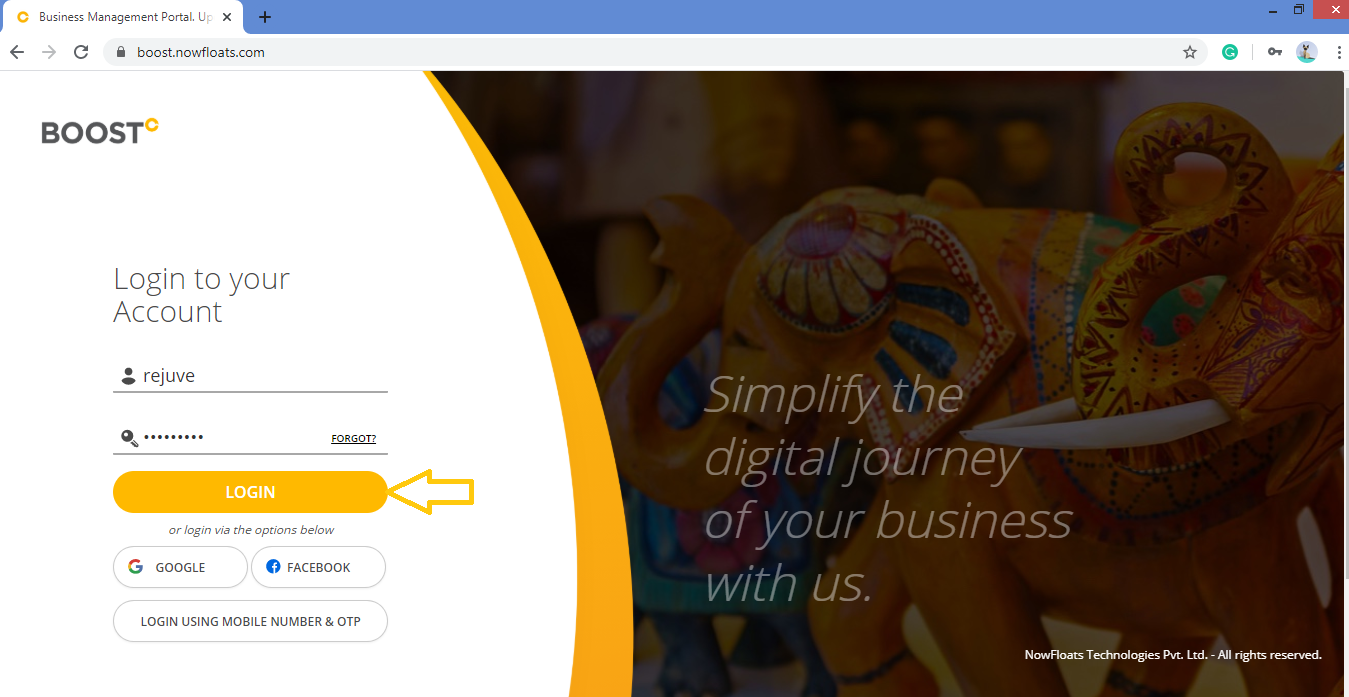
2. Enter your Username and Password and click Login.
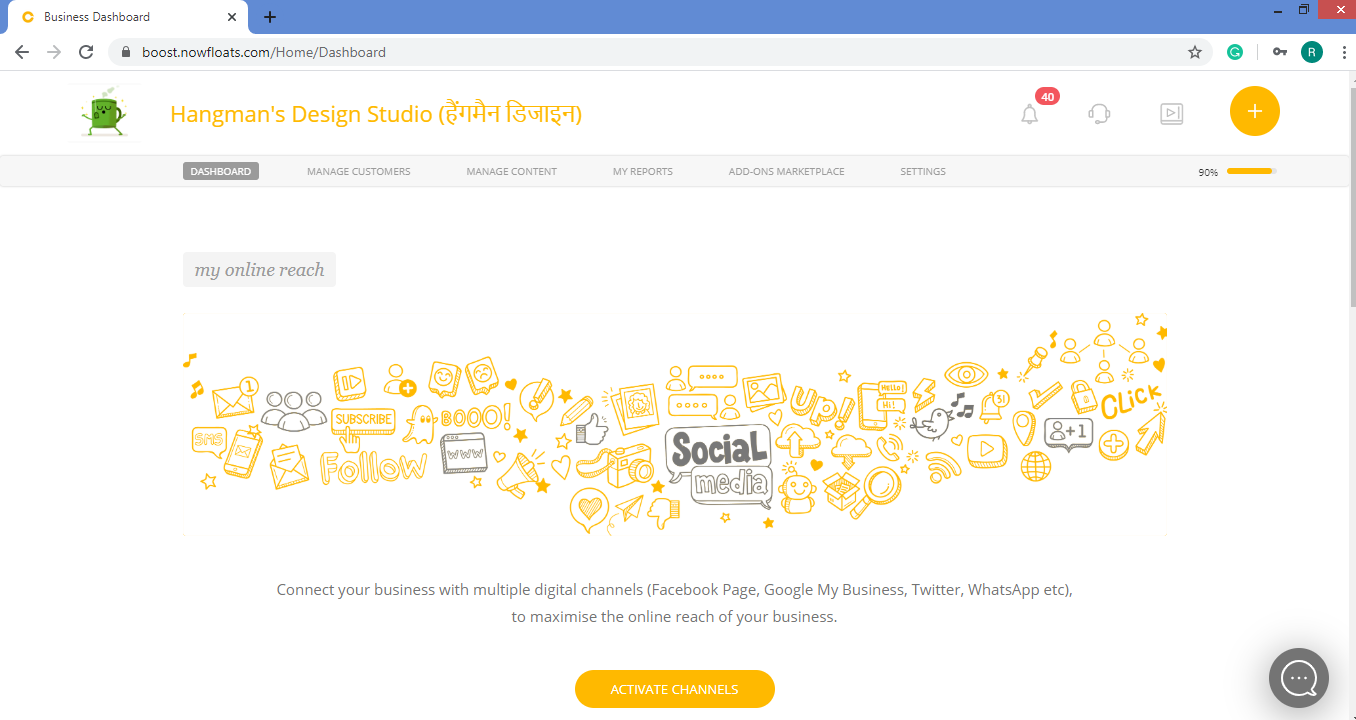
3. As soon as you log in, you can see the dashboard from where the entire business site can be managed.
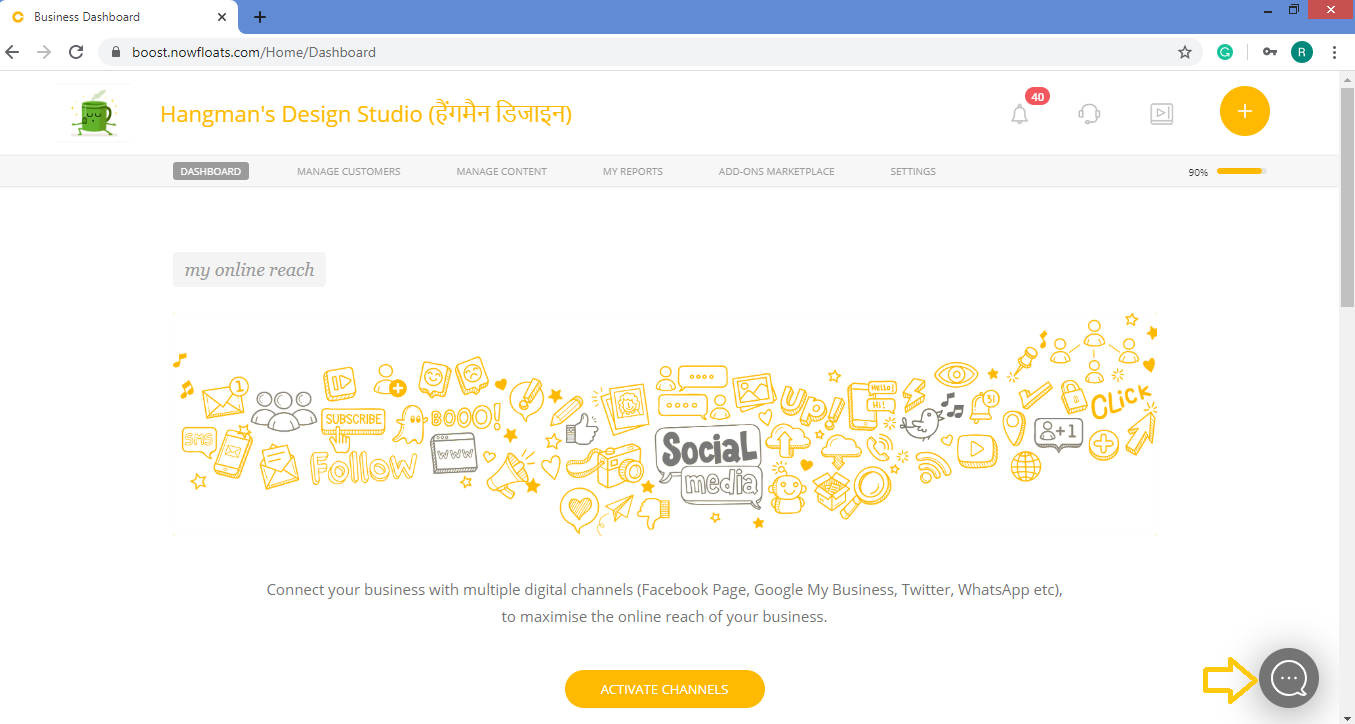
4. Click Chat Bot icon  in the right hand side corner of the footer section.
5. Click Yes.
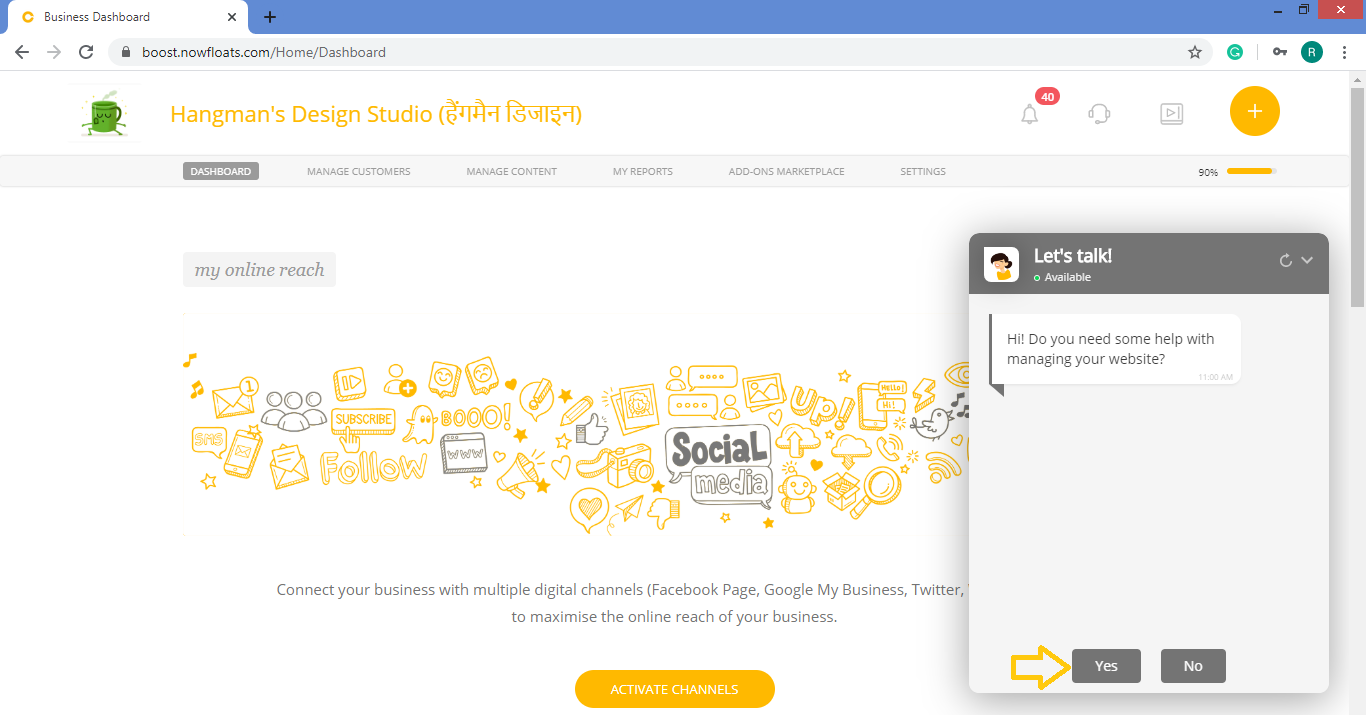
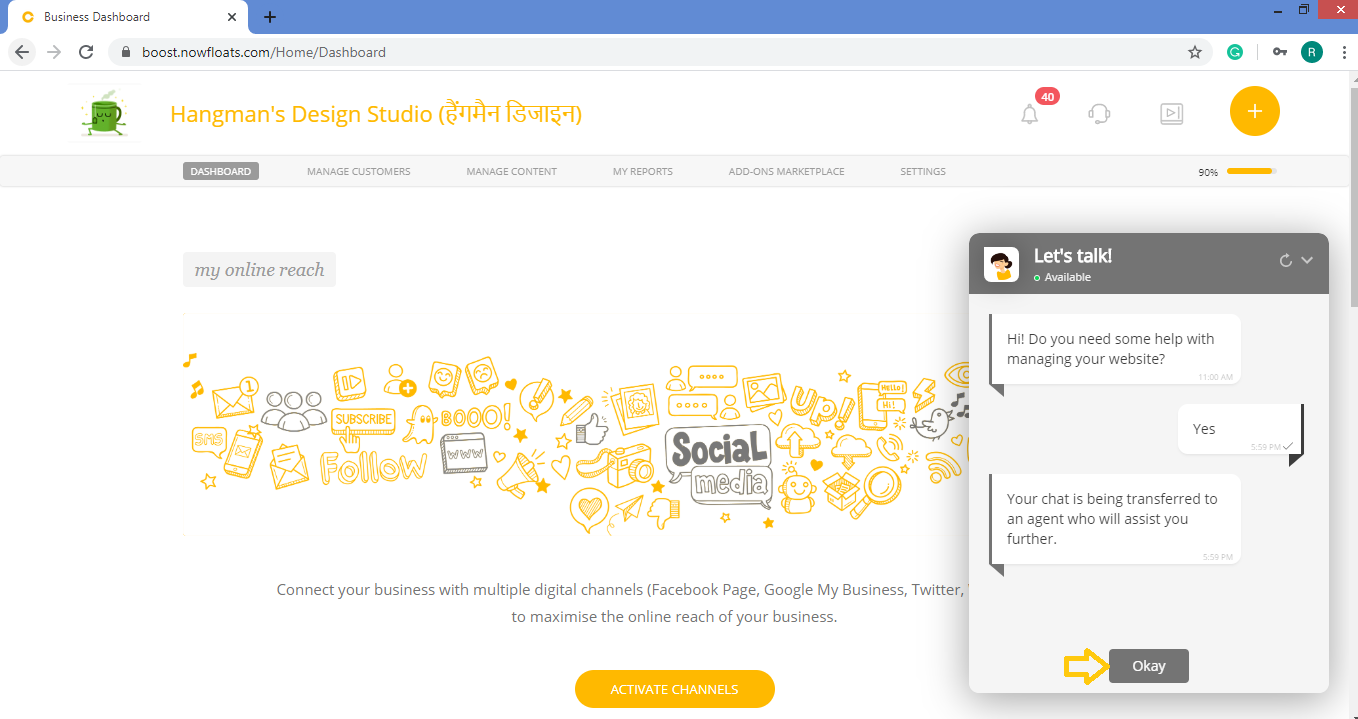
6. Click Okay to start conversation with our Chat Agent.
Comments
0 comments
Please sign in to leave a comment.