
To view analytics of your synced Facebook Page:
1. Go to Boost Login Page to login to Boost Web.

2. Enter your Username, Password and click Login.

3. As soon as you log in, you can see the dashboard from where the entire business site can be managed.Go to Reports in the header menu and click on Social.

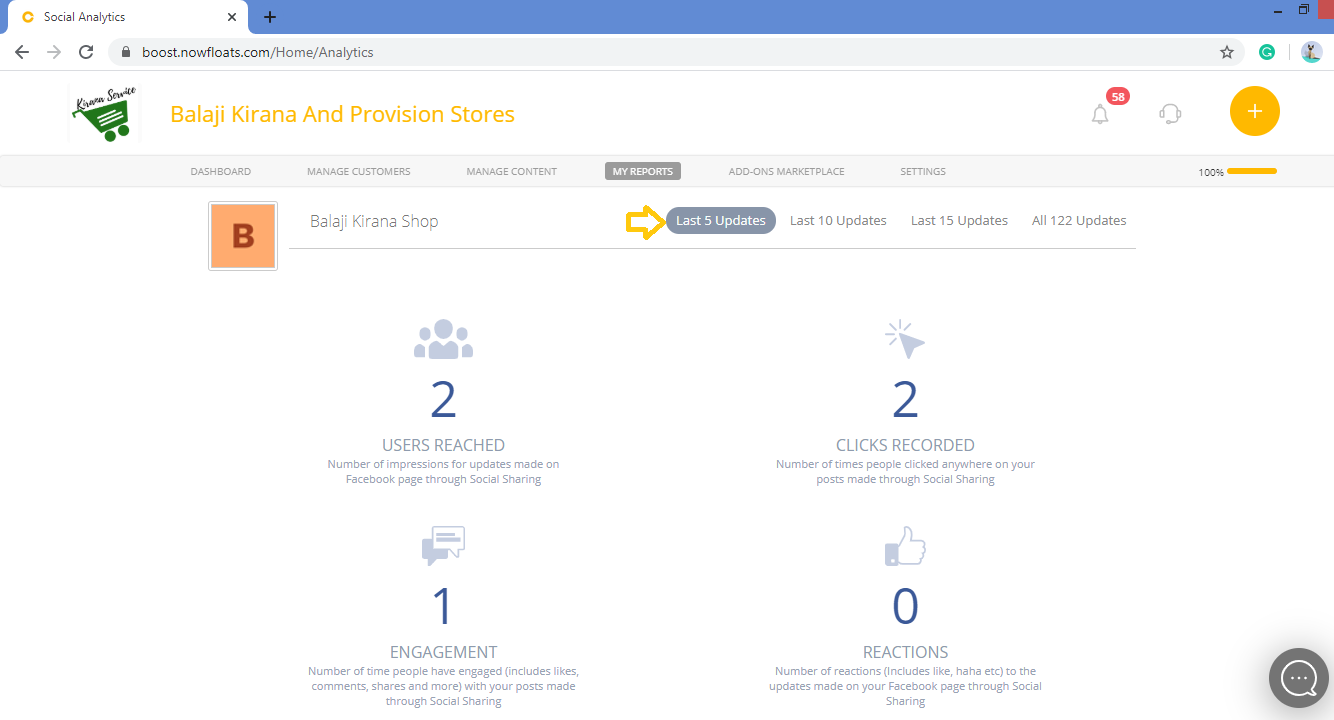
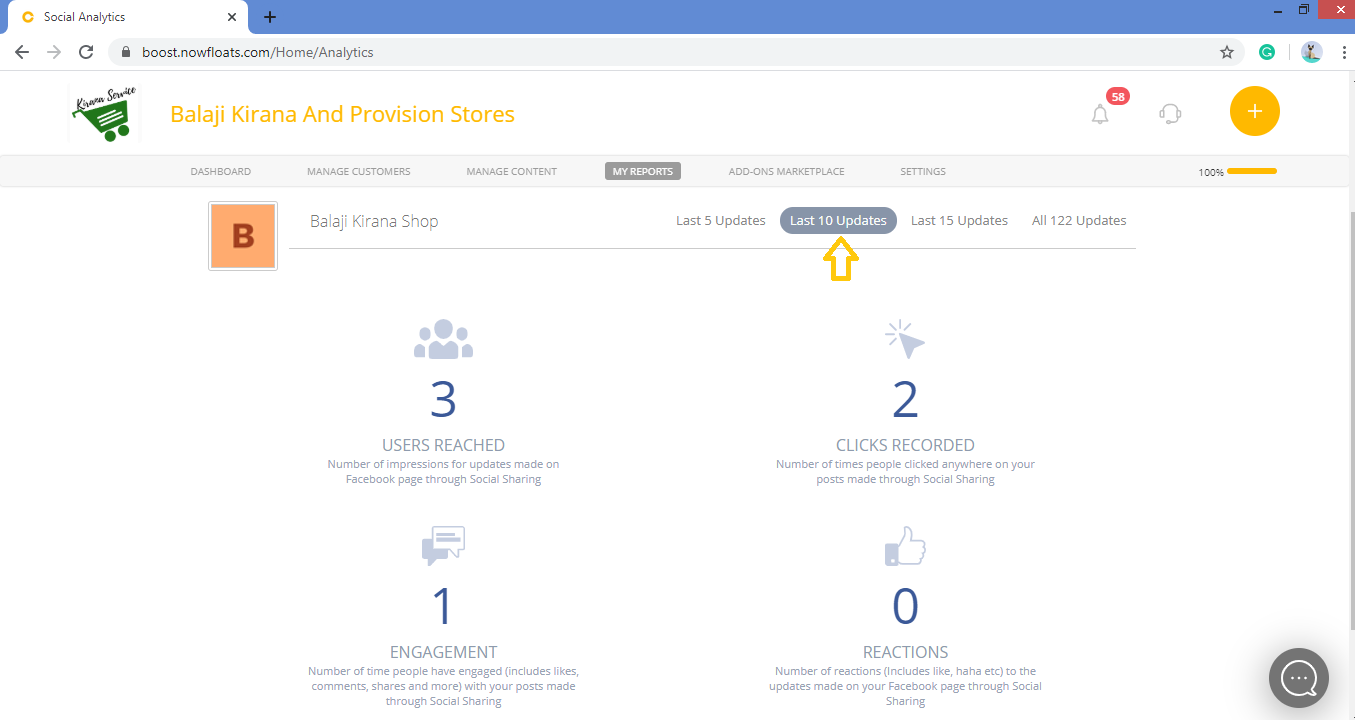
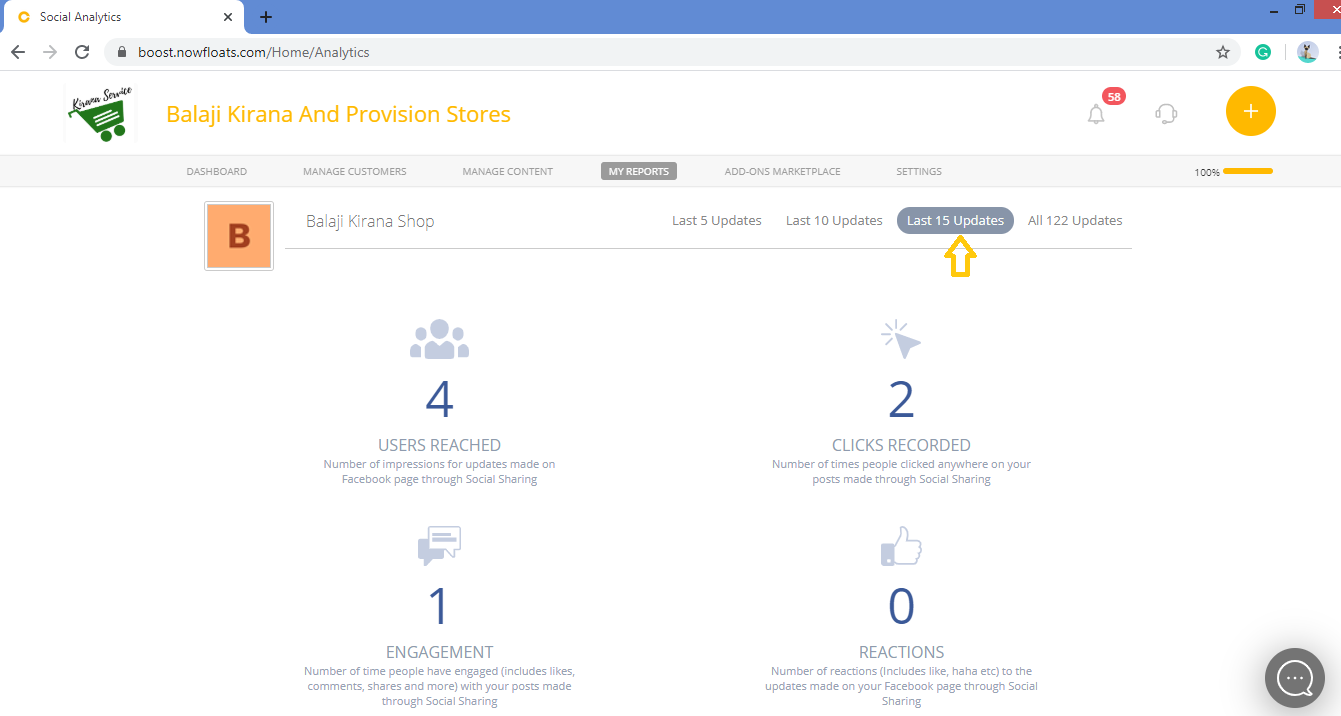
4. You can see Users Reached, Clicks Recorded, Engagement, Reactions of All updates posted on your Facebook page.

5. To see analytics of Last 5 Updates, Last 10 Updates and Last 15 Updates click on the individual tabs.
Comments
0 comments
Please sign in to leave a comment.