
To Change the Business Address of your website:
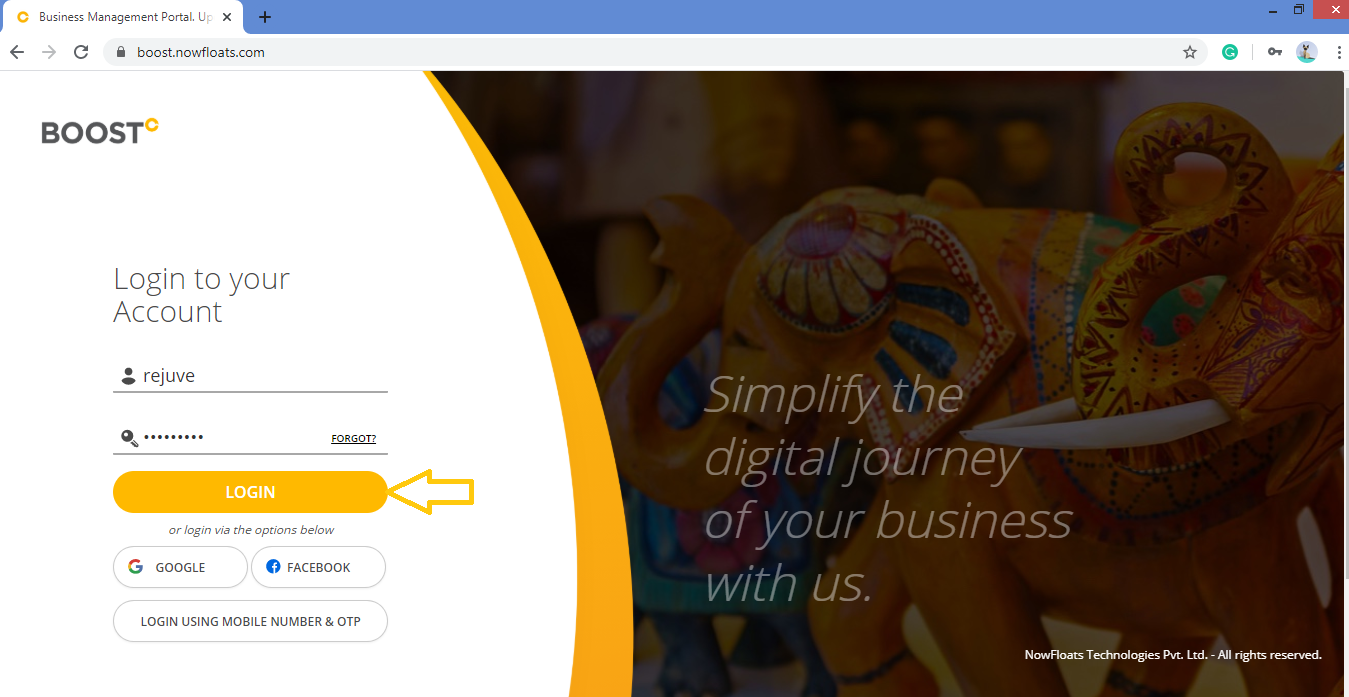
1. Go to Boost Login Page to login to Boost Web.

2. Enter your Username and Password and click on Login.
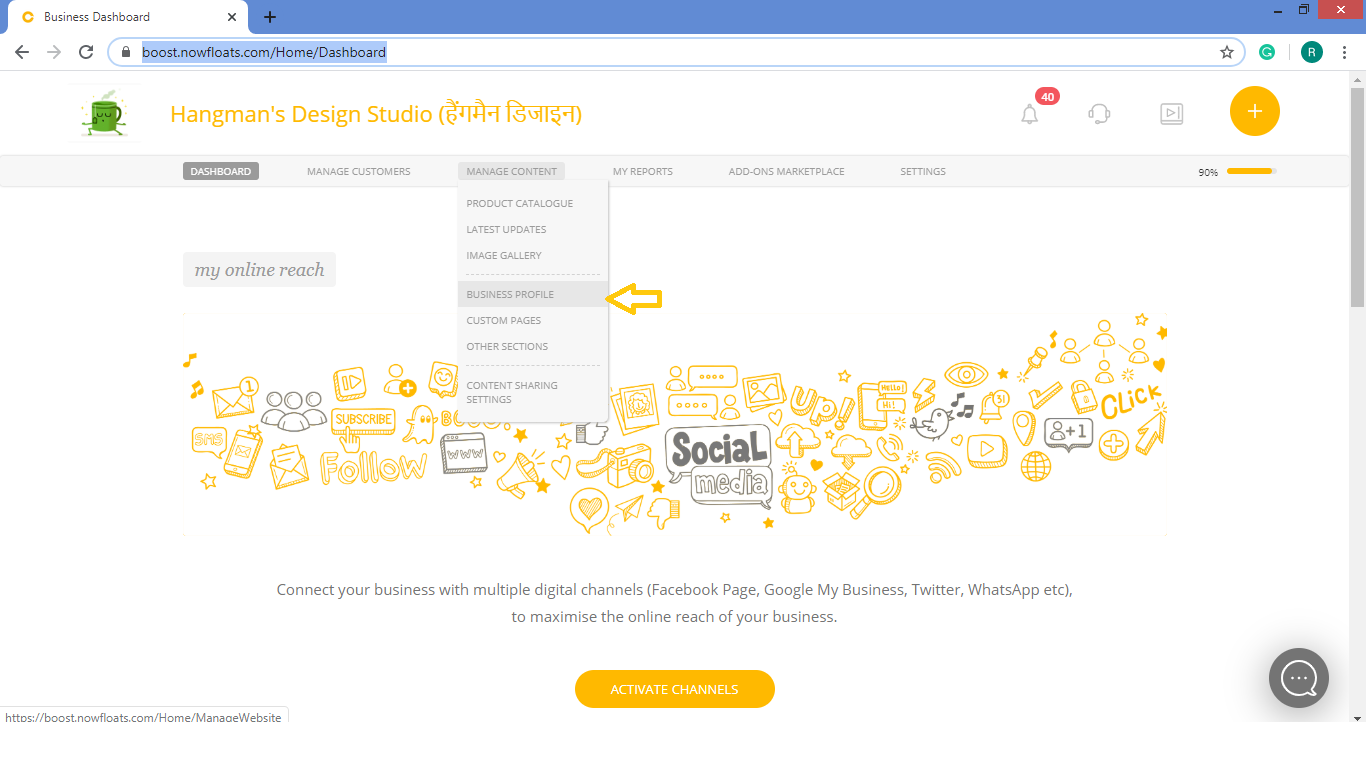
3. As soon as you log in, you can see the dashboard from where the entire business site can be managed.Go to Manage Content in the header menu and click on Business Profile.
4. Enter the new City name which you want to change next to the field of City.

5. Enter the new Pin-code which you want to change next to the field of Pin-Code.

6. Enter the new address which you want to change next to the field of Address.

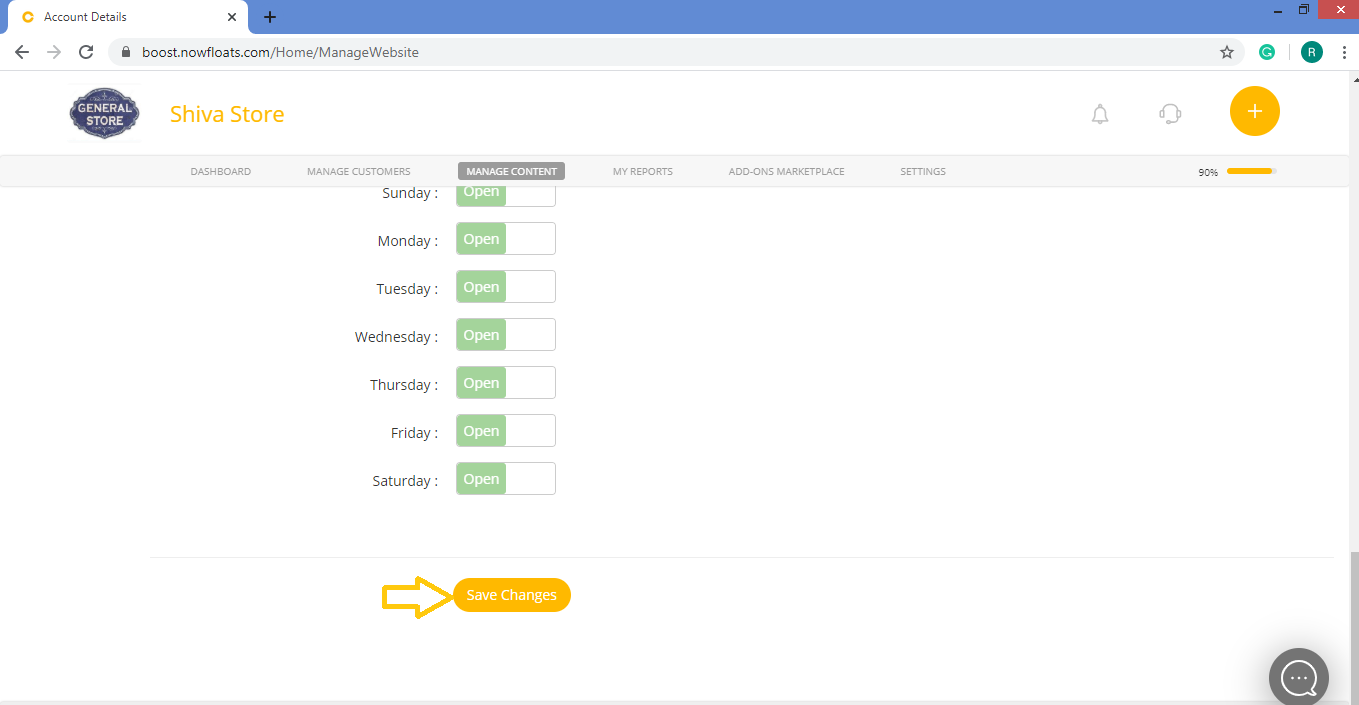
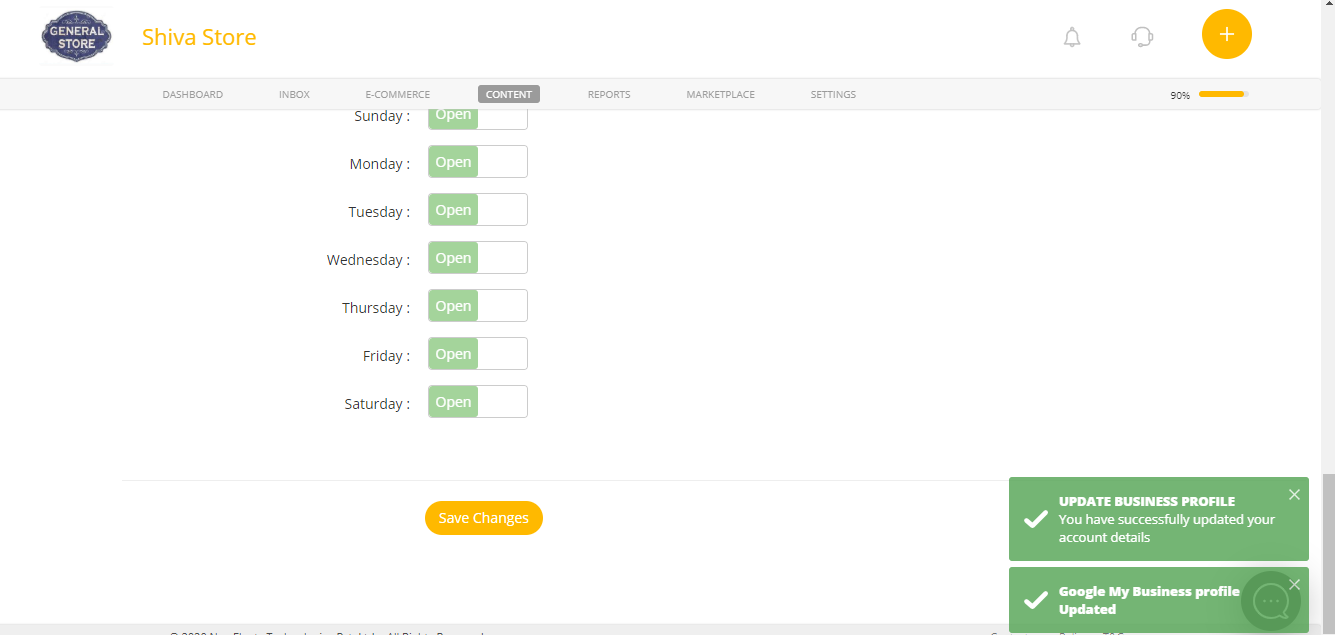
7. Scroll down and click Save Changes.
Comments
0 comments
Please sign in to leave a comment.