
To install Marketplace Add-on Application:
1. Go to your dashboard.
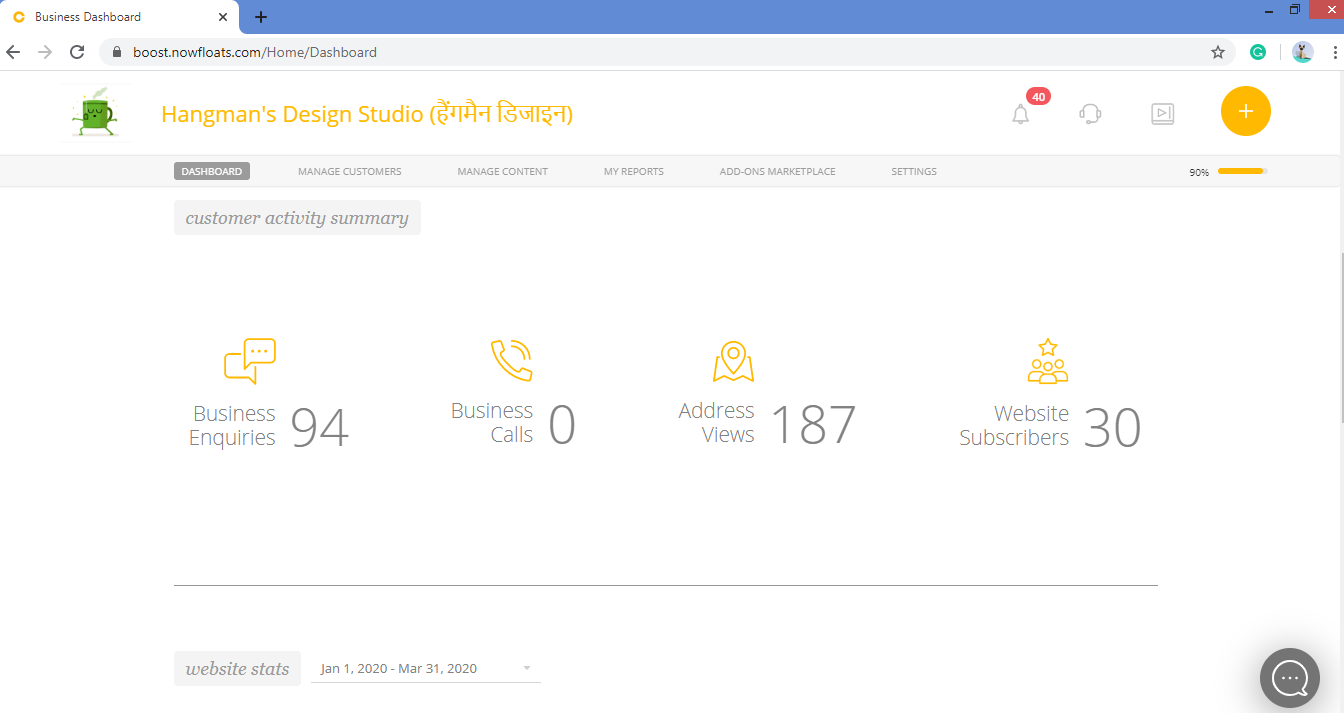
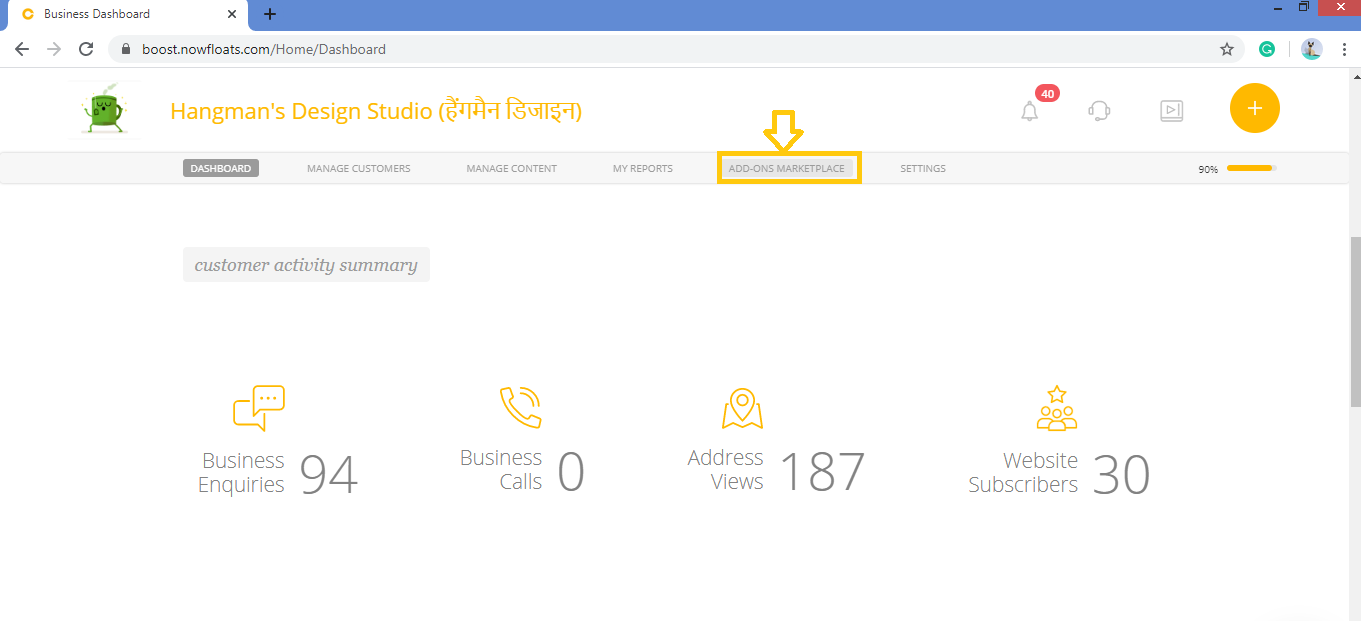
2. Click on Add-Ons Marketplace in the header menu.
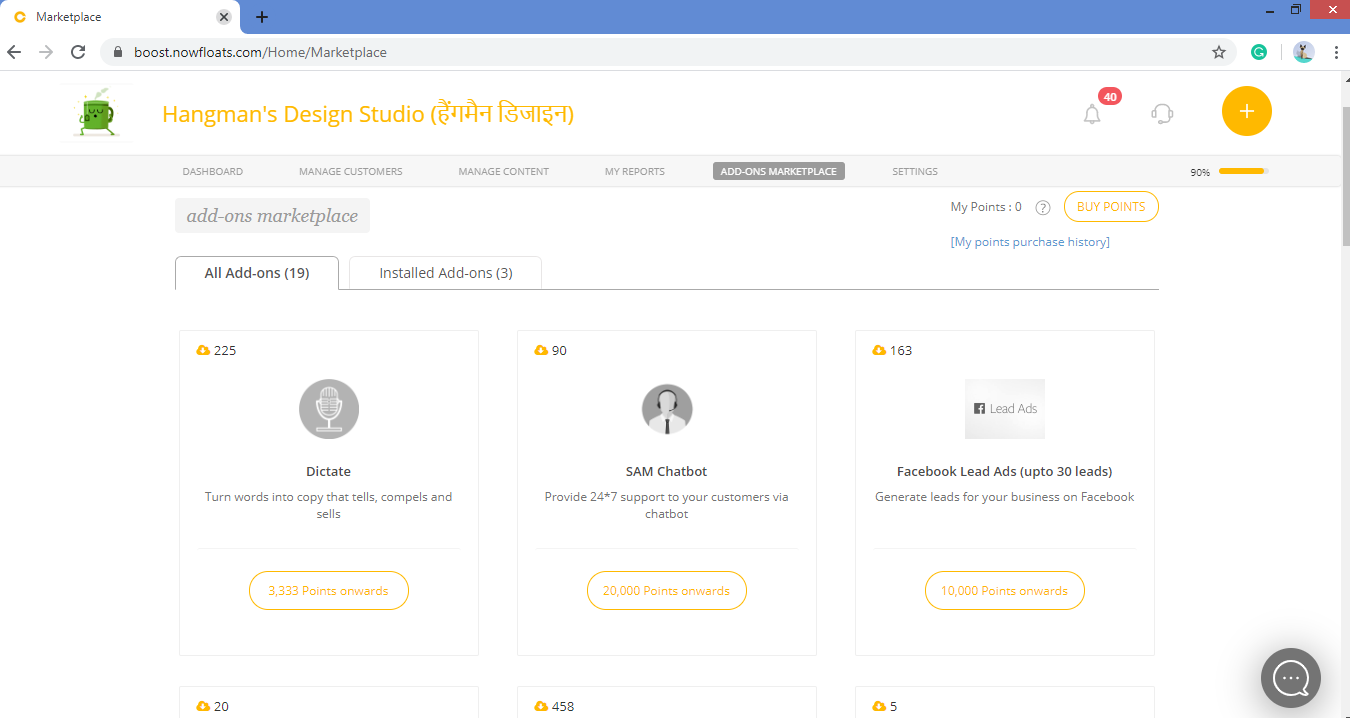
3. Look for the application which you want to install from the list of cards.
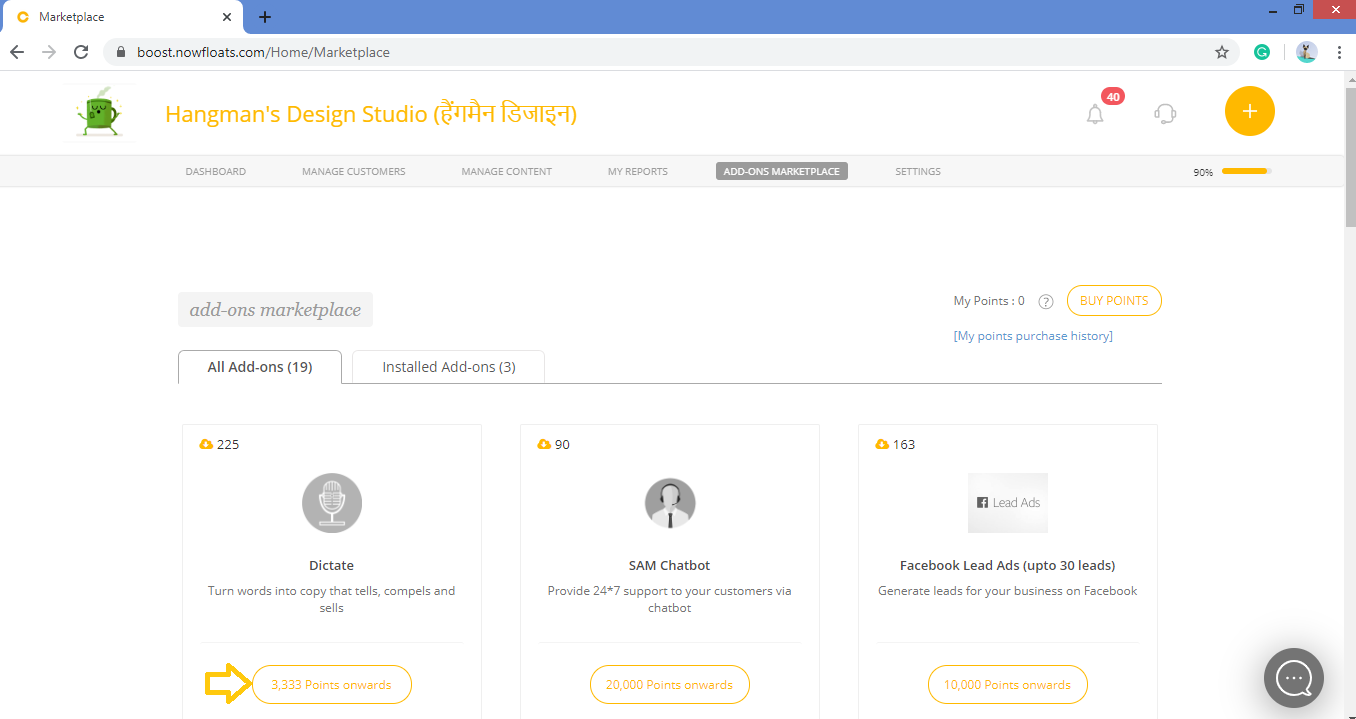
4. Click on the Points tab of the desired application card.
5. If you have sufficient points in your wallets then click on Subscribe Now which will install your application.
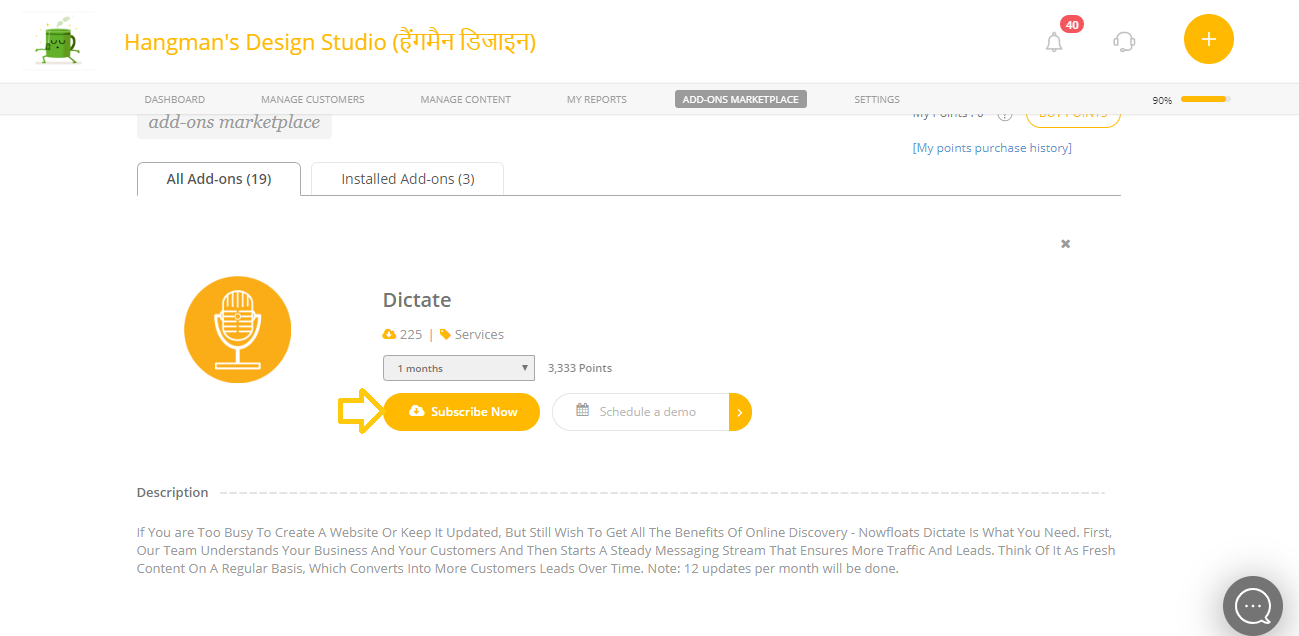
If you don't have sufficient points then click here to learn more about how to add points to your Boost wallet.
Comments
0 comments
Please sign in to leave a comment.