
To sync your Twitter Page with Boost:
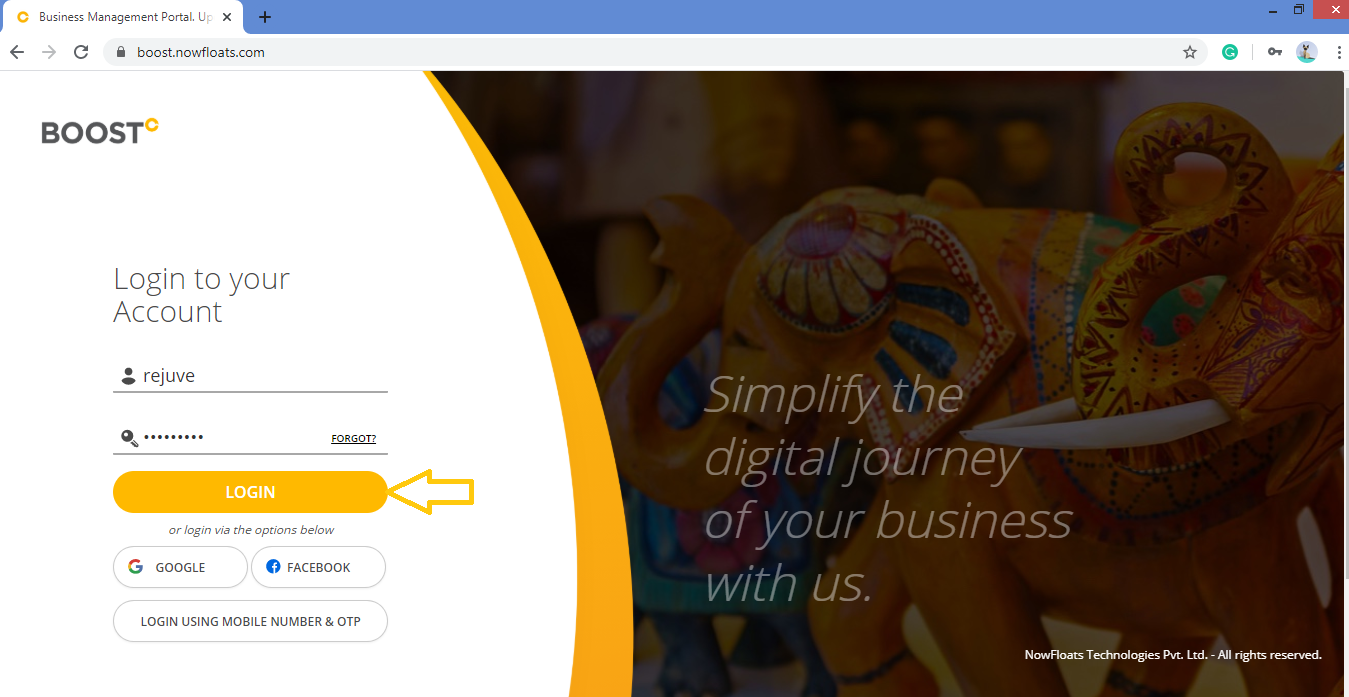
1. Go to Boost Login Page to login to Boost Web.

2. Enter your Username, Password and click Login.
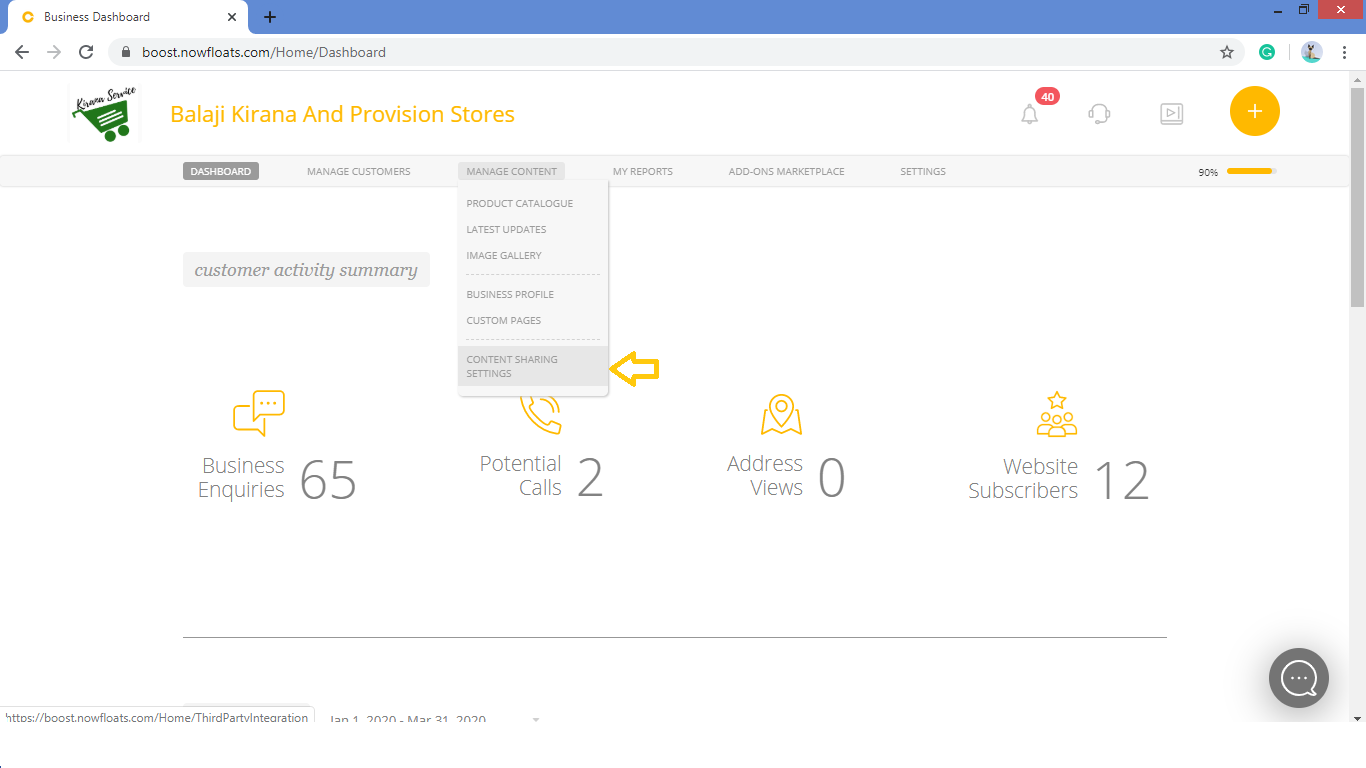
3. As soon as you log in, you can see the dashboard from where the entire business site can be managed.Go to Manage Content in the header menu and click on Content Sharing Settings.
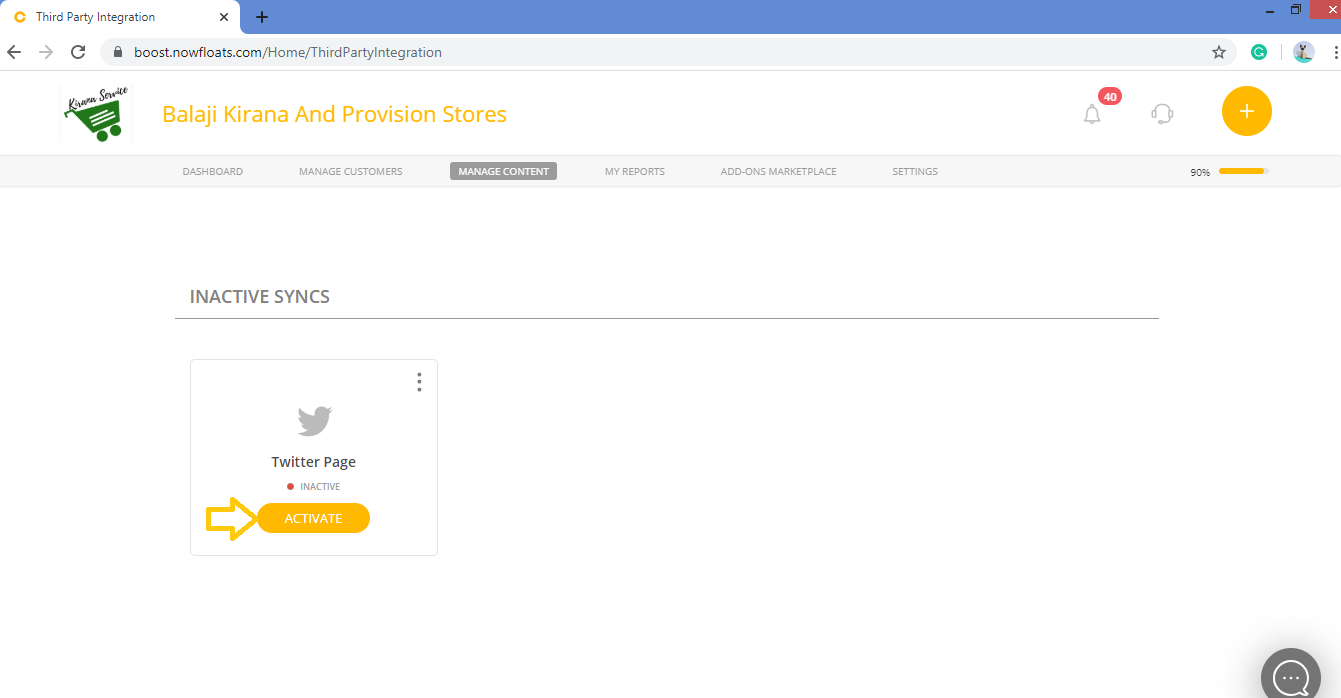
4. Look for the Twitter Page card and connect it by clicking on Activate Sync.
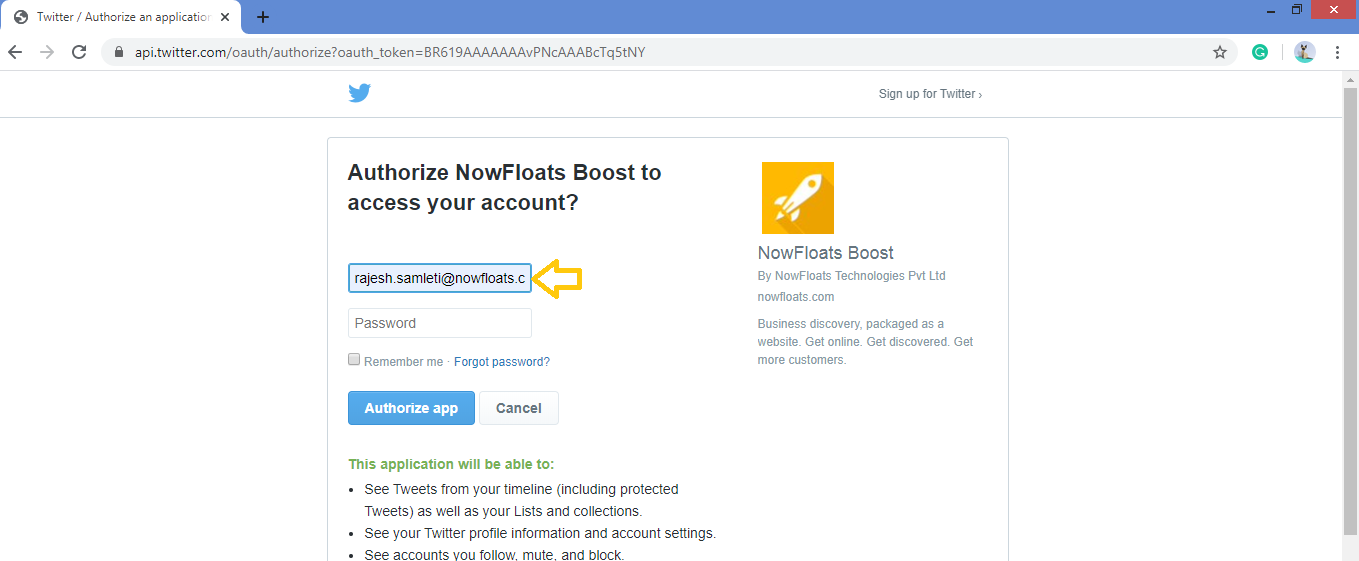
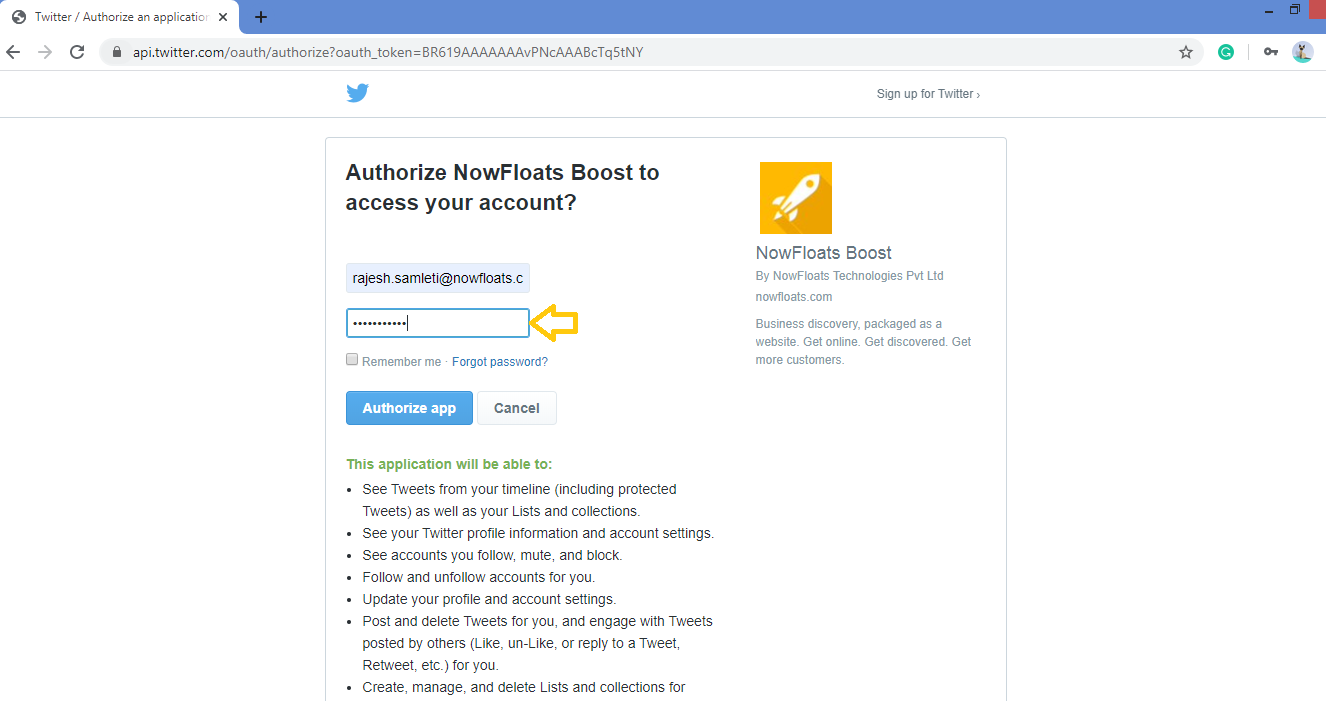
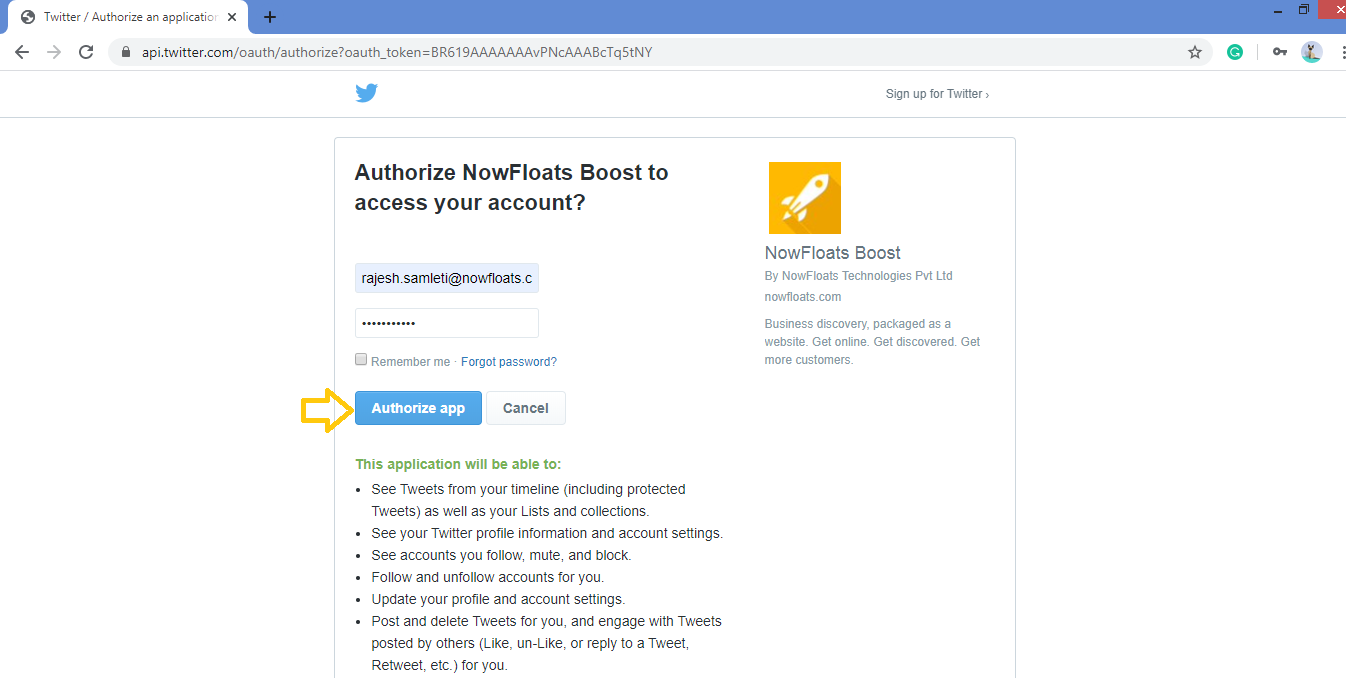
5. Simply enter the Username and Password registered with your Twitter account and click Authorize App in the window.
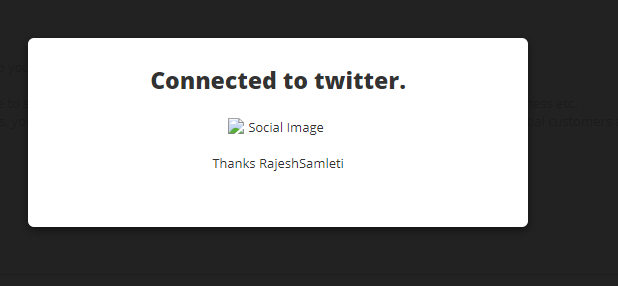
Step 6: It's done you will get below confirmation pop up.
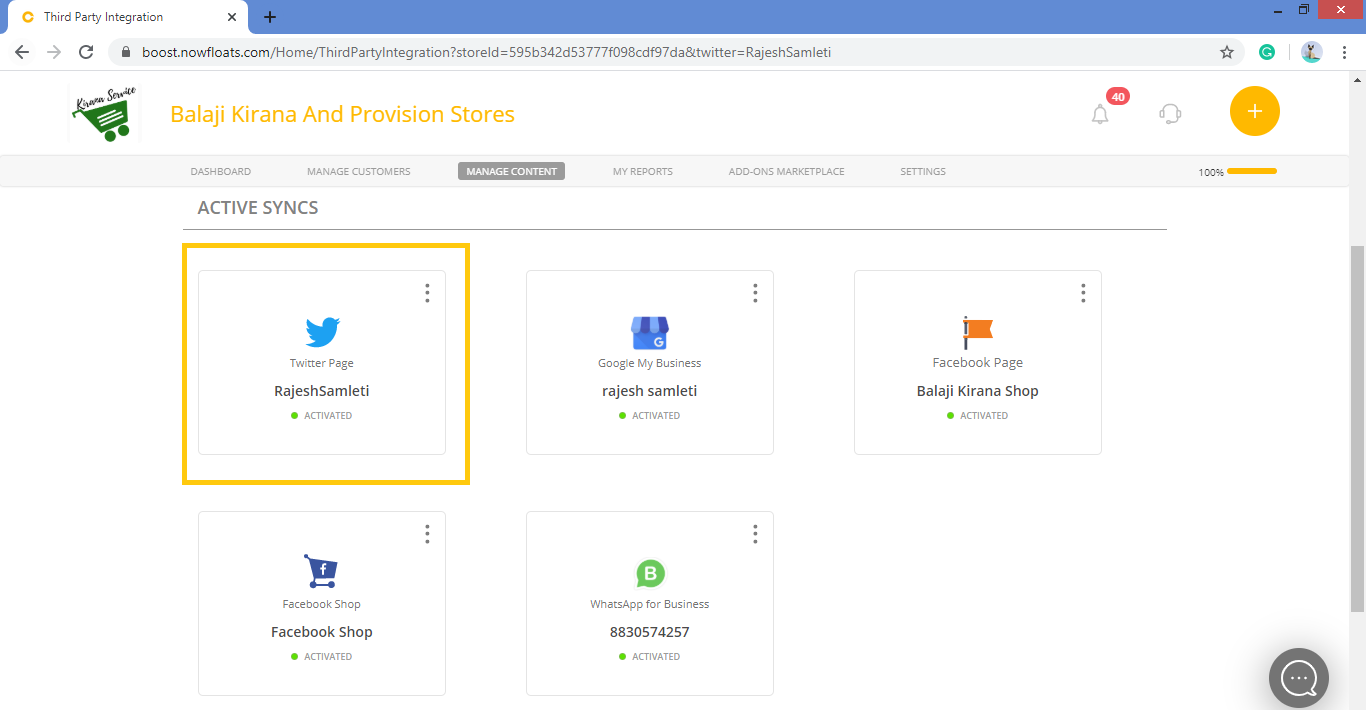
Once Twitter Page is synced with Boost, you can share your updates on your Twitter Page.
Comments
0 comments
Please sign in to leave a comment.