
To check site health of your website:
1. Go to your dashboard.
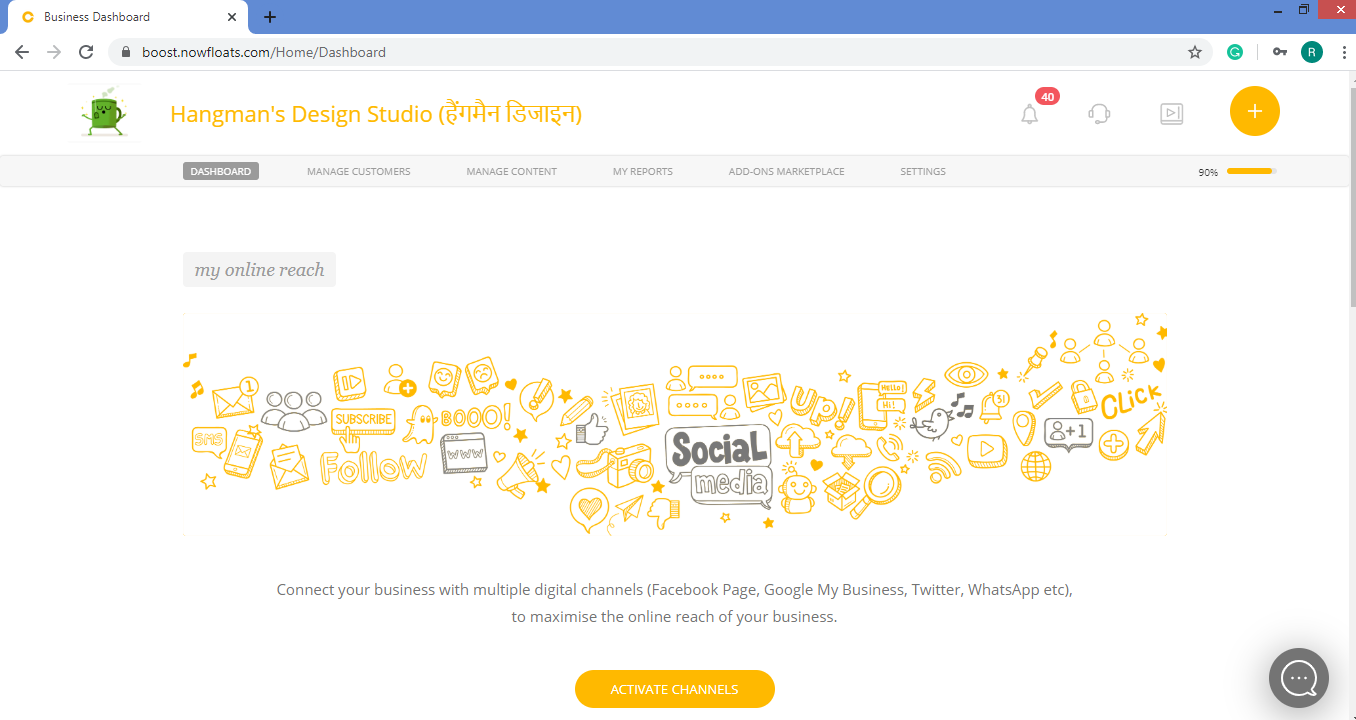
2. Click Horizontal Orange Bar  below the
  icon.
icon.

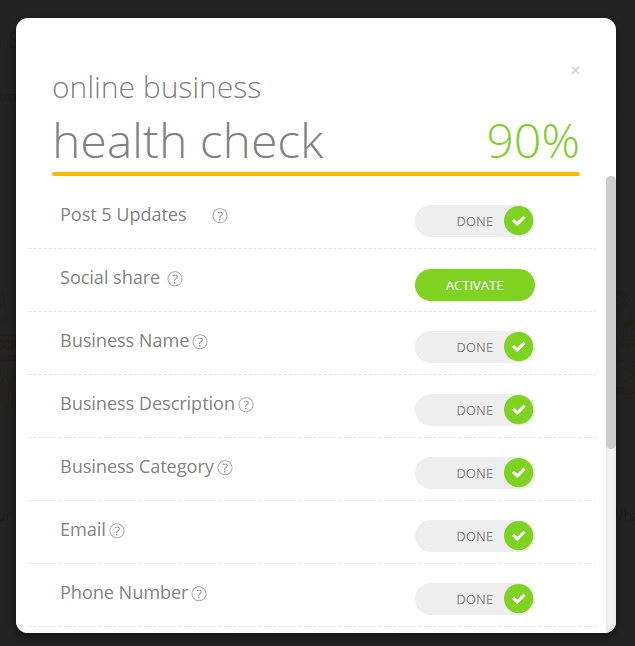
3. Make sure you will complete activation of all the features available in the pop up, once all options are activated your site health will become 100%.
Click Activate to complete the activation of that feature.
Important:
To see the results of your website on search engines make sure your site health must be 90%.
Comments
0 comments
Please sign in to leave a comment.