
To check total number of Subscriber's of your website:
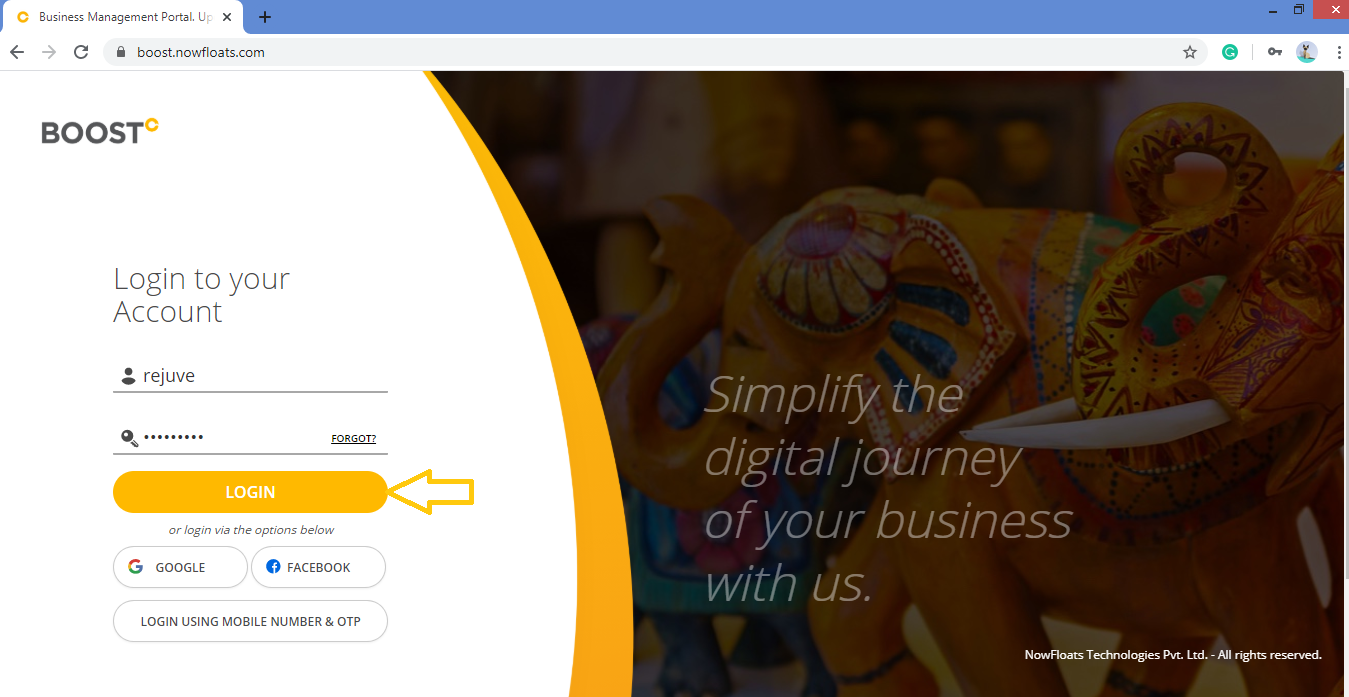
1. Go to Boost Login Page to login to Boost Web.

2. Enter your Username and Password and click on Login.
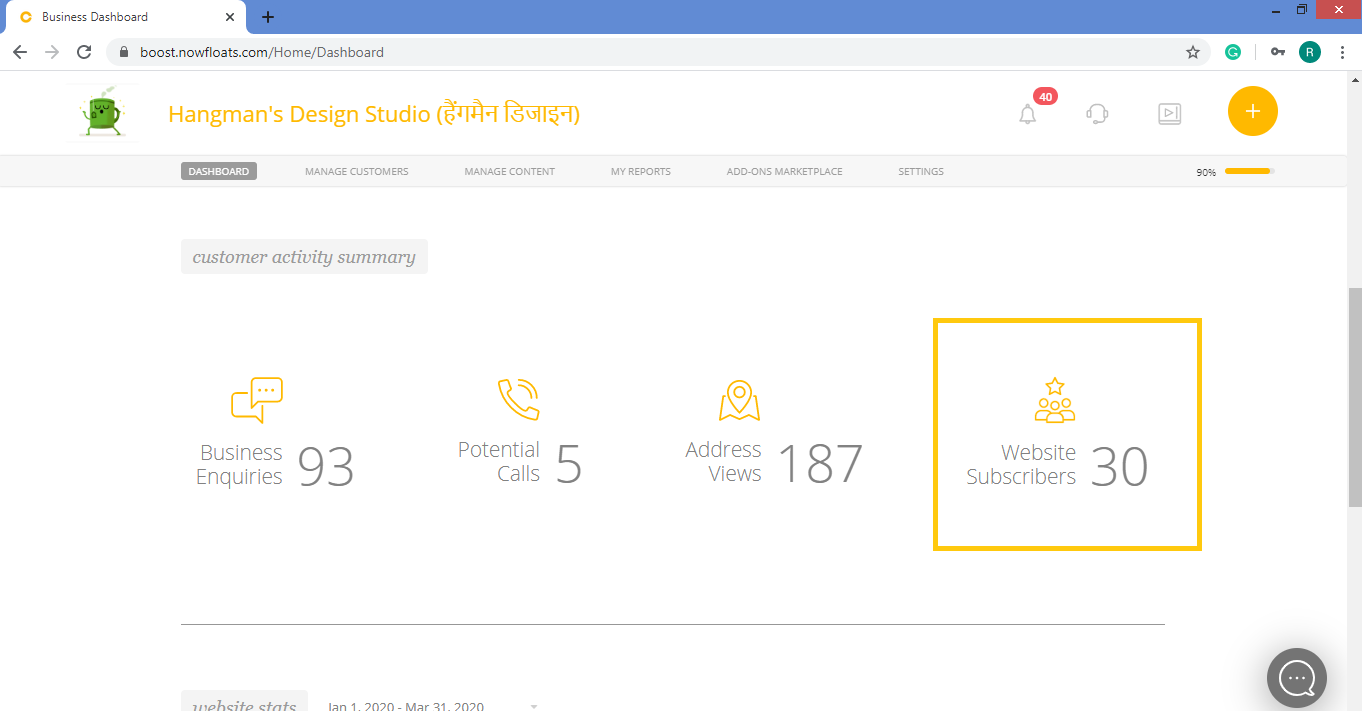
3. As soon as you log in, you can see the dashboard from where the entire business site can be managed.In the Customer Activity Summary section look for Website Subscribers.
Tip: Click here to learn how to manage your subscribers.
Comments
0 comments
Please sign in to leave a comment.