
Step by Step guide to check Active Social Sync's in Social Sharing.
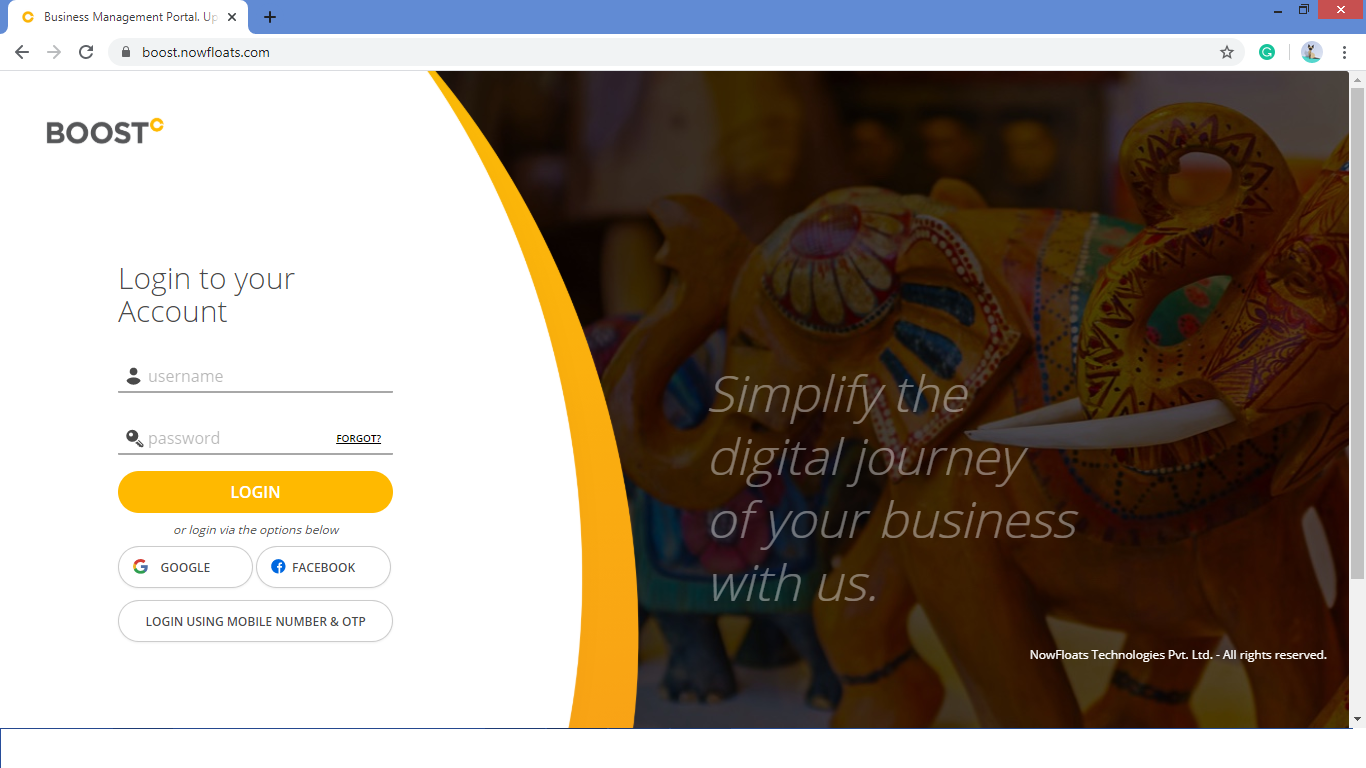
Step 1- Open https://boost.nowfloats.com in your browser which will navigate to login page of Boost.
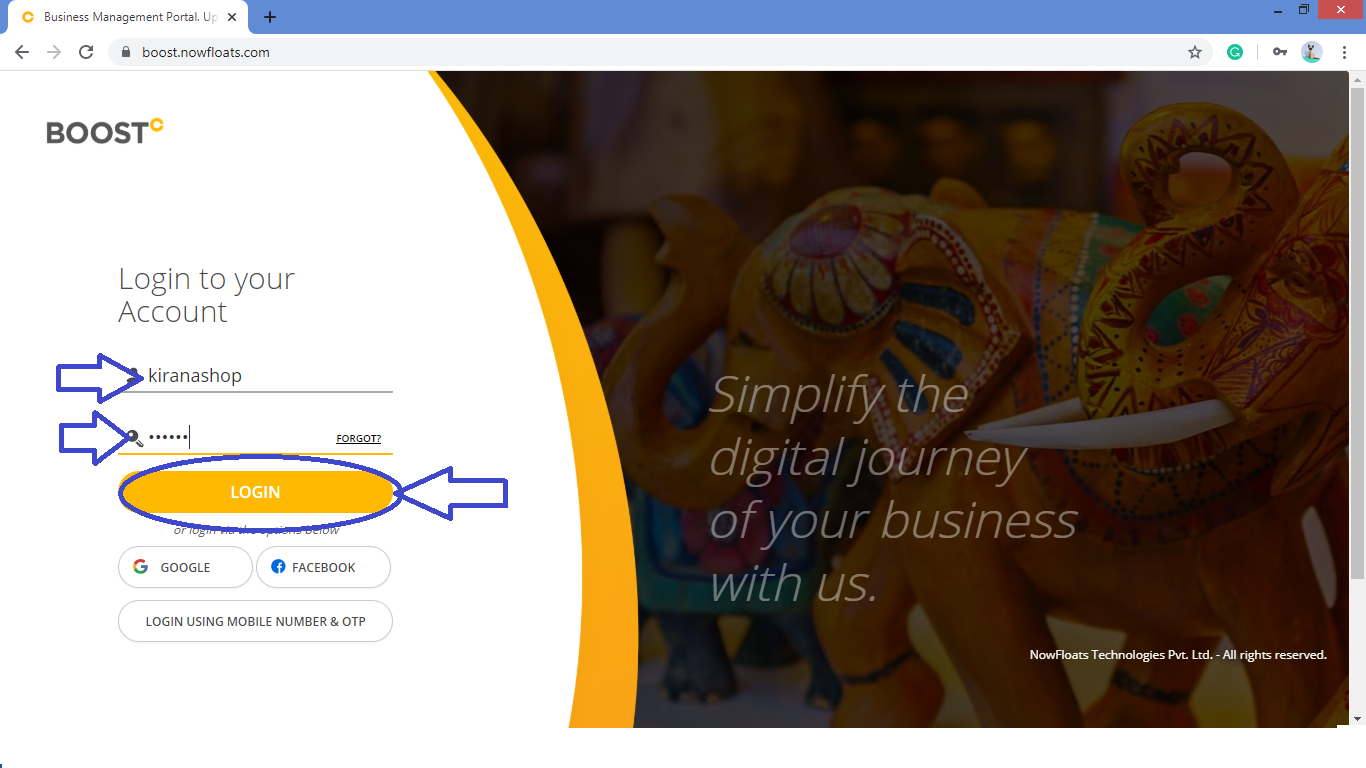
Step 2- Enter your Boost "Username" and "Password" click on "Login" button.
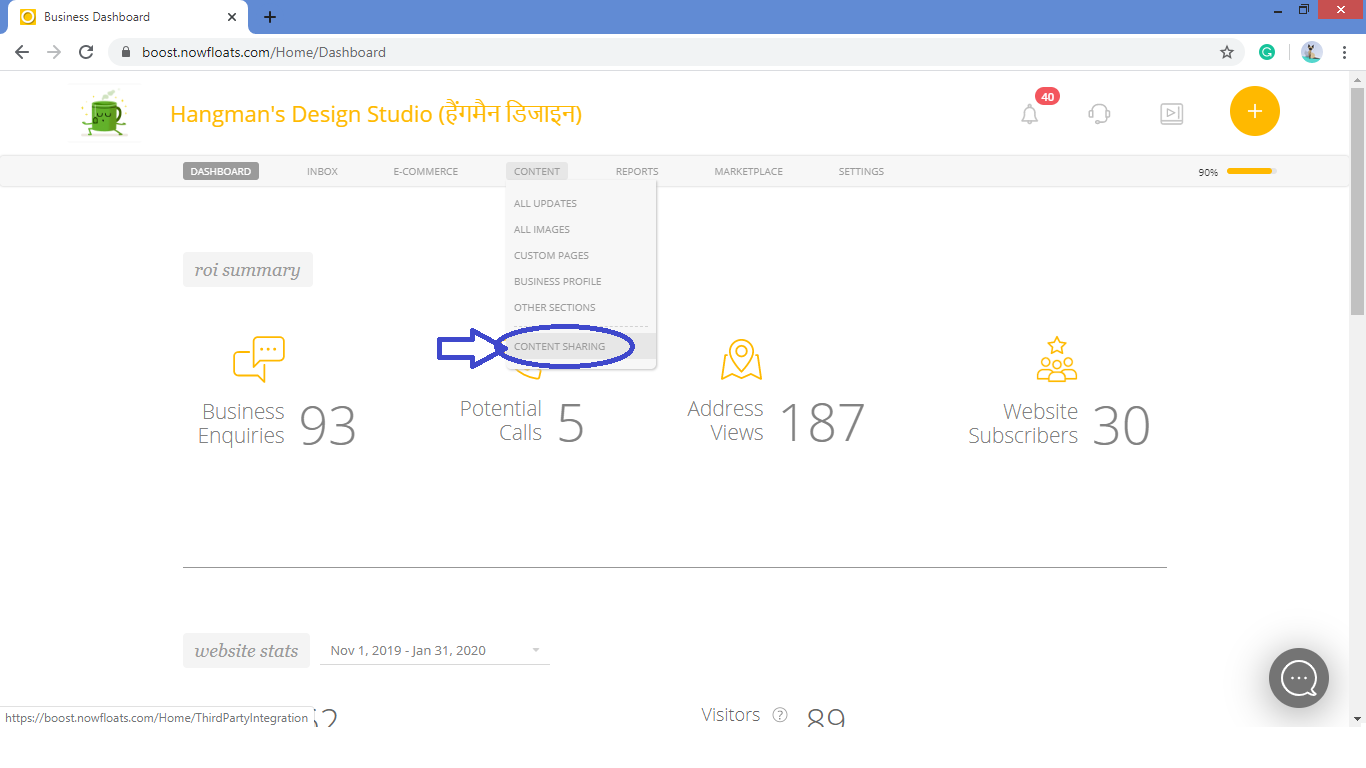
Step 3- You will be navigated to the dashboard of the Boost. Go to "Content" in the Header Menu and click on "Content Sharing"
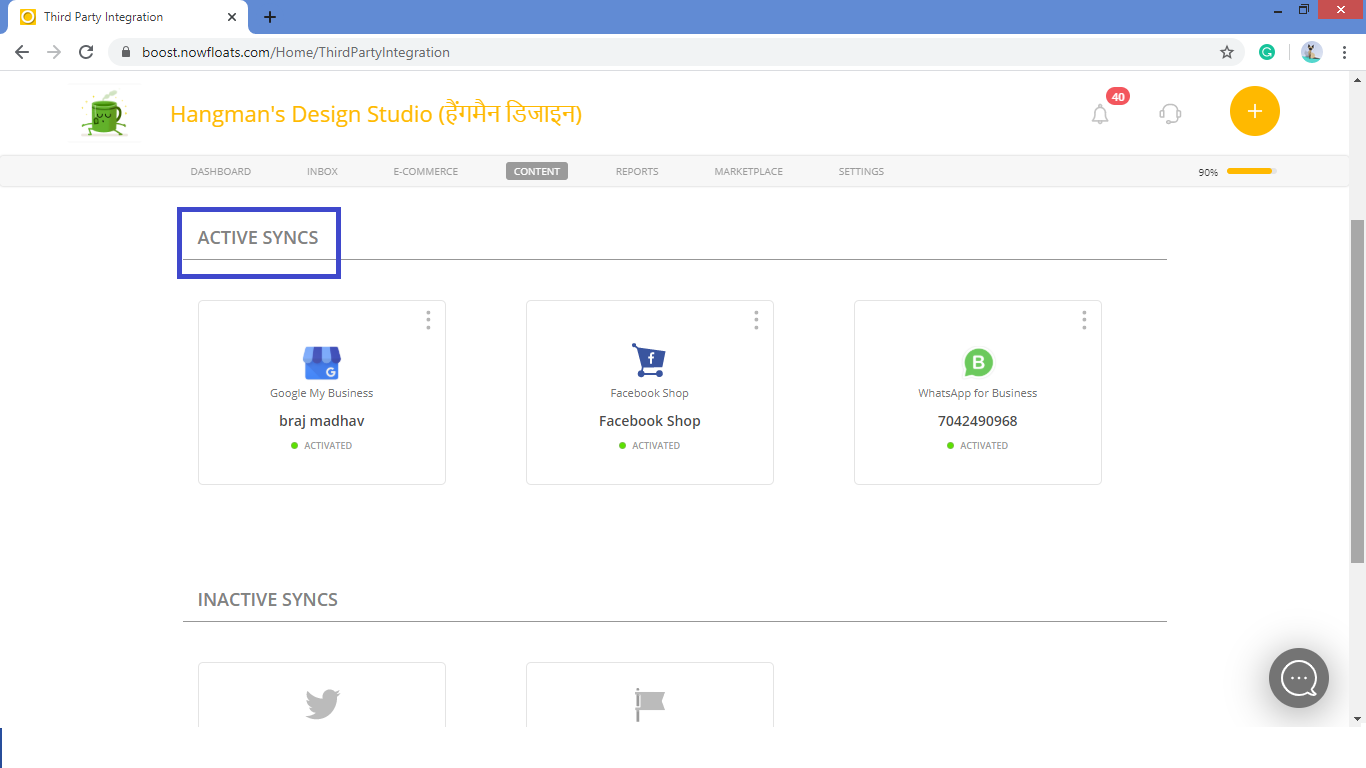
Step 4- Scroll the Page to see the "Active Syncs" where you can Manage Social Sharing Connections.
Comments
0 comments
Please sign in to leave a comment.