
To post an update on your website and social platforms:
1. Go to Boost Login Page to login to Boost Web.

2. Enter your Username, Password and click Login.

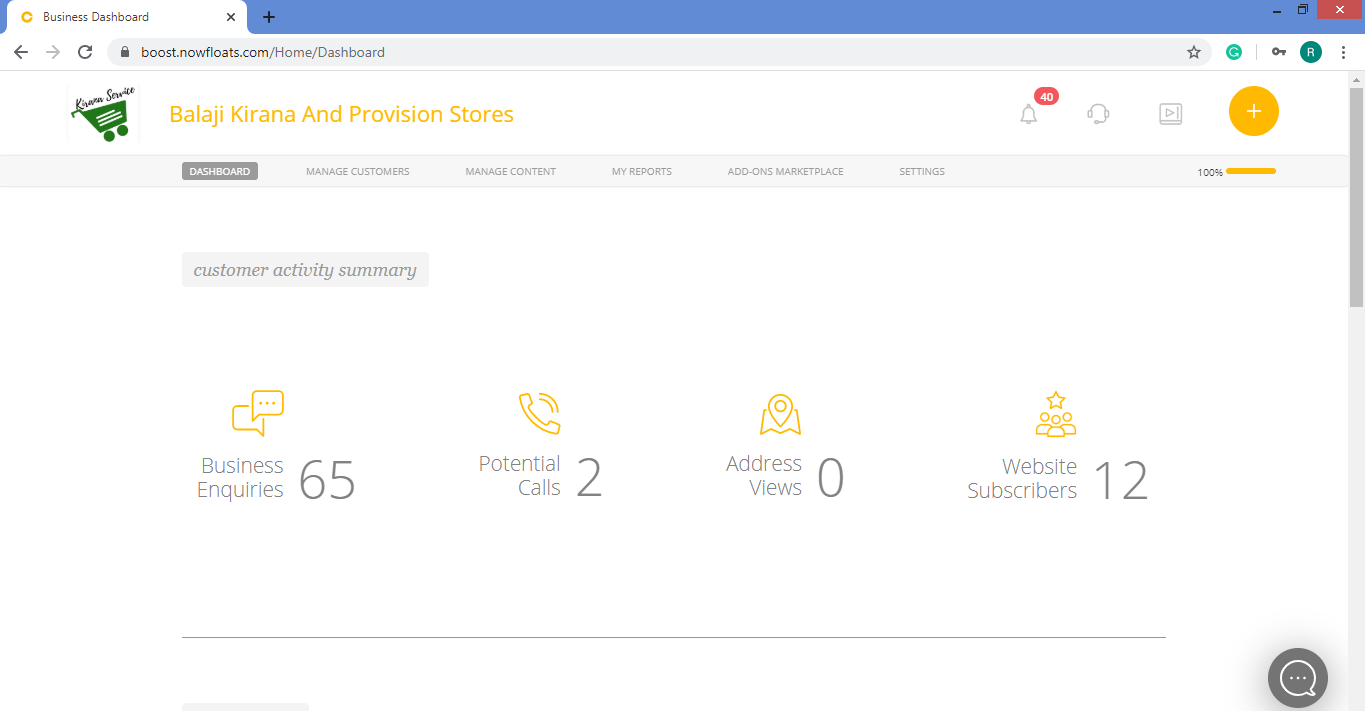
3. On top right side corner, click + circle icon  .
.
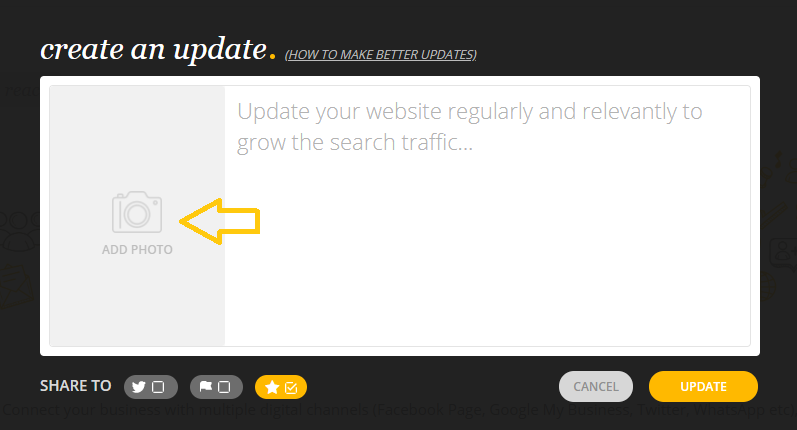
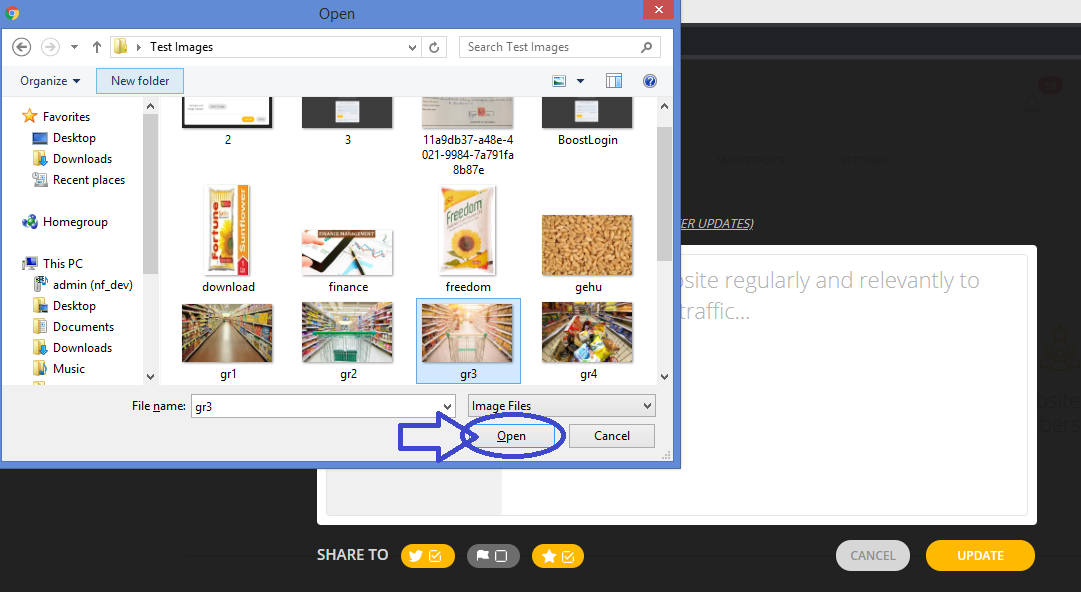
4. Click Add Photo to browse to a new photo on your computer to upload.
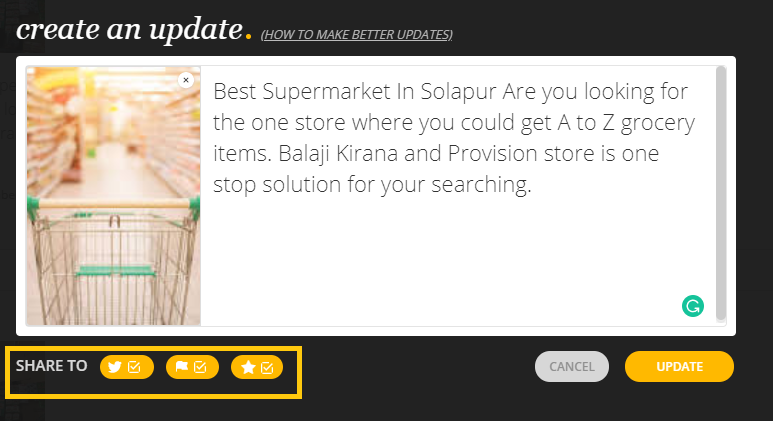
5. Write an content in the given box.
For helpful tips on how to plan content for your updates and more, click here to learn more.
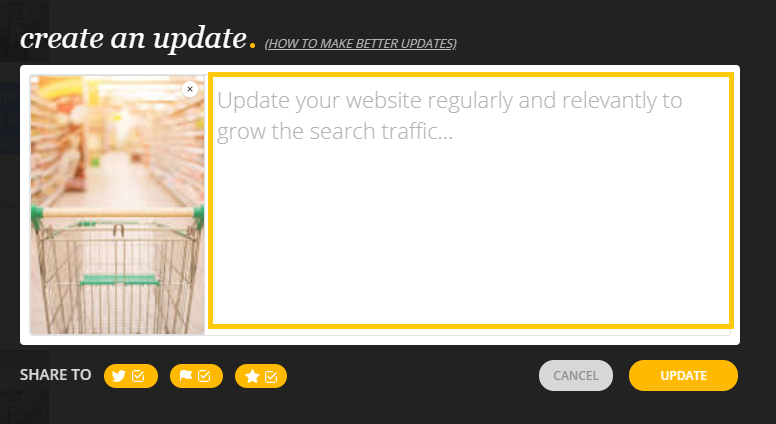
6. When you're done with writing post, select desired check boxes in SHARE TO section to share your update on your Twitter Page, Facebook Page and Website Subscriber's.
For best results, we recommend to select all the check boxes present in SHARE TO to section.
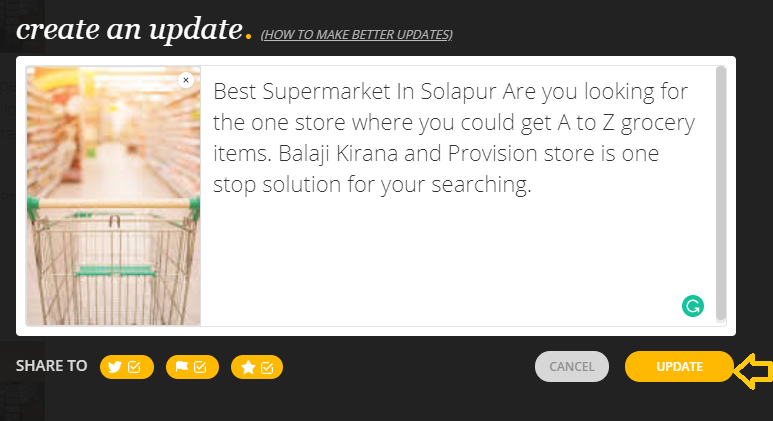
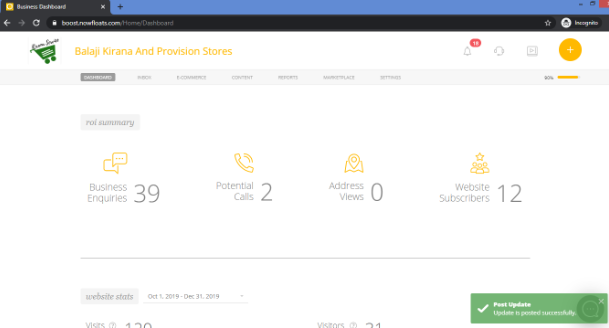
7. Click Update to share post on your Website, Facebook Page, Twitter Page and Subscribers of your website.
Comments
0 comments
Please sign in to leave a comment.