
To upload Business Logo image to your website:
1. Go to Boost Login Page to login to Boost Web.

2. Enter your Username, Password and click Login.

3. As soon as you log in, you can see the dashboard from where the entire business site can be managed.Go to Content in the header menu and click on Image Gallery.

4. Click Upload.
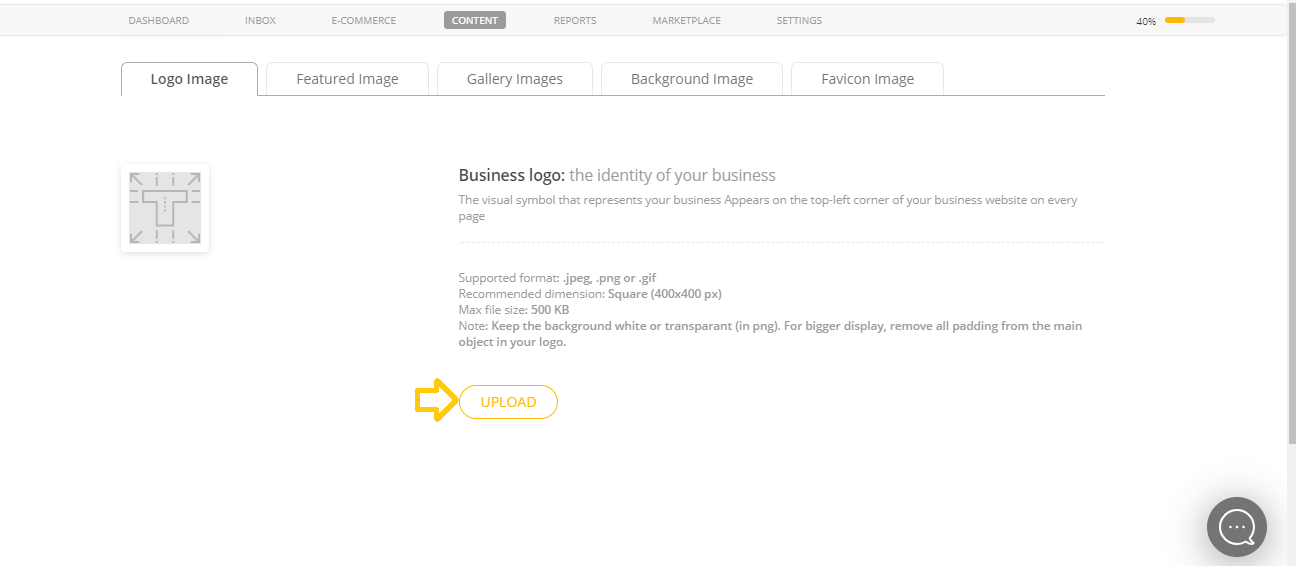
Note: Keep the background white or transparant (in png). For bigger display, remove all padding from the main object in your logo.
For best results use a 400 X 400 pixel image in .jpeg, .gif and .png format of size below 500KB.
5. Click Select Image and browse to a new photo on your computer to upload to your site and click Open.

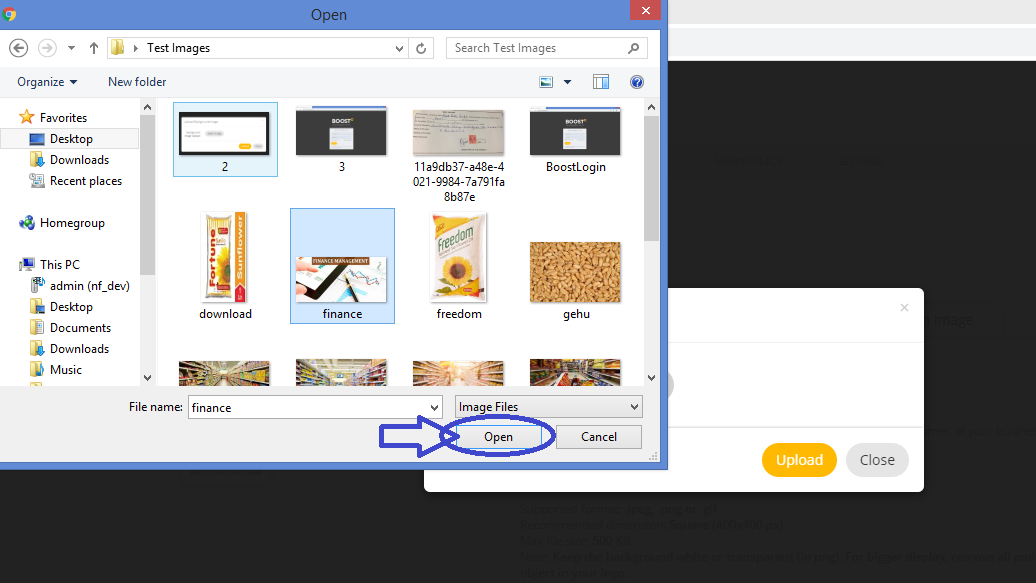
6. Click Select image Change to upload another image from your computer.

7. When you finish selecting image, click Upload.

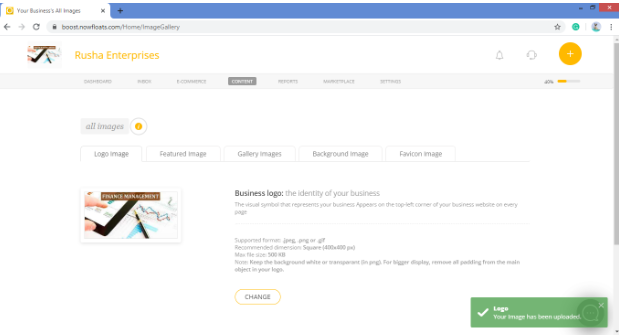
It's done you can see Business logo will be uploaded on the Website.

Comments
0 comments
Please sign in to leave a comment.