
1. Open the Boost360 Mobile App.
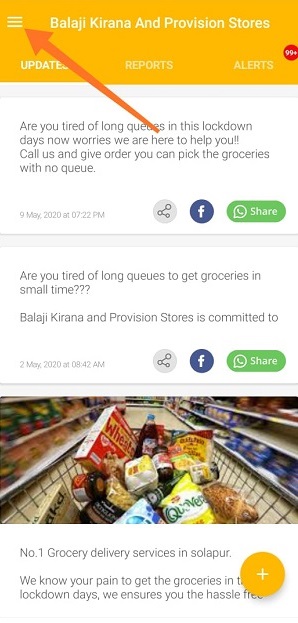
2. Tap hamburger icon  at top left.
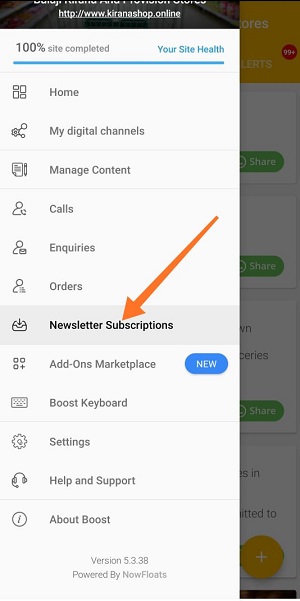
3. Tap Newsletter Subscriptions on main menu.
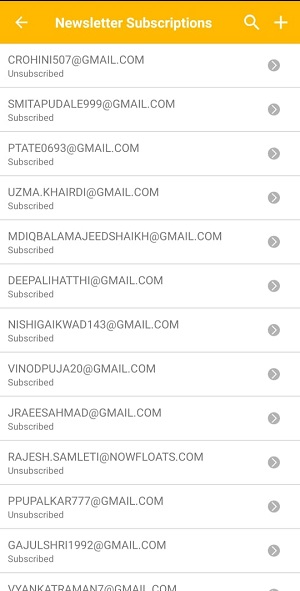
4. You will be navigated to the list of subscriber's screen.
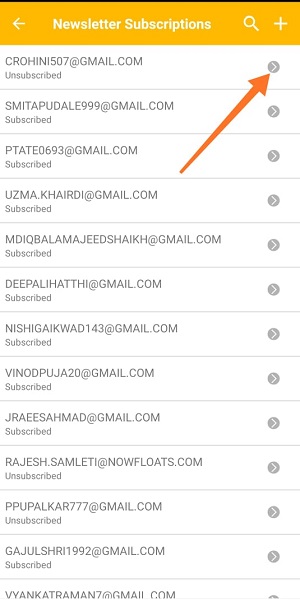
5. Tap Forward icon next to the email which you want to unsubscribe.
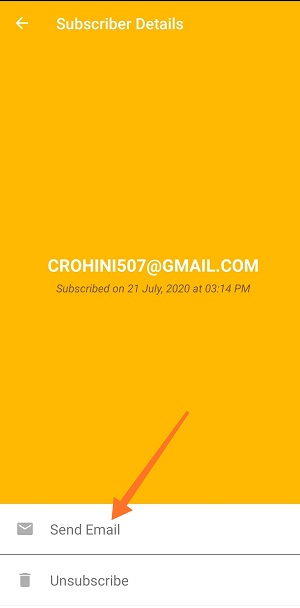
6. Tap Email to send any offer related email to the individual subscriber.
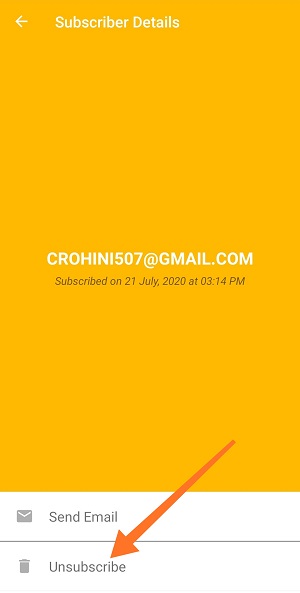
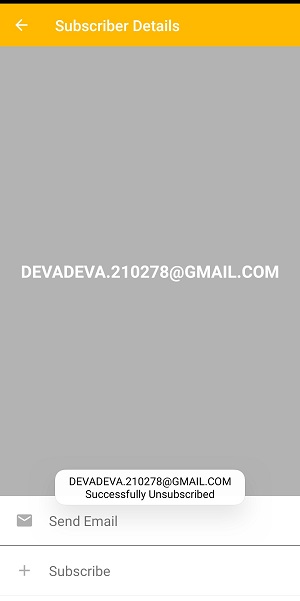
7. Tap Unsubscribe to delete this email from Newsletter's list.
Comments
0 comments
Please sign in to leave a comment.