
1. Open the Boost360 Mobile App.
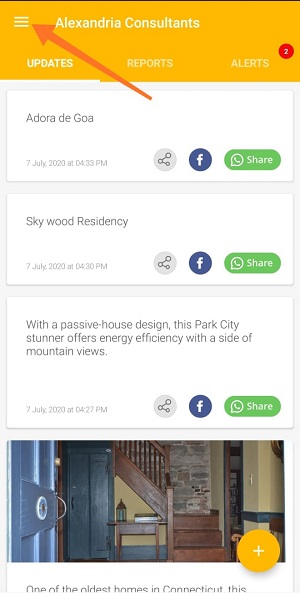
2. Tap hamburger icon  at top left.
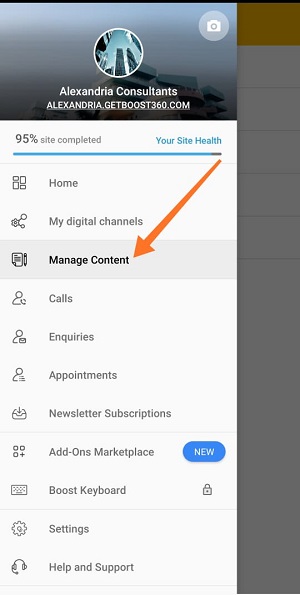
3. Tap Manage Content.
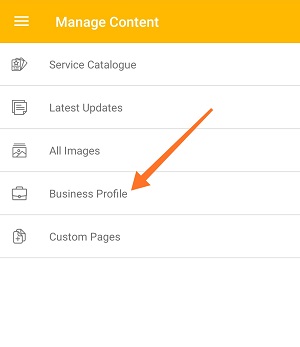
4. Tap Business Profile.
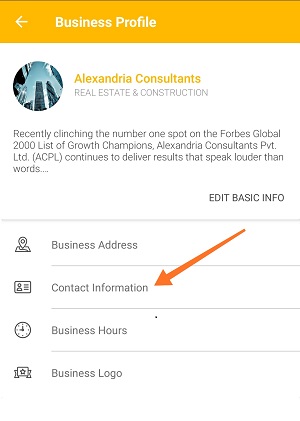
5. Tap Contact Information.
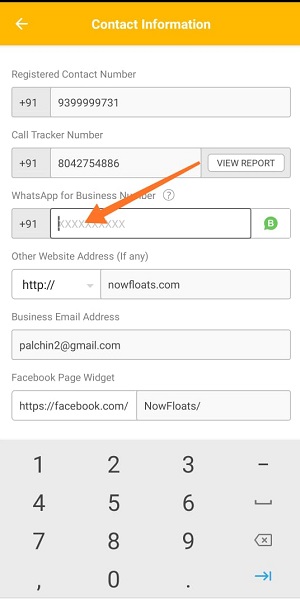
6. Tap box before WhatsApp for Business icon, erase existing number and new number.
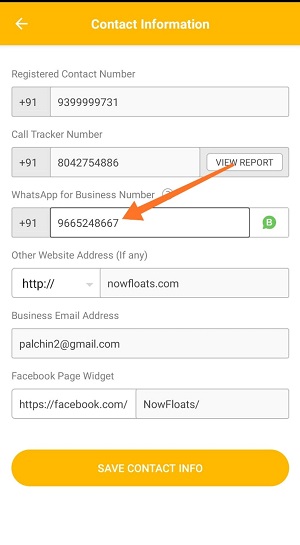
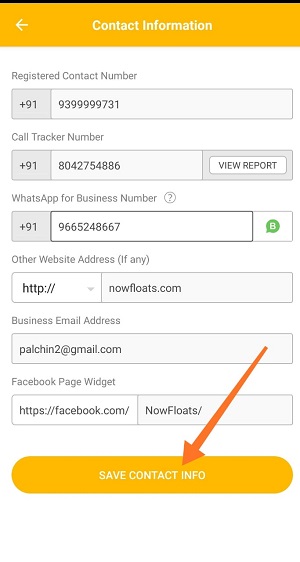
6. Once you're done with editing new number, tap Save Contact Info.
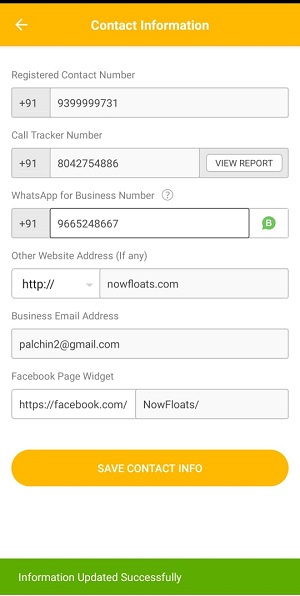
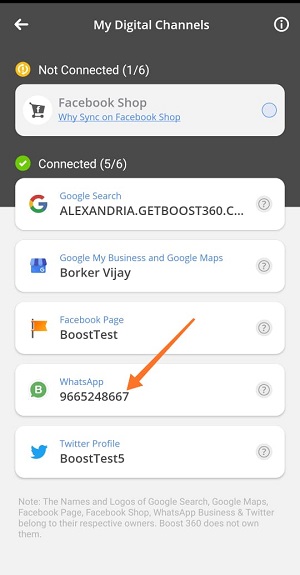
New number will be updated on your digital channels.
Comments
0 comments
Please sign in to leave a comment.