
1. Open the Boost360 Mobile App.
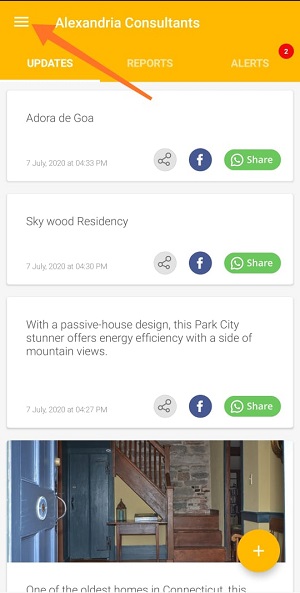
2. Tap hamburger icon  at top left.
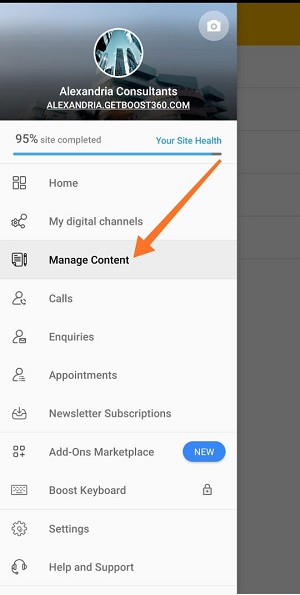
3. Tap Manage Content.
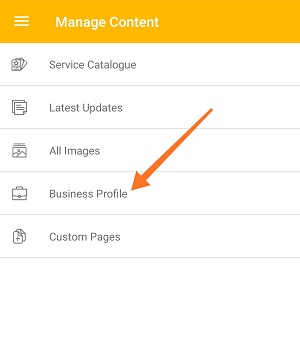
4. Tap Business Profile.
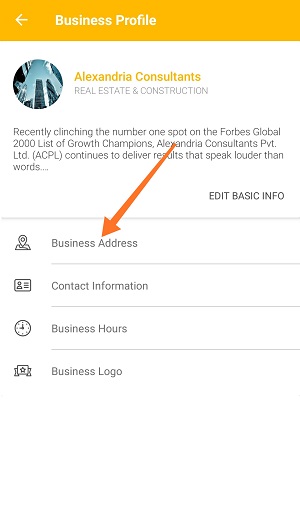
5. Tap Business Address.
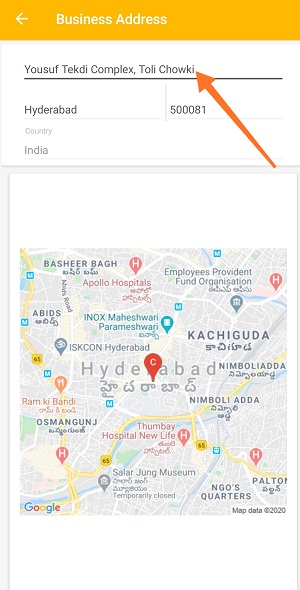
6. Tap desired field of the address which you want to change and edit it.
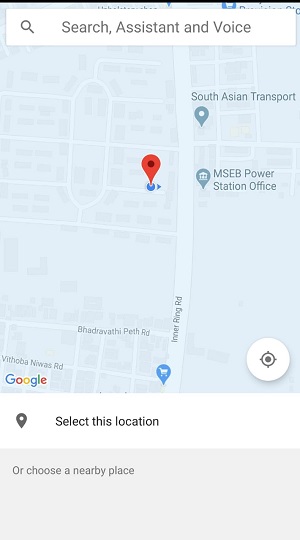
7. Select Desired Map Location.
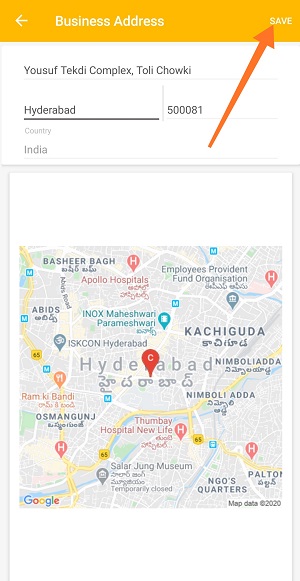
8. Once you're done with the changes, tap Save.
Comments
0 comments
Please sign in to leave a comment.