
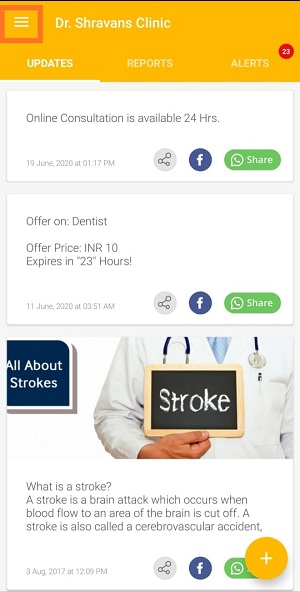
1. Open the Boost360 Mobile App.
2. Tap hamburger icon  at top left.
3. Tap Manage Content.
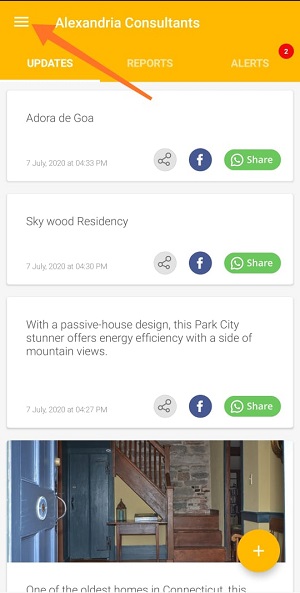
1. Open the Boost360 Mobile App.
2. Tap hamburger icon at top left.
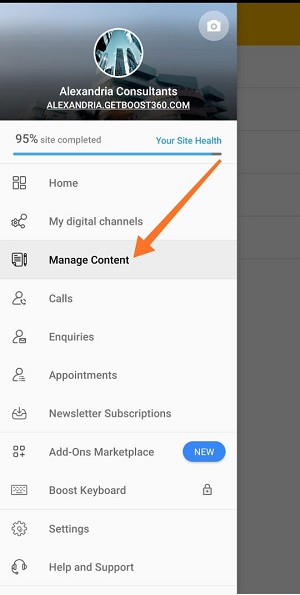
3. Tap Manage Content.
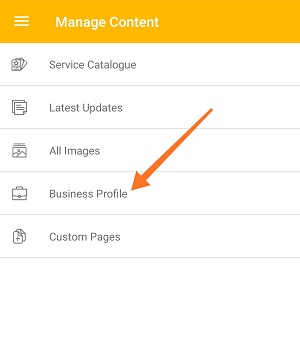
4. Tap Business Profile.
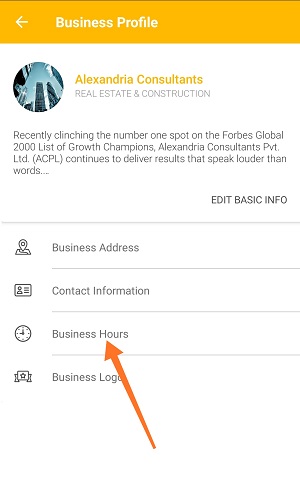
5. Tap Business Hours.
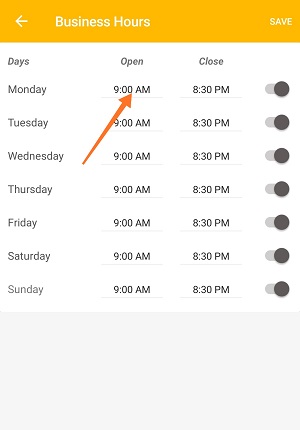
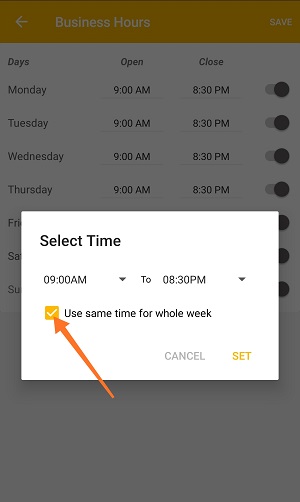
6. Tap Open timing next to any day.
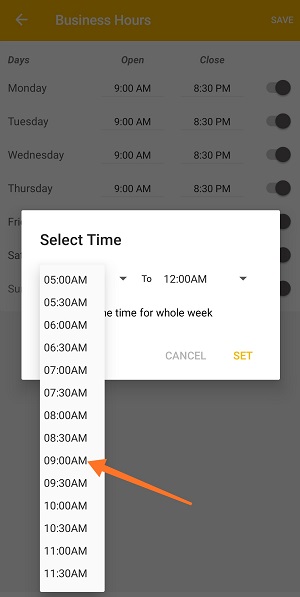
7. Select Open and Close business hours from the drop down.
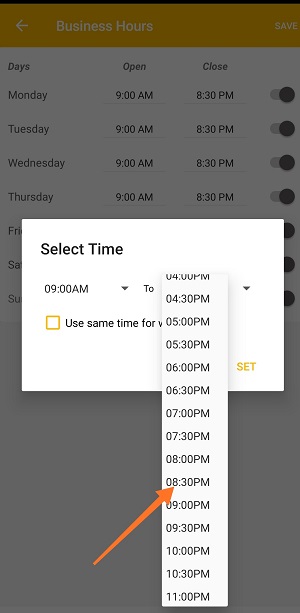
8. If you want to keep same time for whole week then select Checkbox.
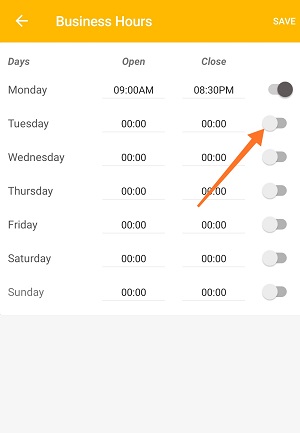
9. Tap Radio Button next to days on which you can serve your customer's.
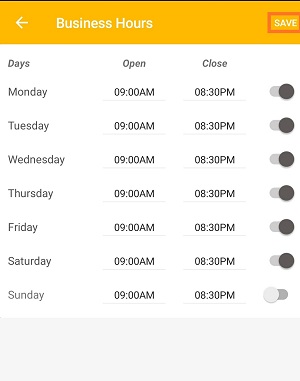
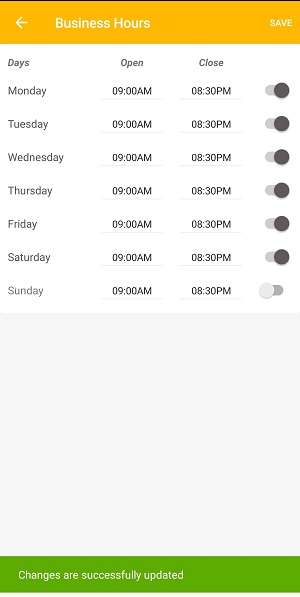
10. Once you're done with the set up, tap Save.
Comments
0 comments
Please sign in to leave a comment.