
1. Open the Boost360 Mobile App.
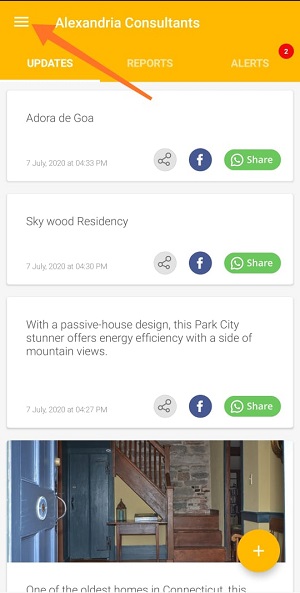
2. Tap hamburger icon  at top left.
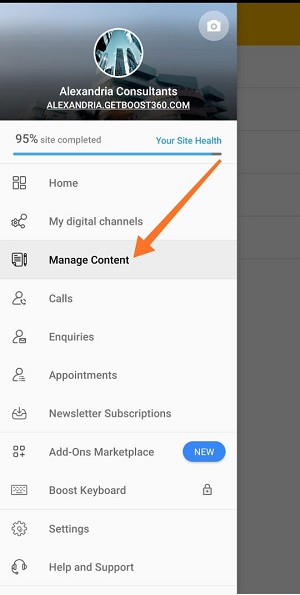
3. Tap Manage Content.
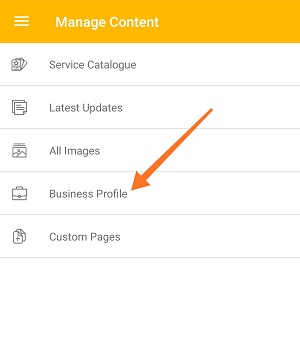
4. Tap Business Profile.
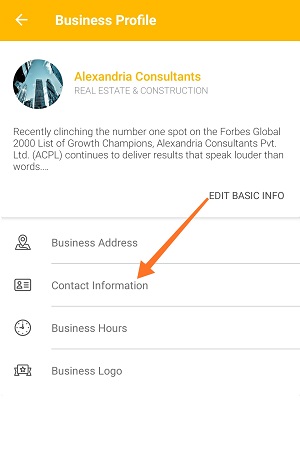
5. Tap Contact Information.
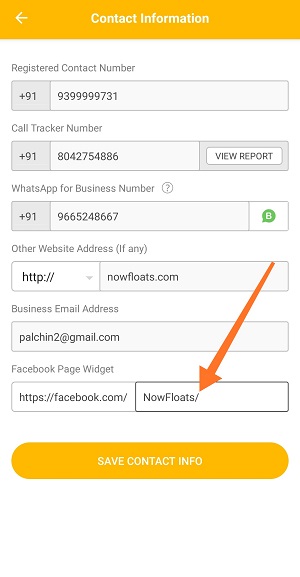
6. Tap box next to the Facebook URL and enter your Facebook Page URL.
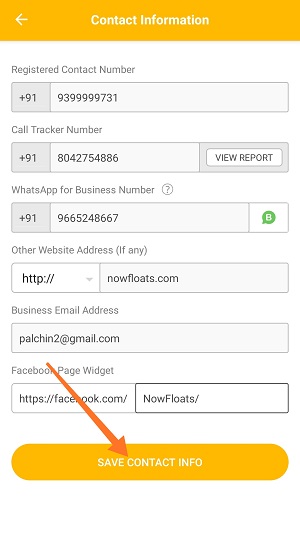
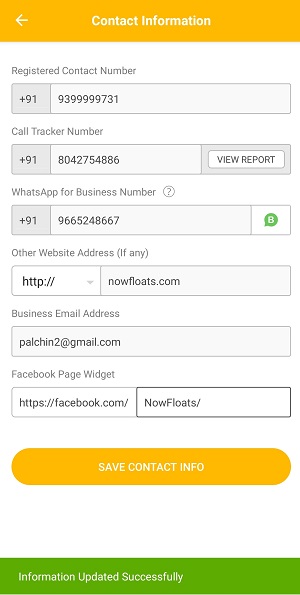
7. Once you're done, tap SAVE CONTACT INFO.
Comments
0 comments
Please sign in to leave a comment.