
1. Open the Boost360 Mobile App.
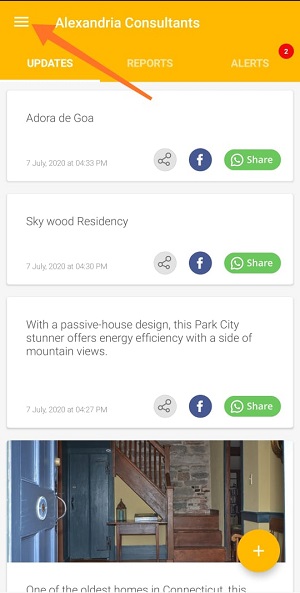
2. Tap hamburger icon  at top left.
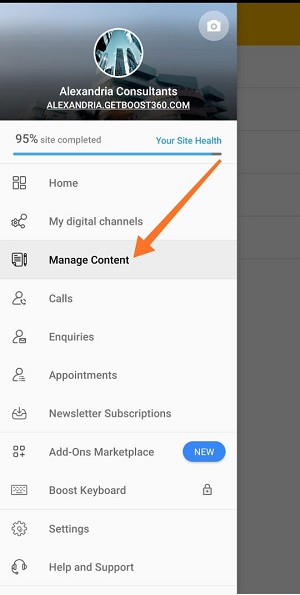
3. Tap Manage Content.
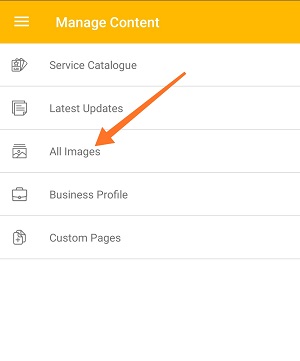
4. Tap All Images.
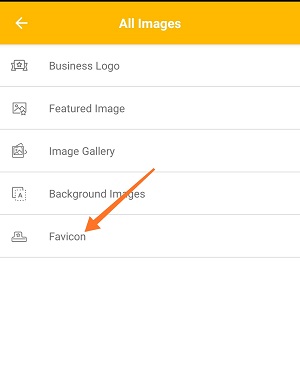
5. Tap Favicon Image.
6. Tap Change.
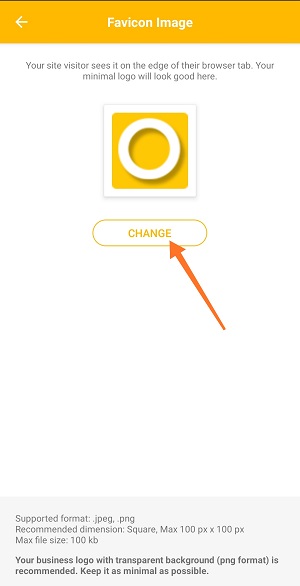
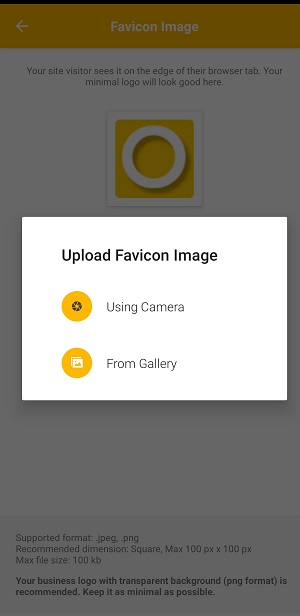
7. Upload Favicon image:
- Using Camera: Take a new photo with your phone.
- Choose from Gallery: Select an existing photo from your phone.
Note: Your business logo with transparent background is recommended.Keep it as minimal as possible.
For best results use a 100 X 100 pixel image in .jpeg and .png format of size below 100KB.
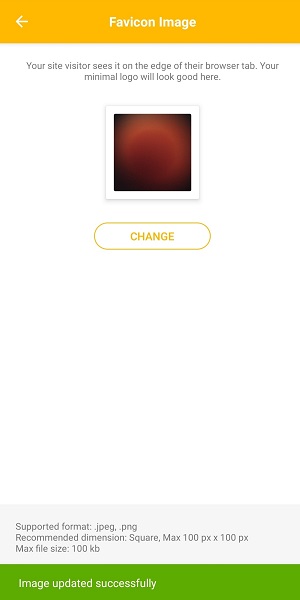
8. Once you're done with selection, image will be uploaded.
Comments
0 comments
Please sign in to leave a comment.