
1. Open the Boost360 Mobile App.
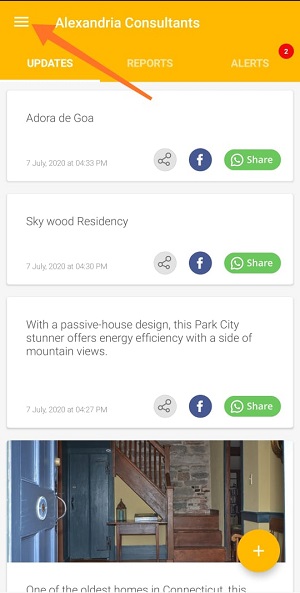
2. Tap hamburger icon  at top left.
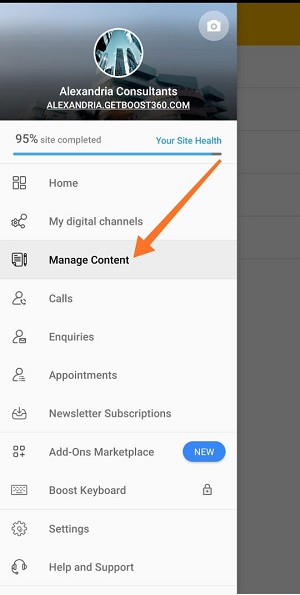
3. Tap Manage Content.
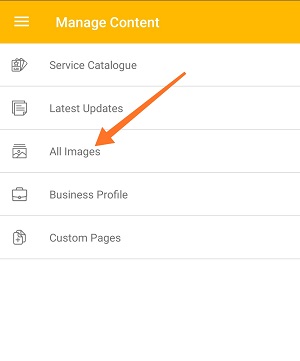
4. Tap All Images.
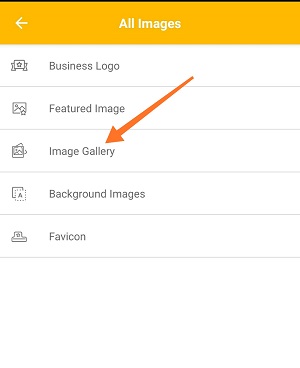
5. Tap Image Gallery.
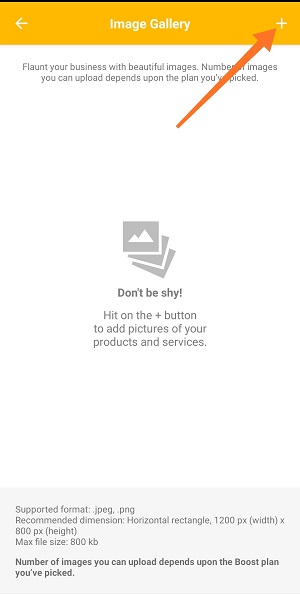
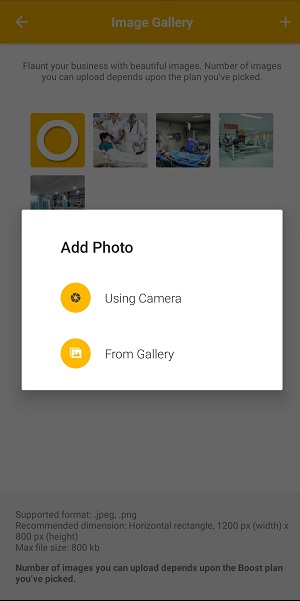
6. Tap  icon at top right to upload photos:
- Using Camera: Take a new photo with your phone.
- Choose from Gallery: Select an existing photo from your phone.
Note: Number of images you can upload depends upon the Boost plan you've picked.
For best results use a 1200 X 800 pixel image in .jpeg and .png format of size below 800KB.
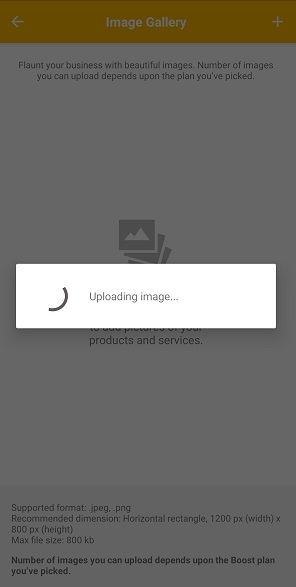
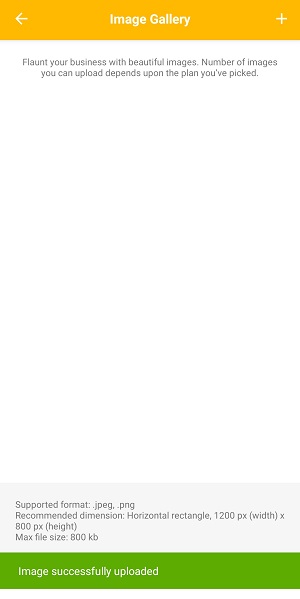
8. Once you're done with selection image will be uploaded to your gallery.
Comments
0 comments
Please sign in to leave a comment.