
To Sign Up:
1. Download Boost 360 Application. Click here to learn more about downloading application.
2. Open the Boost360 Mobile App.
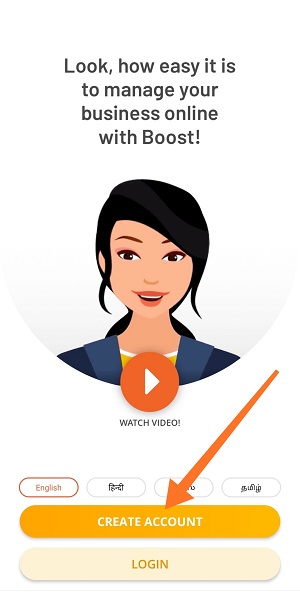
3. Tap Create Account.
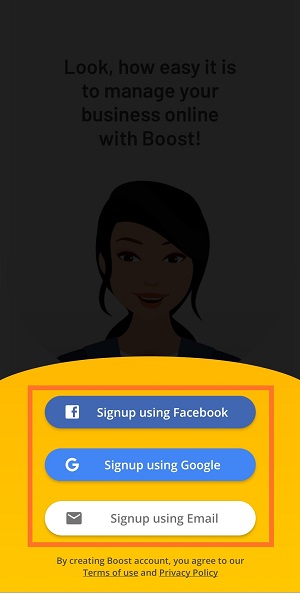
4. Register with anyone from below options.
- Facebook account.
- Google credentials.
- Email Address.
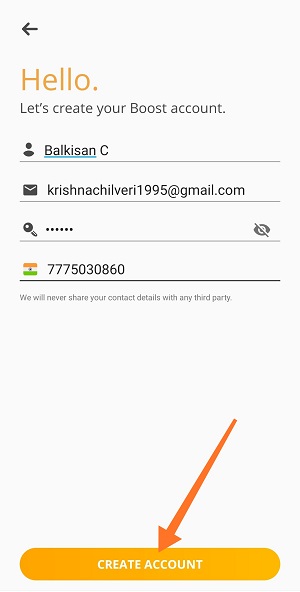
5. Enter below details on create account page and tap Create Account.
- Your Name.
- Email Address.
- Set Password for this application.
- Mobile Number.
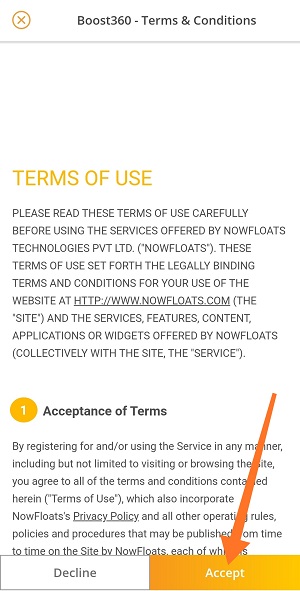
6. Read Terms and Conditions carefully, Tap Accept.
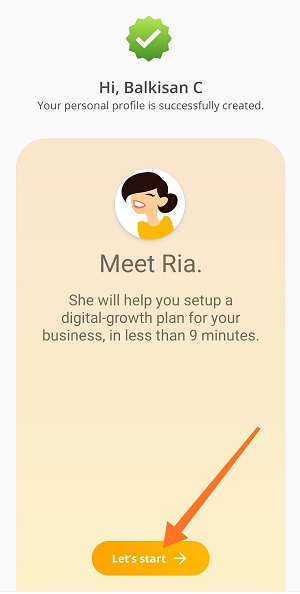
7. Tap Let's Start.
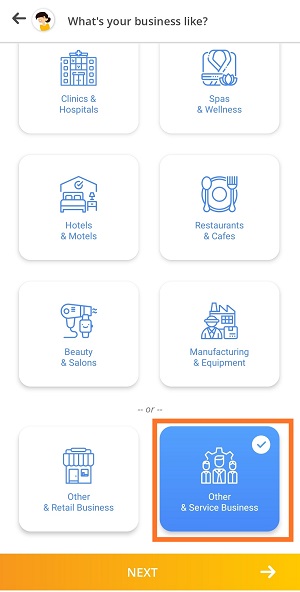
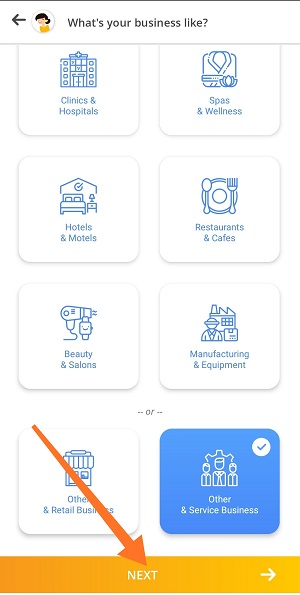
8. Choose your business category from the list and tap next.
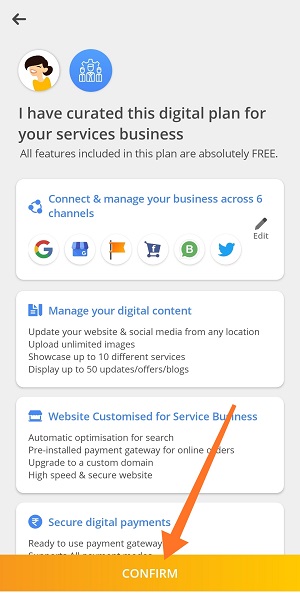
9. Read all the features included in this plan and Tap Confirm.
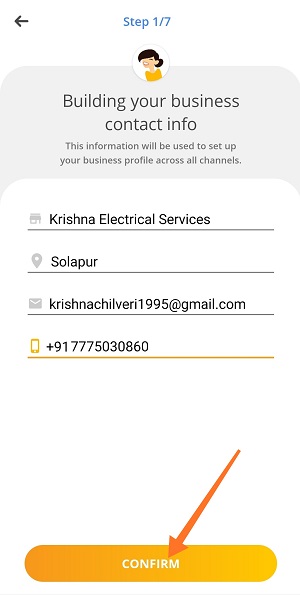
10. Enter the below business details and tap Confirm.
- Business Name.
- City Name.
- Business Email Address.
- Business Mobile Number.
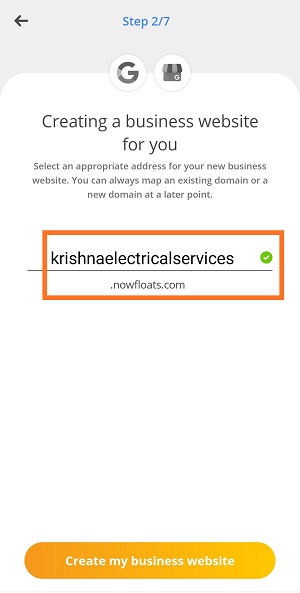
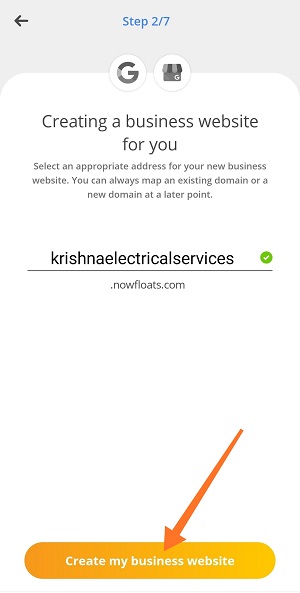
11. Select Website URL for your Boost Website and tap Create My Business Website.
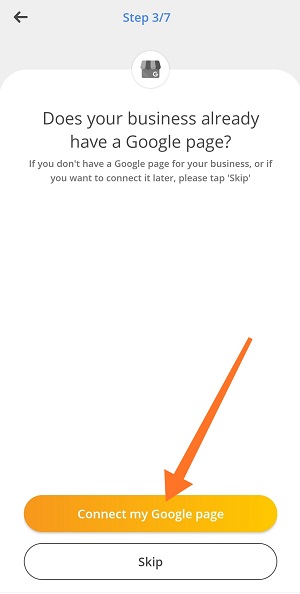
12. Tap Connect my Google page if you already have Google My Business Page or Tap Skip to connect it later.
13. Tap Connect my Facebook page if you already have Facebook Business Page or Tap Skip to connect it later.
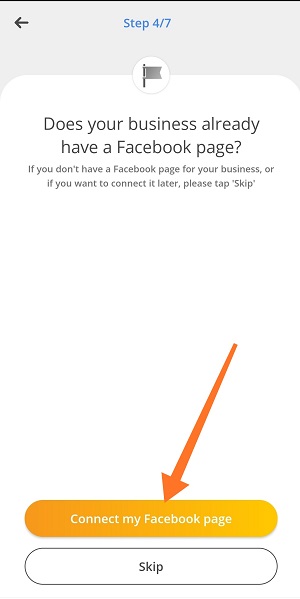
14. Tap Yes, Sync my Fb Page Shop if you already enabled shop on your Facebook Page or Tap Skip to connect it later.
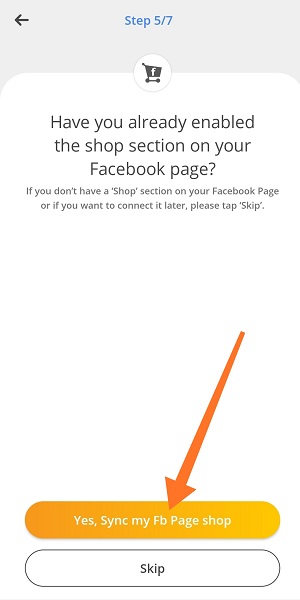
15. Tap Yes, link my existing Twitter profile if you already have Twitter Account or Tap Skip to connect it later.
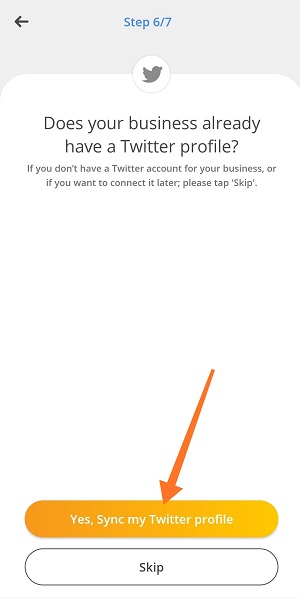
16. Enter your WhatsApp number of your business or personal WhatsApp number and tap confirm and proceed.
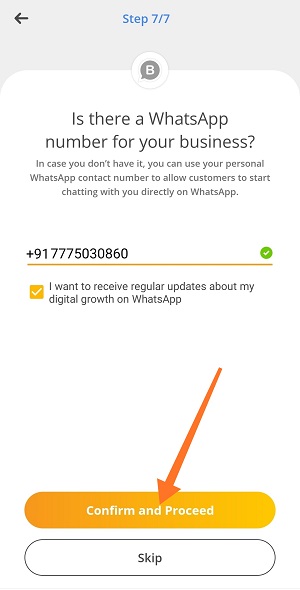
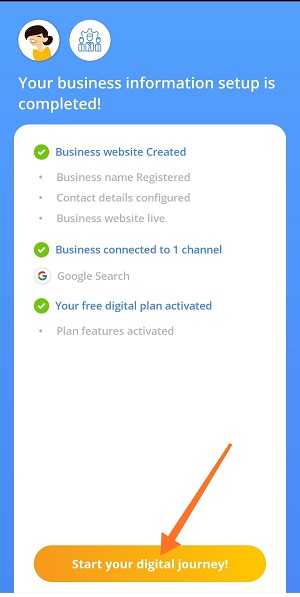
17. Tap Start your digital journey !.
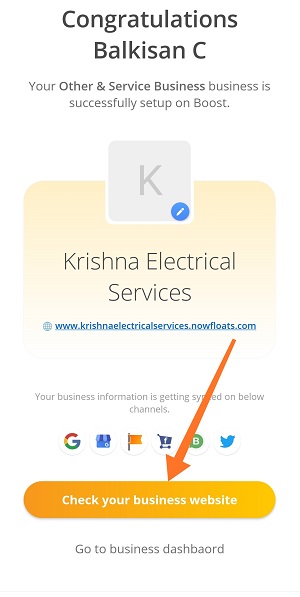
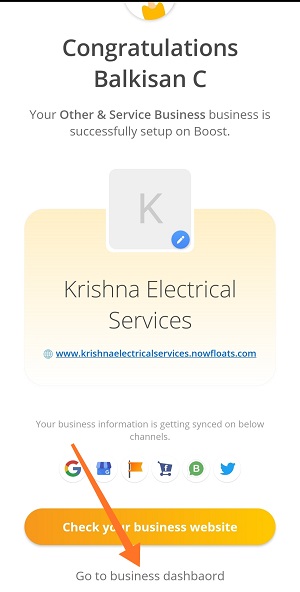
18. Tap Check your business website to see look and feel of the website or tap Go to business dashboard to manage your website.
Comments
0 comments
Please sign in to leave a comment.