1. Open the Boost360 Mobile App.
2. Tap hamburger icon  at top left.
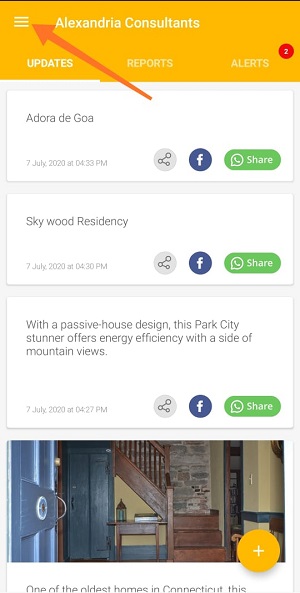
3. Tap Manage Content.
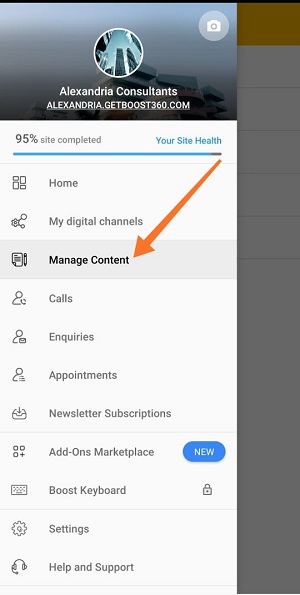
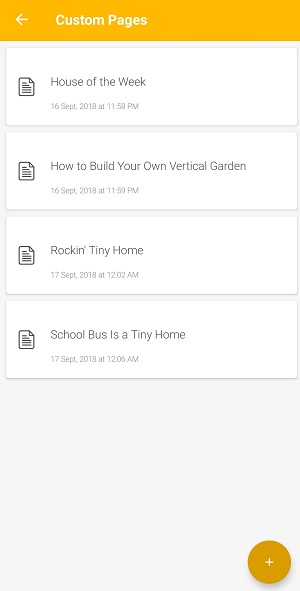
4. Tap Custom Pages.
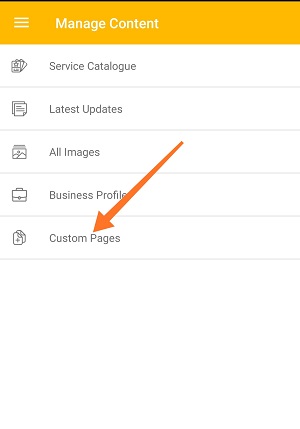
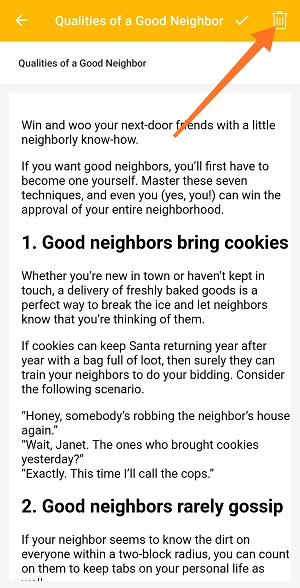
5. Tap on the custom page which you want remove it from website.
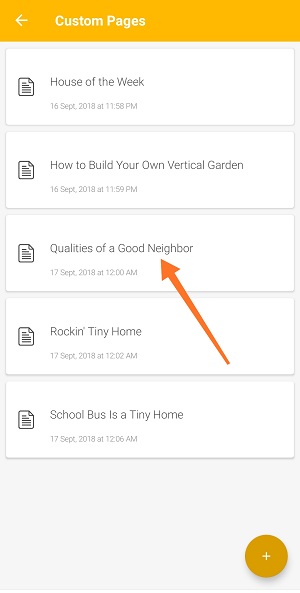
6. Tap Delete icon  .
.

1. Open the Boost360 Mobile App.
2. Tap hamburger icon at top left.
3. Tap Manage Content.
4. Tap Custom Pages.
5. Tap on the custom page which you want remove it from website.
6. Tap Delete icon .
Comments
0 comments
Please sign in to leave a comment.