
1. Open the Boost360 Mobile App.
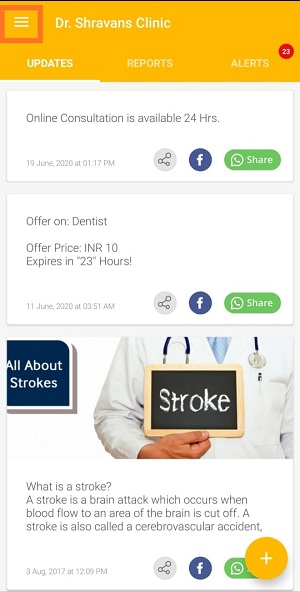
2. Tap hamburger icon  at top left.
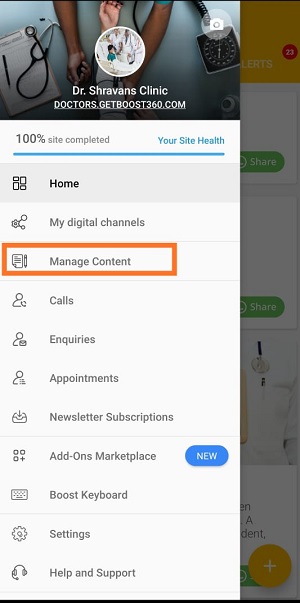
3. Tap Manage Content.
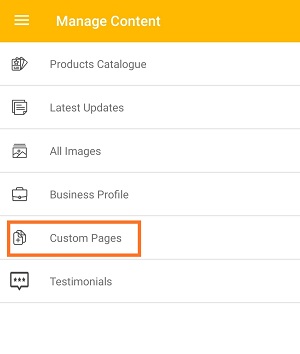
4. Tap Custom Pages.
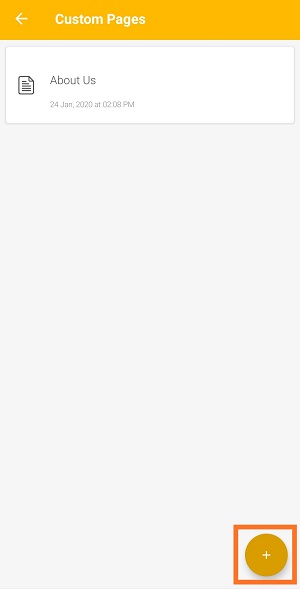
5. Tap Plus icon to add new custom page.
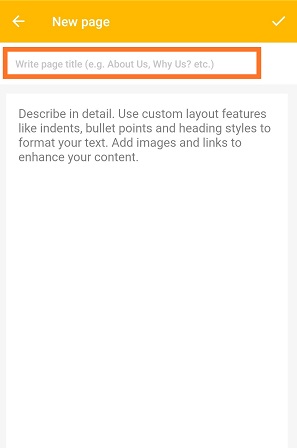
6. Tap on title section, enter title of the custom page.
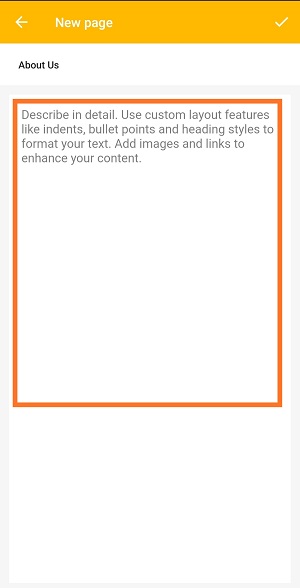
7. Tap on the description section, brief about your custom page.In this section you can use text formatting option available.
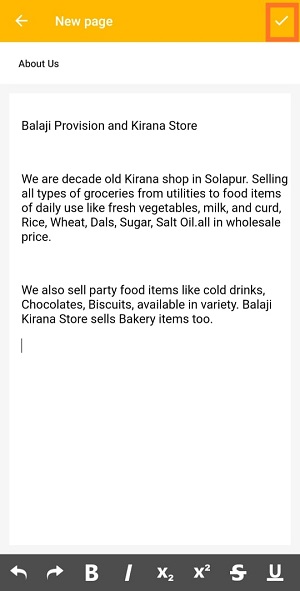
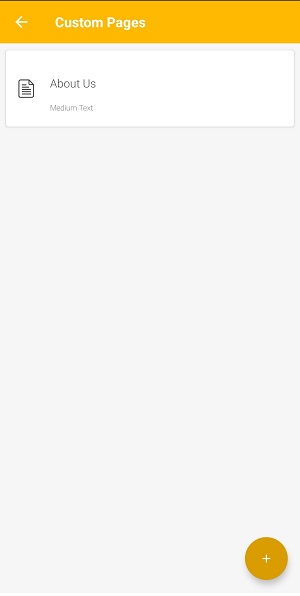
8. Once you're done with description, tap Correct icon  to add custom page to your website.
Comments
0 comments
Please sign in to leave a comment.