
1. Open the Boost360 Mobile App.
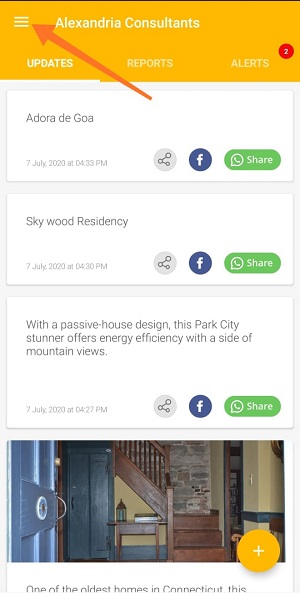
2. Tap hamburger icon  at top left.
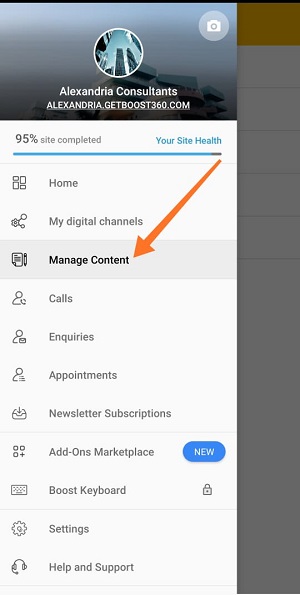
3. Tap Manage Content.
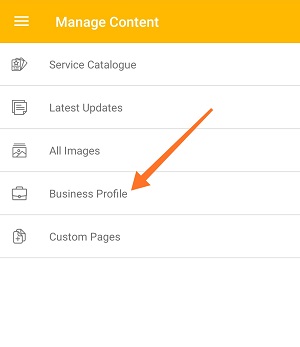
4. Tap Business Profile.
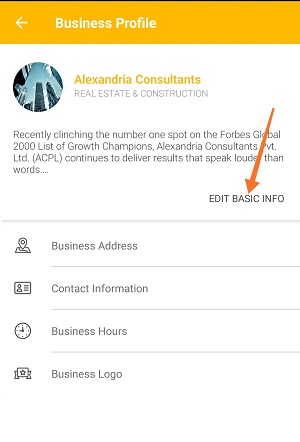
5. Tap Edit Basic Info.
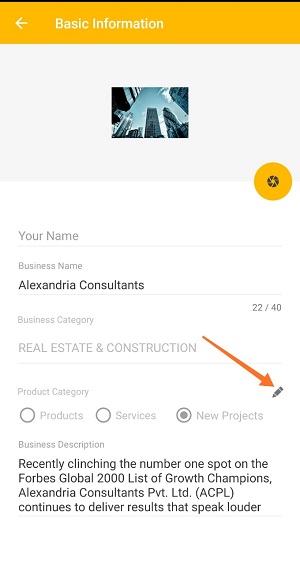
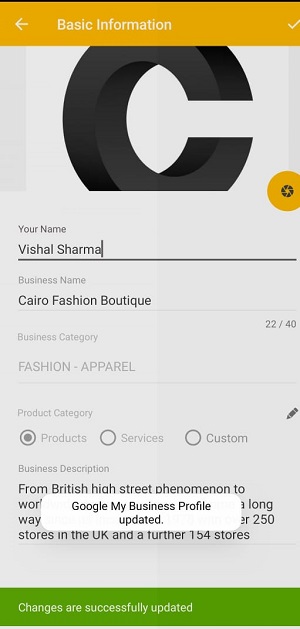
6. Tap pencil icon  .
.
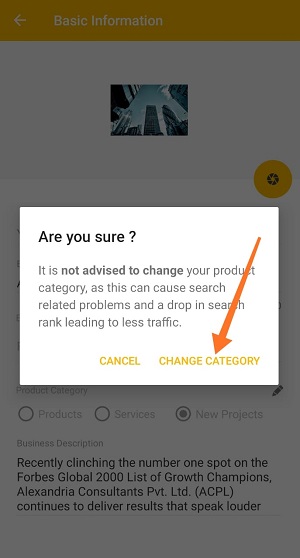
7. Read alert message carefully and tap Change Category to confirm.
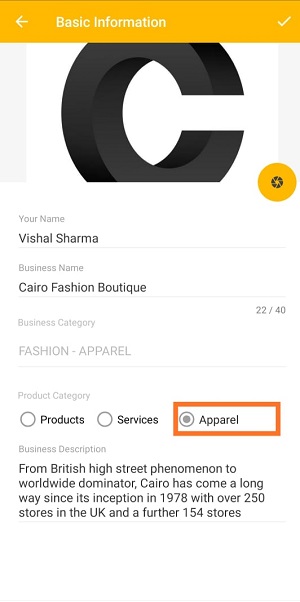
8. You can select category from Products or Services or enter Custom Category which you want.
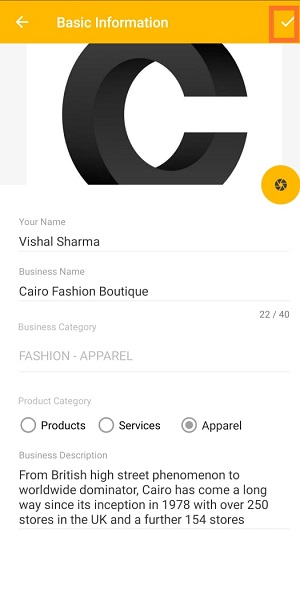
9. Tap correct icon  to save changes.
Comments
0 comments
Please sign in to leave a comment.